Slide 3 of 4 from 30-60-90 Day Planning PowerPoint Template
Business 30-60-90 Day Model PowerPoint
30 60 90 Day Planning Overview Slide
- Diagram
- Arrow Sequence
- Timeline Slide
- 16:9
- 100% Editable
What’s on This Slide
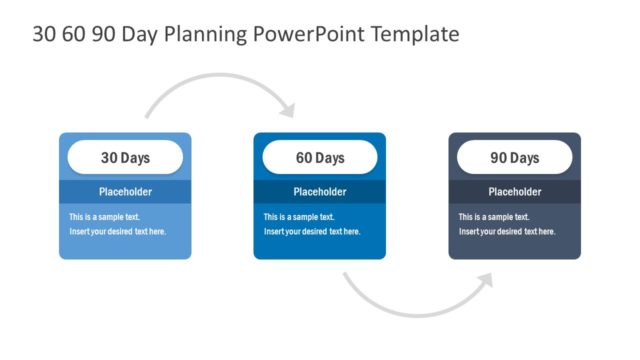
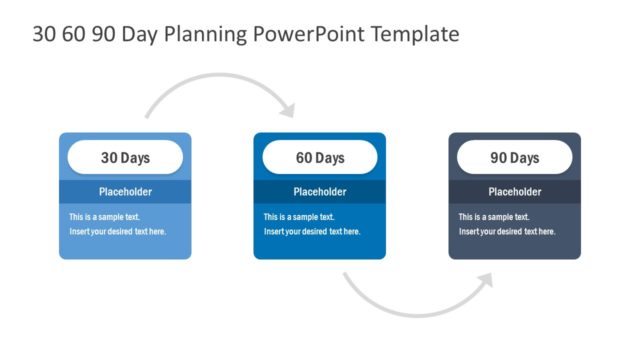
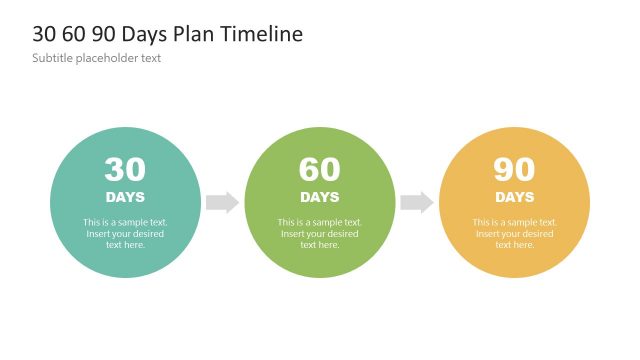
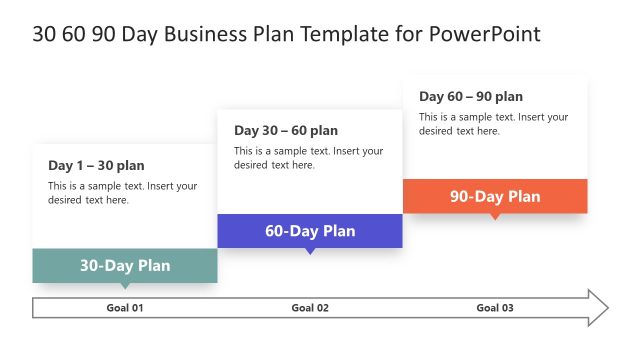
The layout features three rectangular nodes aligned horizontally. The first node on the left is labeled '30 Days', followed by '60 Days' in the center, and '90 Days' on the right. Each node has a rounded top and a blue or gray background, with a placeholder text area beneath the main label. An arrow connects the nodes, indicating a flow from left to right. The visual hierarchy emphasizes the labels, with larger font sizes for the days compared to the placeholder text. The overall composition is clean and structured.
How to Use It
This layout serves as a timeline for presenting a 30-60-90 day plan, ideal for strategic planning or project management contexts. It fits well after an introduction slide, providing a clear overview of key phases. Use it in business scenarios such as onboarding processes, project timelines, or event planning schedules. The sequential nature of the layout helps convey progress and expectations effectively.
Text Placeholders & Capacity
Keep your copy within these limits so it fits without resizing. Node labels can hold about 20 characters each, while body text can hold around 50 characters.
| Placeholder | Count | Max characters (approx.) |
|---|---|---|
| Item heading | 3 | 20 |
| Item body | 3 | 50 |
Slide Keywords
Download unlimited PowerPoint templates, charts and graphics for your presentations with our annual plan.
DOWNLOADReturn to 30-60-90 Day Planning PowerPoint Template.