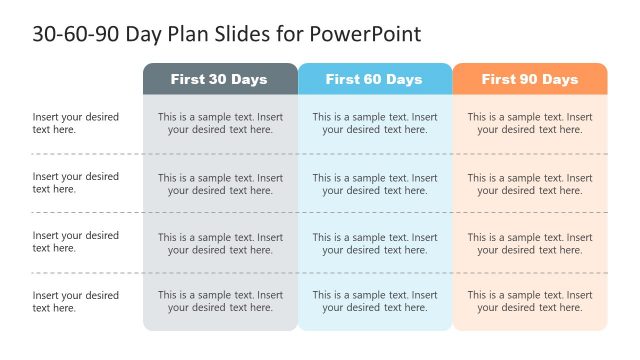
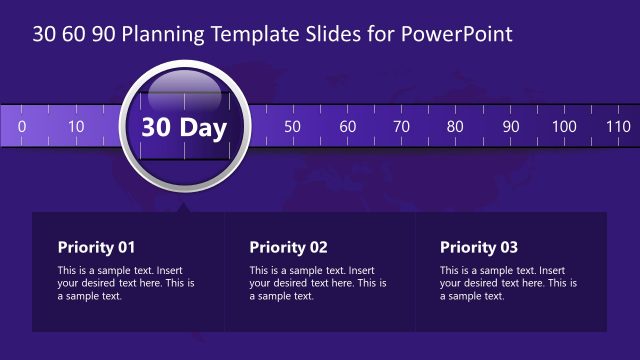
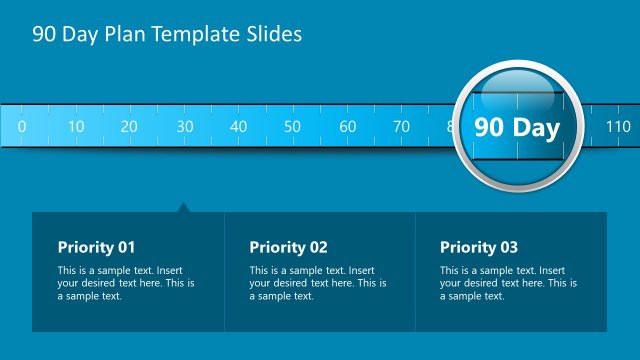
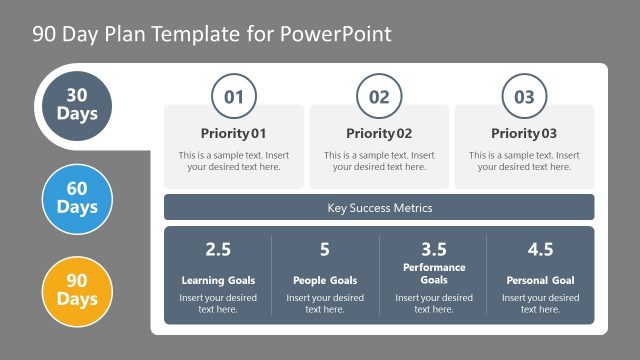
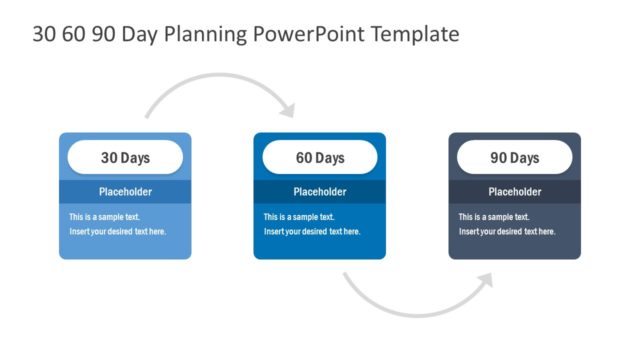
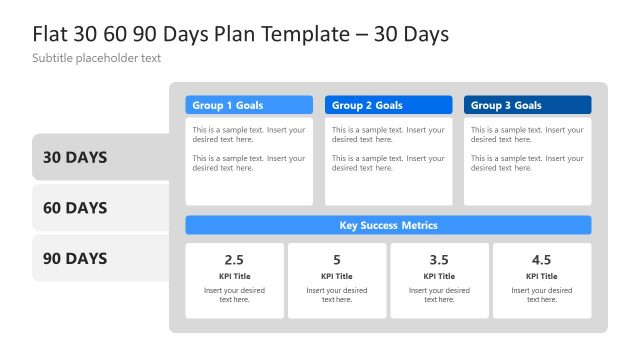
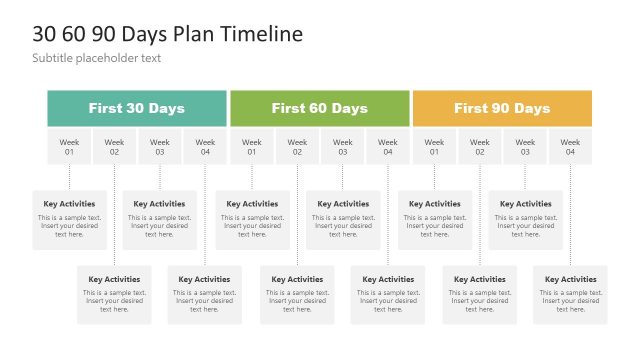
The 30-60-90-120 Day Plan Slides for PowerPoint is a tabular layout to present an action plan in any managerial capacity. It is a one-step further to 30 60 90 day plan to map project goals and deliverables within four milestones, including the 120-day plan option. The 30-60-90-120 Day Plan template has two slides that provide two background options. To minimize users’ effort in customizing templates, users pick and choose from these template backgrounds. The 4×4 table shows 30, 60, 90, and 120 days columns. The rows let users present action plans for four business segments, projects, or departments. This semi-annual goal planning template assists in aligning strategies of four parts on a single layout. 30-60-90-120 Day Plan PowerPoint template contains 100% editable table layouts, and the presentation design is compatible with PowerPoint and Google Slides. Presenters and designers can edit text fields to present actions, inputs, or outputs in 30-60-90-120 day plan slides.
The concept of a 30 60 90 day plan template enables professionals to track key goals like performance or sales in terms of days. The milestones with a 30-day gap allow a team of professionals to map out main goals and deliverables. They can then elaborate subprocesses or activities within 30-day window. In project planning, for example, 30-60-90-120 day plan can give a high-level plan that further breaks down into actions. In this way, you can combine the properties of effective roadmap into 30 day action plan.
The 30-60-90-120 Day Plan template with good slides for PowerPoint saves time in organizing milestones and reaching the next level of success. It can be a business plan or training course program to highlight performance and learning goals. Using this as a framework, you can showcase a plan for the first 30, 60, 90, and 120 days. The structured approach of tabular layout helps explain how to reach a goal within 120 days. The four rows of the table outline 30 days action plan, 6 days action, plan, 90 days action plan, and 120 days action plan.
Alternatively, professionals can download other semi-annual plan templates and 30-60-90 slides for presentations to establish new goals and organize their planning.
What’s inside this template
Example presentation scenarios
- A new manager can present first 120-day priorities to leadership using the four-column milestone table to show what will happen in the first 30, 60, 90, and 120 days.
- An HR presenter can explain an employee onboarding plan by placing learning goals, performance checkpoints, and role expectations into the four-row action grid.
- A project manager can align stakeholders on implementation timing by listing department tasks across the 30-60-90-120 day columns.
- A consultant can summarize a client transition plan with the dark or light background version, using rows for workstreams and columns for phased deliverables.
Features
- 100% editable presentation template
- Compatible with Microsoft PowerPoint and Google Slides
- 16:9 aspect ratio slides
- Scalable vector shapes, icons and illustrations
- AI-Ready for Microsoft Copilot and Claude
- Instant access and download
Frequently asked questions
Q: How should a presenter make the 30-60-90-120 day plan easy to follow?
A: Start by defining the four row categories before filling the day columns. Each row should represent a stable workstream, such as people, process, customers, or operations. Then write each cell as an action or outcome, not a paragraph. This keeps the table readable and helps the audience compare progress from 30 days to 120 days.
Q: Who is this template best suited for?
A: This template fits presenters who need to explain a staged plan without building a full project schedule. It works well for new managers, HR teams, consultants, and project leads who must show early priorities, midterm deliverables, and 120-day outcomes in one view. The grid is strongest when the plan has four clear workstreams.
Q: Why does the tabular design work for a 120-day plan?
A: The table turns time into a left-to-right reading path, so the audience can see how work matures from the first 30 days through 120 days. The rows add a second comparison layer for departments or initiatives. Color-coded headers separate the milestones, while the repeated cells keep attention on the planned actions.


30-60-90-120 Day Plan Slides for PowerPoint
2-slide presentation template for 30-60-90-120 day planning with milestone tables and action grids
30-60-90-120 Day Plan Slides for PowerPoint is a 2-slide planning template for mapping objectives across four time milestones. It includes a 4-column milestone table, a 4-row action plan grid, and two background color options for managers, project leads, onboarding teams, and strategy presenters using PowerPoint or Google Slides.
- Category
- Strategy
- Rating

 Loading...
- Aspect ratio
- 16:9
- Item ID
- 21056-01
- Colors
 Microsoft PowerPoint
 Microsoft Copilot
 Claude for PowerPoint
Other formats supported
Subscribe today and get immediate
access to download our PowerPoint templates.