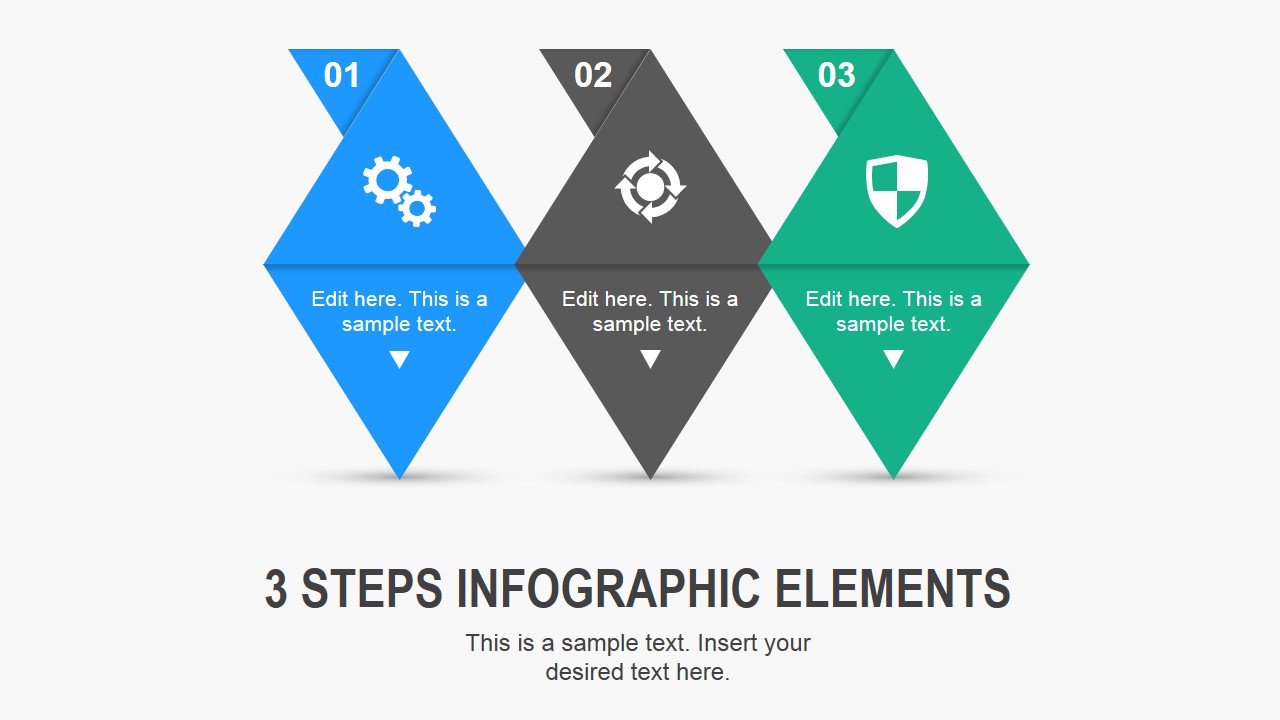
3 Steps Needle Infographic Elements for PowerPoint is a creative business PowerPoint slide design concept that you can use to present up to three ideas or topics in a PowerPoint slide. The infographic elements for PowerPoint can be used either to make business presentations or to make infographics in PowerPoint.
What’s inside this template
Example presentation scenarios
- A project manager can explain a three-phase rollout plan by assigning each phase to a numbered needle shape and adding short implementation notes around the diagram.
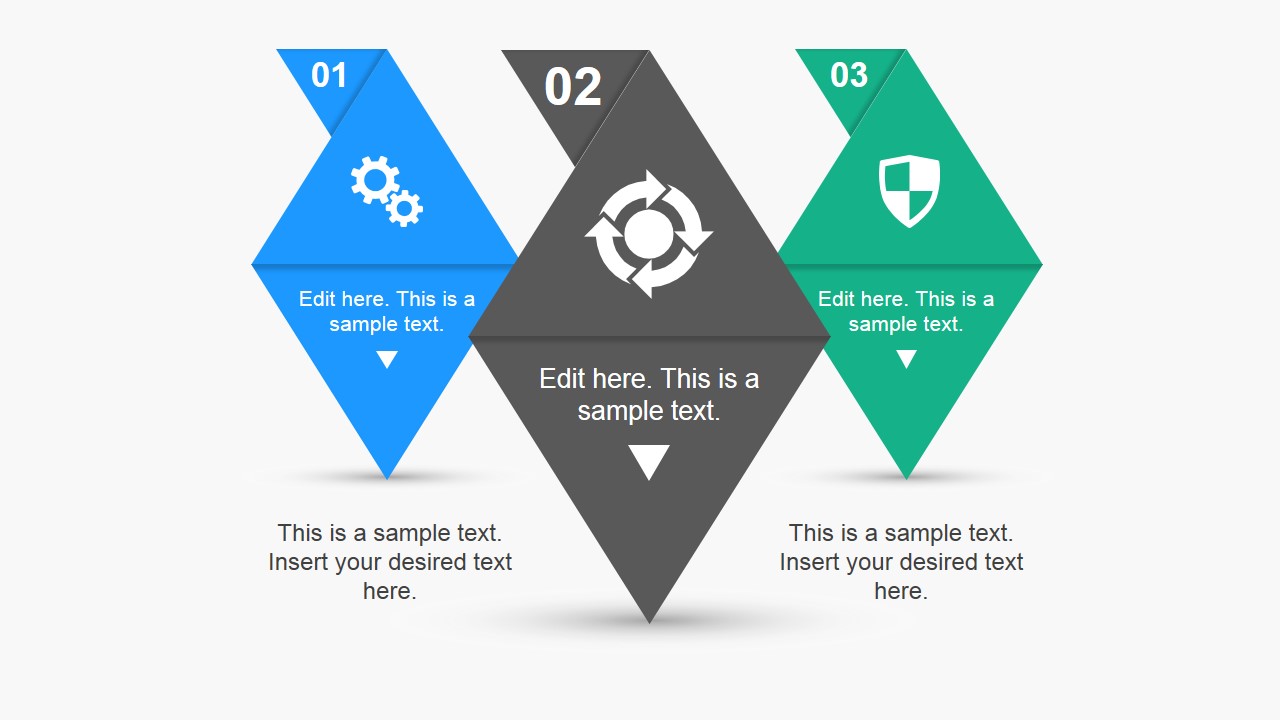
- A consultant can compare three strategic choices by using the center-emphasis slide to make the recommended option visually larger than the alternatives.
- A marketing presenter can introduce three product benefits using the icon callouts, replacing the gear, cycle, and shield symbols with brand-relevant vector icons.
- A trainer can summarize a three-step learning process with the equal-weight infographic slide so participants see each step as part of one sequence.
Features
- 100% editable presentation template
- Compatible with Microsoft PowerPoint and Google Slides
- 16:9 aspect ratio slides
- Scalable vector shapes, icons and illustrations
- AI-Ready for Microsoft Copilot and Claude
- Instant access and download
Frequently asked questions
Q: How should a presenter assign content to the three needle shapes?
A: Keep each needle shape focused on one action, idea, or decision. Use the large number as the sequence cue, the icon as the memory cue, and the short text block for the takeaway. If one point is more important, use the center-emphasis or scaled variation instead of making all three steps equal.
Q: Who benefits most from this 3-step needle infographic format?
A: This format fits managers, consultants, trainers, and marketers who need to explain a compact three-part message without building a full process map. It works best for executive summaries, onboarding explanations, product benefit overviews, or workshop recaps where the audience should remember three clear points.
Q: Why use needle and diamond shapes instead of simple numbered boxes?
A: The needle shapes create directional focus while still separating the three ideas into clear visual units. The pointed lower ends guide the eye downward to the text, and the icon area creates a quick topic marker. This gives the slide more hierarchy than three identical boxes.

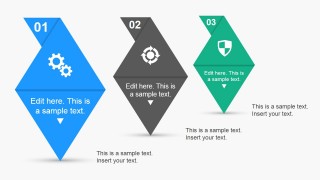
3 Steps Needle Infographic Elements for PowerPoint
3-slide presentation template with needle infographic steps and numbered triangle shapes
3 Steps Needle Infographic Elements for PowerPoint is a 3-slide infographic template for presenting three ideas, steps, or topics. It includes equal numbered needle shapes, a center-emphasis variation, and a scaled emphasis variation with icon callouts. It is made for business presenters using Microsoft PowerPoint or Google Slides.
- Category
- Shapes
- Rating

 Loading...
- Aspect ratio
- 16:9
- Item ID
- 8340-01
- Colors
 Microsoft PowerPoint
  Microsoft Copilot
  Claude for PowerPoint
 Other formats supported
Subscribe today and get immediate
access to download our PowerPoint templates.