Slide 2 of 2 from 3-Stage Attract Convert Close Template for PowerPoint
PPT Attract Convert Close Slide Template for Presentation
3-Stage Attract Convert Close Slide
- Diagram
- Process Flow
- Process Slide
- 16:9
- 100% Editable
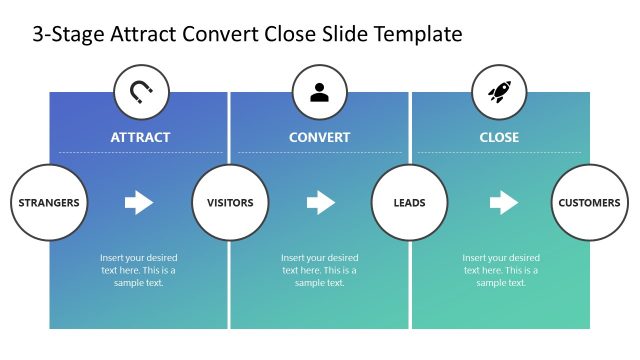
The 3-Stage Marketing Process slide from the 3-Stage Attract Convert Close Template for PowerPoint visually maps the customer journey through attract, convert, and close stages. This editable slide features vector icons and a gradient background to enhance corporate presentations and marketing presentations. It is ideal for illustrating sales strategy meetings or customer journey discussions using clear process flow diagrams within professional slide templates.
What’s on This Slide
The layout features three vertical sections labeled 'Attract,' 'Convert,' and 'Close.' Each section contains a circular icon at the top, with corresponding text placeholders below. The leftmost section has 'Strangers' in a circular shape, the middle section has 'Visitors,' and the rightmost section has 'Customers.' Arrows connect the sections, indicating a flow from 'Strangers' to 'Visitors' to 'Leads' and finally to 'Customers.' The background transitions from blue to green, creating a gradient effect. Text placeholders are centered below each label, maintaining a clear visual hierarchy.
How to Use It
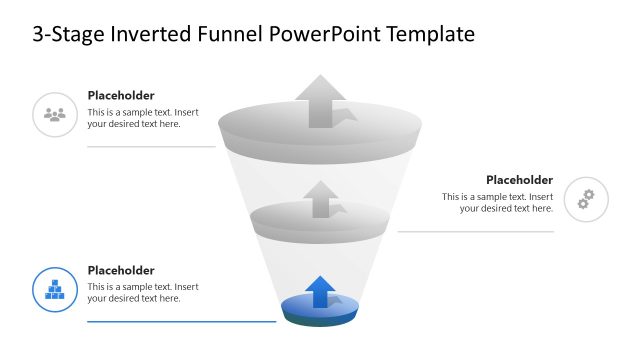
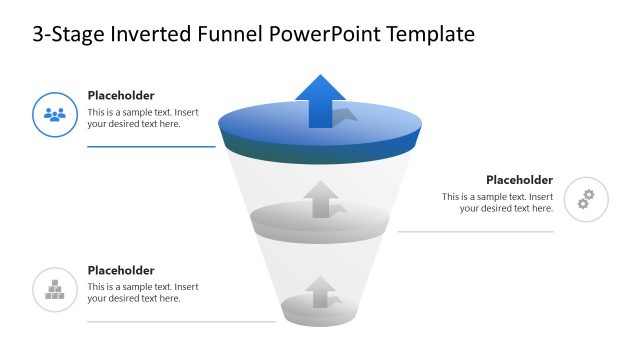
This layout serves as a process flow diagram, illustrating the stages of a marketing funnel. It is suitable for presentations focused on inbound marketing strategies, showcasing how to attract, convert, and close customers. This slide fits well after problem framing slides, providing a clear pathway to solutions. It can be used in business contexts such as marketing strategy discussions, sales training, or customer journey mapping, effectively communicating the steps involved in converting leads into customers.
Text Placeholders & Capacity
Keep your copy within these limits so it fits without resizing. Node body slots are tight, roughly 10 words each.
| Placeholder | Count | Max characters (approx.) |
|---|---|---|
| Slide title | 1 | 30 |
| Item heading | 3 | 15 |
| Item body | 3 | 50 |
Slide Keywords
Download unlimited PowerPoint templates, charts and graphics for your presentations with our annual plan.
DOWNLOADReturn to 3-Stage Attract Convert Close Template for PowerPoint.