Slide 1 of 4 from 3 Merging Arrows Down PowerPoint Template
Editable 3 Merging Arrows Down PPT Template
Three Merging Arrows Diagram Template
- Diagram
- Arrow Sequence
- Process Slide
- 16:9
- 100% Editable
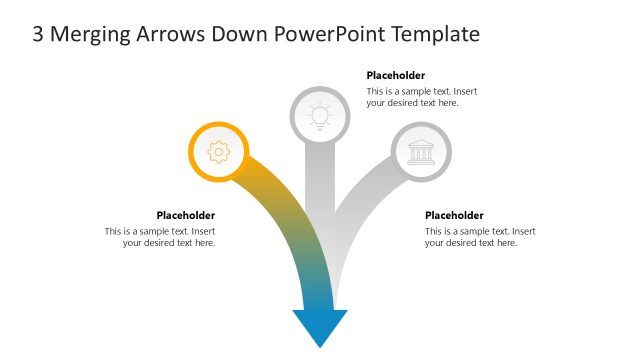
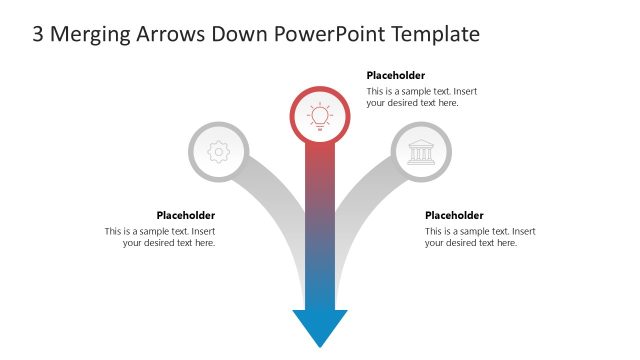
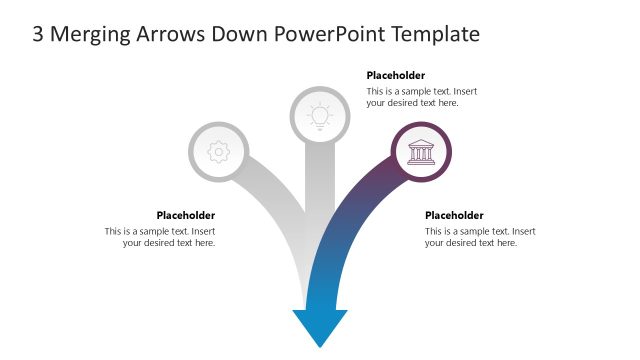
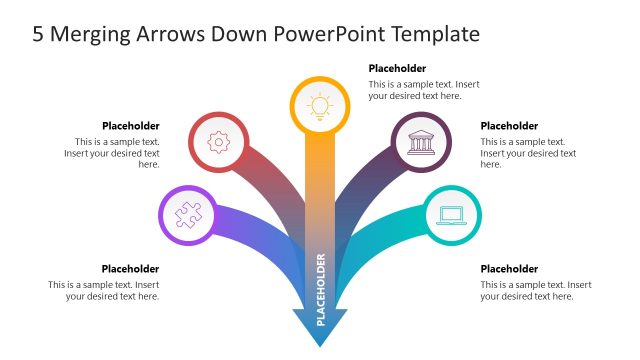
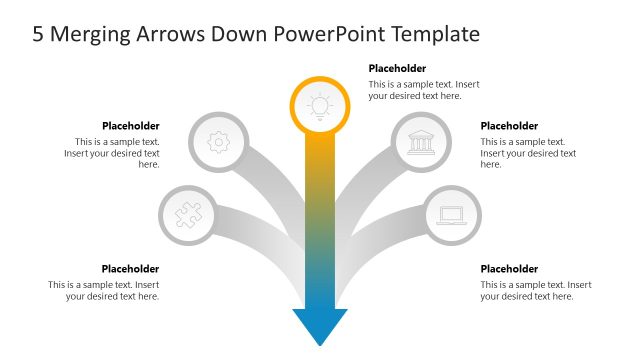
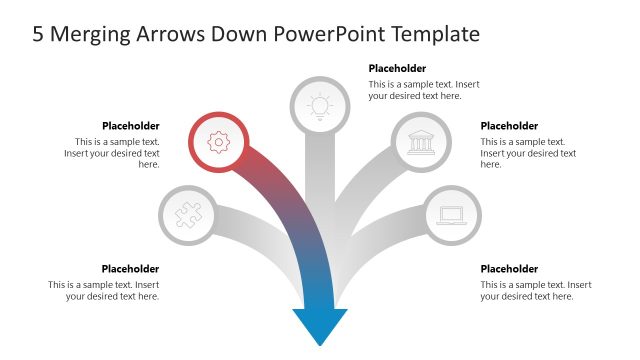
The Three Merging Arrows Diagram slide from the 3 Merging Arrows Down PowerPoint Template visually represents a process where three distinct elements converge into one outcome. Ideal for business presentations, this slide layout uses editable shapes and vector icons to illustrate workflows or project phases clearly within professional slide decks.
What’s on This Slide
The layout features three circular nodes positioned at the top, each containing an icon. The left node is yellow, the center node is red, and the right node is purple. Below these nodes, a downward arrow connects to a larger blue arrow pointing downward. Each node has a text placeholder aligned centrally beneath it, indicating where to insert text. The overall composition is symmetrical, with the nodes evenly spaced across the top and the arrow centered below them. The background is white, providing contrast to the colored elements.
How to Use It
This layout serves as a process flow diagram, illustrating three distinct steps converging into a single outcome. It fits well in presentations discussing workflows, decision-making processes, or project phases. This structure is suitable for business scenarios such as project management updates, strategic planning sessions, or educational contexts where a clear progression is needed. It can be used to highlight key points leading to a conclusion or action.
Text Placeholders & Capacity
Keep your copy within these limits so it fits without resizing. Node body slots can hold about 15-20 words each.
| Placeholder | Count | Max characters (approx.) |
|---|---|---|
| Item heading | 3 | 50 |
| Item body | 3 | 100 |
Slide Keywords
Download unlimited PowerPoint templates, charts and graphics for your presentations with our annual plan.
DOWNLOADReturn to 3 Merging Arrows Down PowerPoint Template.