Slide 3 of 6 from 5 Merging Arrows Down PowerPoint Template
5 Merging Arrows Down Template Slide
Merging Arrows Diagram for Presentations
- Diagram
- Arrow Sequence
- Process Slide
- 16:9
- 100% Editable
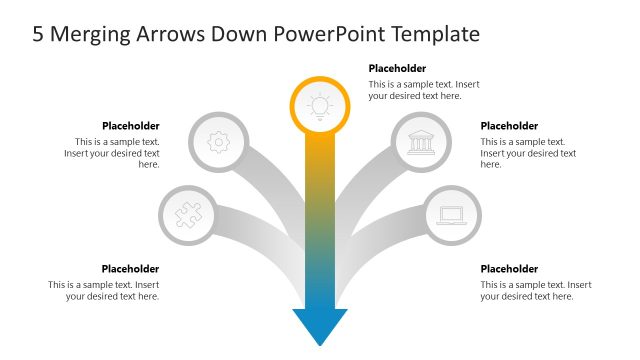
The Merging Arrows Diagram slide from the 5 Merging Arrows Down PowerPoint Template visually represents process convergence by showing multiple inputs merging into a single outcome. This slide layout is ideal for business presentations that require clear mapping of team contributions or strategy alignment using editable shapes and vector icons. Its clean design supports effective communication in corporate presentations and pitch deck templates, making it a practical choice for illustrating complex processes in slide decks.
What’s on This Slide
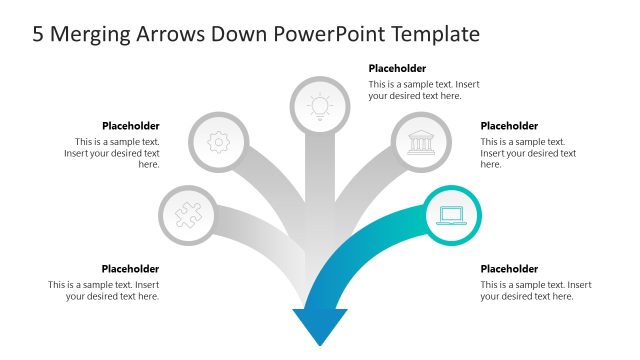
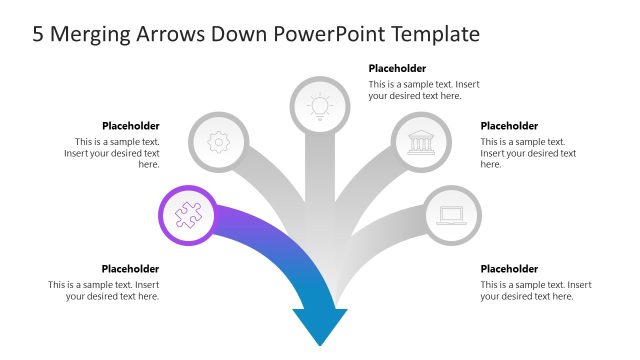
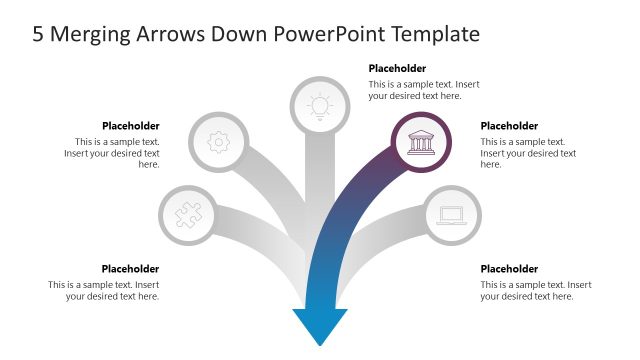
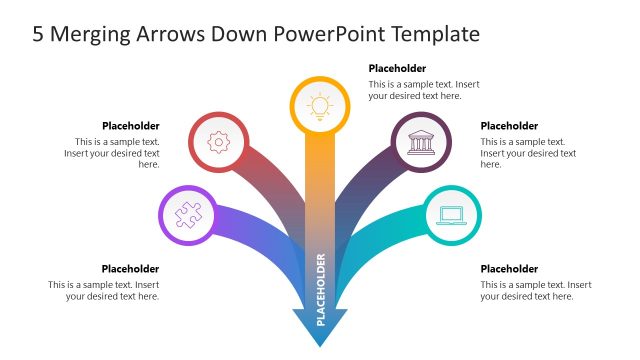
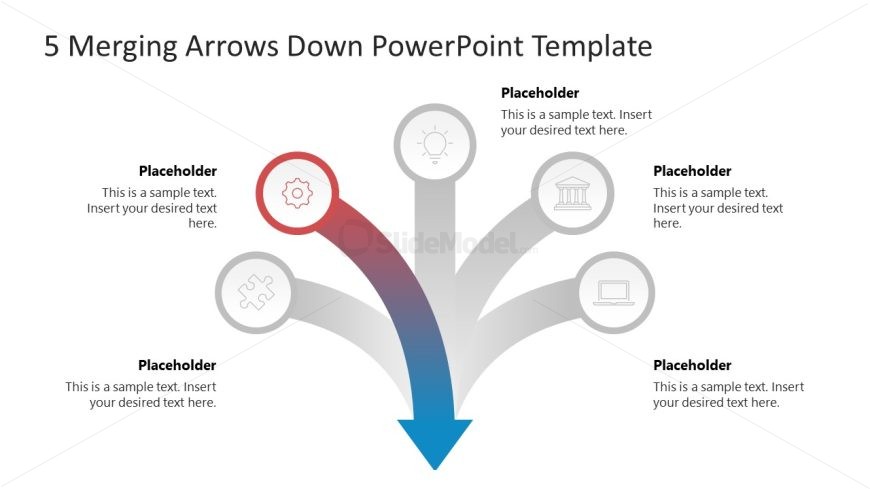
The layout features five downward arrows merging into a central point at the bottom. Each arrow is connected to a circular node positioned at the top of the slide. The leftmost node is highlighted in red, while the others are in gray. Each node contains a text placeholder centered within it, with additional text placeholders below each node for further description. The arrows are visually distinct, tapering towards the bottom and creating a flow towards the central node. The background is white, enhancing the clarity of the elements.
How to Use It
This layout serves as a process flow diagram, illustrating how multiple inputs converge into a single outcome. It is suitable for presentations that require a visual representation of merging ideas, strategies, or processes. This slide fits well in a sequence following a problem statement, leading into solutions or action plans. It can be used in business contexts such as project management, strategic planning, or team collaboration discussions.
Text Placeholders & Capacity
Keep your copy within these limits so it fits without resizing. Node labels can hold about 5-7 words each, while body slots can accommodate roughly 15-20 words each.
| Placeholder | Count | Max characters (approx.) |
|---|---|---|
| Item heading | 5 | 40 |
| Item body | 5 | 100 |
Slide Keywords
Download unlimited PowerPoint templates, charts and graphics for your presentations with our annual plan.
DOWNLOADReturn to 5 Merging Arrows Down PowerPoint Template.