Slide 4 of 4 from 3 Merging Arrows Down PowerPoint Template
3 Merging Arrows Down Template Layout
Three Merging Arrows Diagram for Presentations
- Diagram
- Arrow Sequence
- Process Slide
- 16:9
- 100% Editable
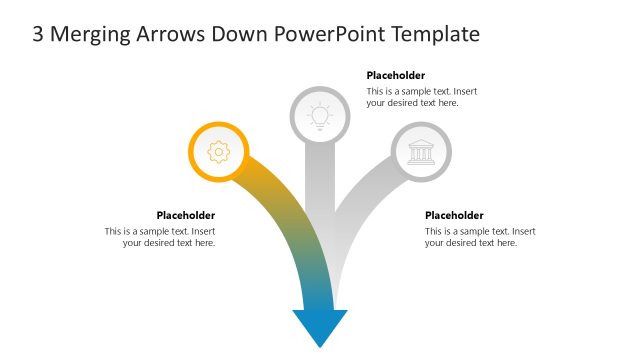
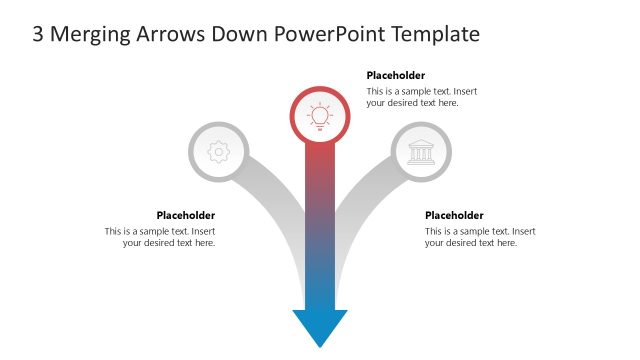
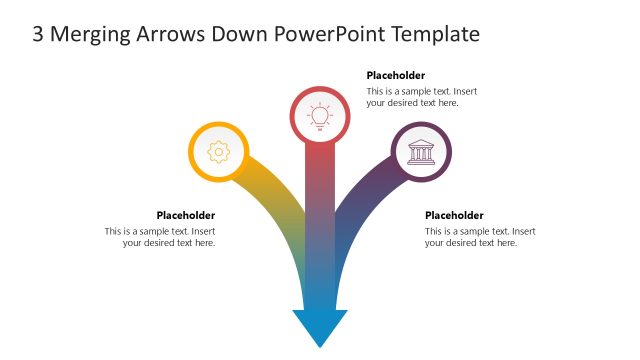
The Three Merging Arrows Diagram from the 3 Merging Arrows Down PowerPoint Template visually represents process convergence using editable shapes and vector icons. This slide layout is ideal for illustrating workflows or strategy overviews in business presentations and pitch deck templates, offering a clear and structured way to communicate complex processes within a corporate presentation or slide deck.
What’s on This Slide
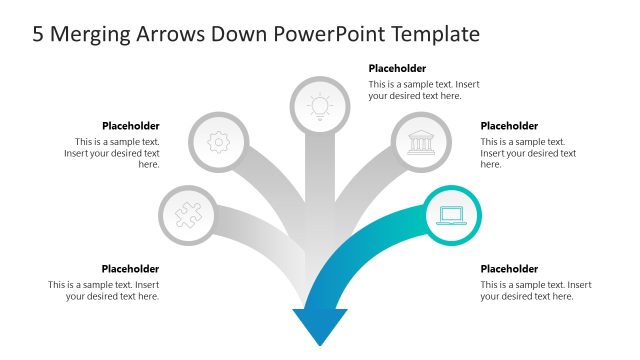
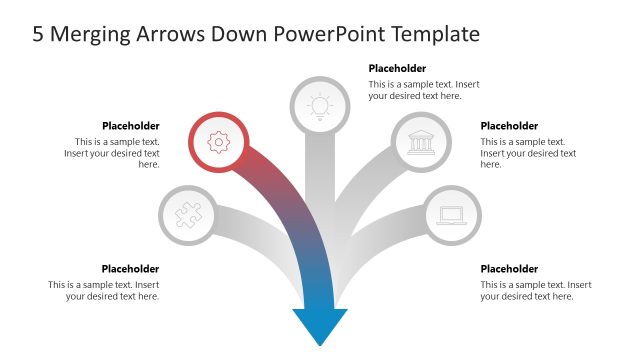
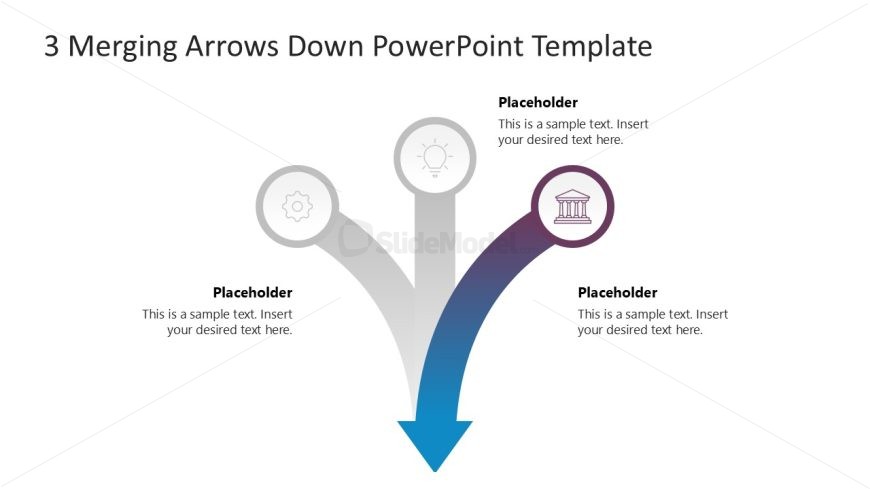
The layout features three merging arrows pointing downward, each originating from a circular node at the top. The left node contains a gear icon, the center node has a lightbulb icon, and the right node features a column icon. Each arrow is visually distinct, with a gradient color scheme transitioning from gray to blue. Below each arrow, there are text placeholders aligned centrally, indicating where content can be inserted. The overall composition is balanced, with a clear visual hierarchy emphasizing the arrows and icons.
How to Use It
This layout serves as a process flow diagram, illustrating the convergence of three distinct elements into a single outcome. It is suitable for presentations discussing strategies, workflows, or decision-making processes. Positioned towards the end of a presentation, it can effectively summarize key points or outline the steps leading to a conclusion. This structure can be applied in business contexts such as project management, product development, or team collaboration scenarios.
Text Placeholders & Capacity
Keep your copy within these limits so it fits without resizing. Node body slots can hold about 10 words each.
| Placeholder | Count | Max characters (approx.) |
|---|---|---|
| Item body | 3 | 50 |
| Slide title | 1 | 50 |
Slide Keywords
Download unlimited PowerPoint templates, charts and graphics for your presentations with our annual plan.
DOWNLOADReturn to 3 Merging Arrows Down PowerPoint Template.