Slide 1 of 2 from 3-Level Pyramid Infographic Diagram for PowerPoint
3 Level Pyramid Diagram PPT
3 Level Pyramid Infographic for PowerPoint
- Diagram
- Pyramid
- Concept Explanation Slide
- 16:9
- 100% Editable
What’s on This Slide
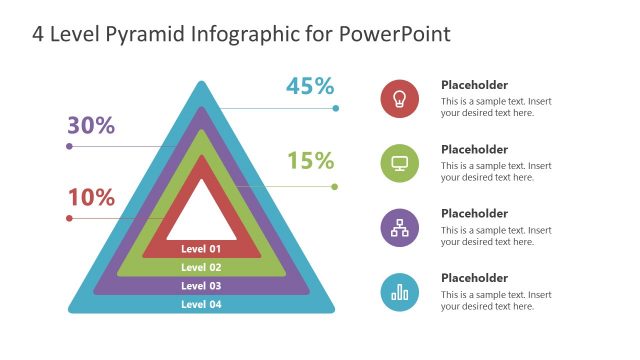
The slide features a three-level pyramid infographic centered in the middle. The pyramid is composed of three colored layers: green at the bottom, red in the middle, and purple at the top. Each layer has a corresponding percentage label positioned to the right. Below the pyramid, there are three text placeholders aligned vertically, each with an icon to the left. The icons include a light bulb, a computer, and a flowchart symbol. The background is white, enhancing the visibility of the pyramid and icons.
How to Use It
This layout serves as a visual representation of hierarchical information or processes. It is suitable for illustrating concepts that involve three distinct levels, such as organizational structures or project phases. This slide fits well in a presentation sequence after introducing a problem or topic, providing a clear breakdown of components. It is applicable in business contexts like strategy discussions, training sessions, or educational presentations.
Text Placeholders & Capacity
Keep your copy within these limits so it fits without resizing. Node body slots can accommodate about 10-12 words each.
| Placeholder | Count | Max characters (approx.) |
|---|---|---|
| Item heading | 3 | 20 |
| Item body | 3 | 50 |
| Chart title | 1 | 40 |
Slide Keywords
Download unlimited PowerPoint templates, charts and graphics for your presentations with our annual plan.
DOWNLOADReturn to 3-Level Pyramid Infographic Diagram for PowerPoint.