Slide 5 of 8 from 3 Layers 7 Stages Circular PowerPoint Diagram
Stage 4 Slide – Layered Diagram Template
3 Layers 7 Stages Circular Diagram Overview
- Diagram
- Layered Stack
- Process Slide
- 16:9
- 100% Editable
What’s on This Slide
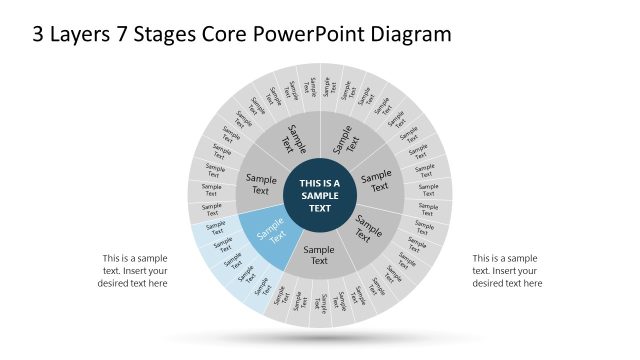
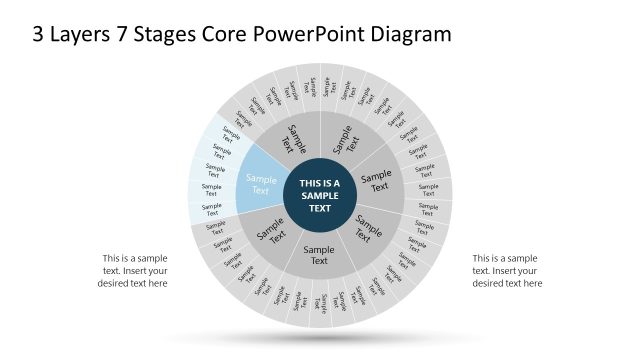
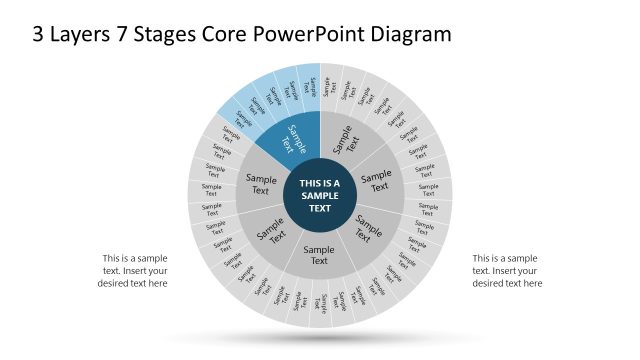
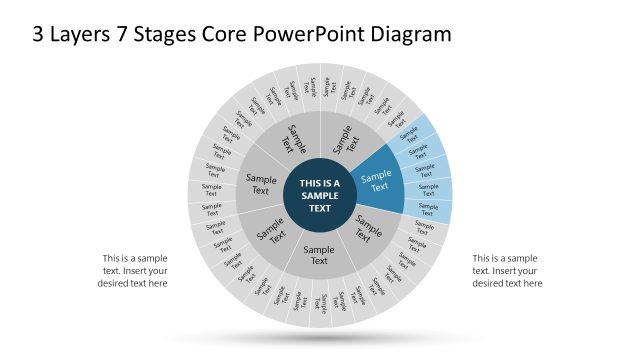
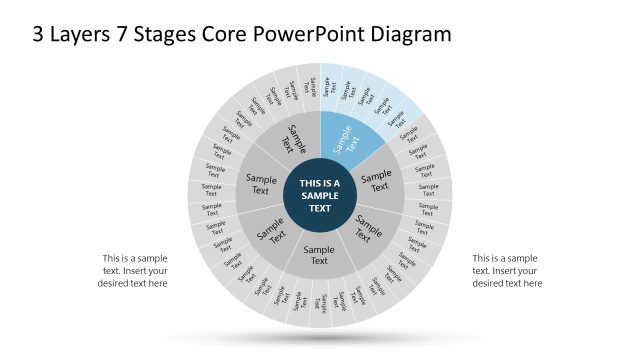
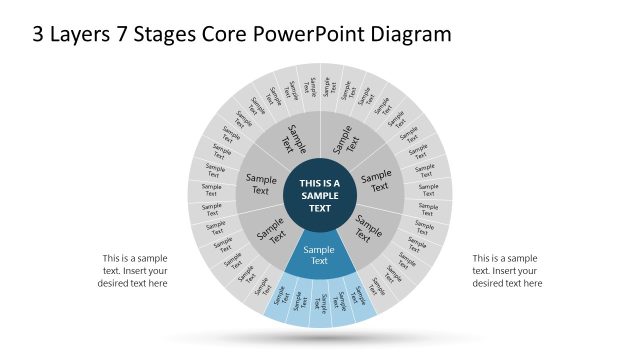
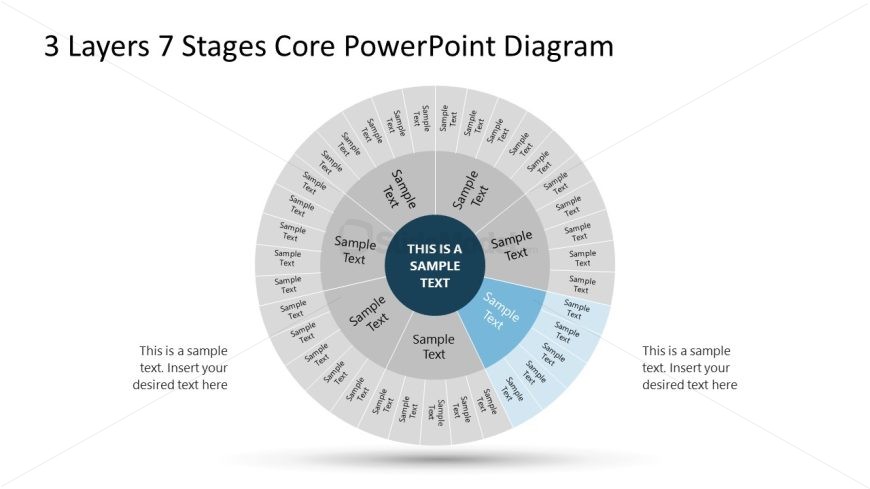
The layout features a circular diagram divided into three layers and seven segments. The central area contains a prominent text placeholder, while surrounding sections each have smaller text placeholders. The outermost layer is segmented into seven equal parts, each labeled with 'Sample Text.' The middle layer contains additional segments, also labeled with 'Sample Text,' and the inner layer has a distinct color for emphasis. The overall design uses a light background with darker text, creating a clear visual hierarchy and separation between layers.
How to Use It
This layout serves as a multi-layered diagram to illustrate processes or stages in a business context. It fits well in presentations discussing workflows, project phases, or strategic planning. The circular format allows for a clear representation of interconnected stages, making it suitable for visualizing cyclical processes or layered strategies. This slide is particularly effective in business meetings or training sessions where complex information needs to be simplified and presented visually.
Text Placeholders & Capacity
Keep your copy within these limits so it fits without resizing. Node slots can hold concise text, roughly 3-5 words each.
| Placeholder | Count | Max characters (approx.) |
|---|---|---|
| Item body | 7 | 20 |
| Item body | 3 | 20 |
| Item body | 1 | 30 |
| Item body | 1 | 30 |
Slide Keywords
Download unlimited PowerPoint templates, charts and graphics for your presentations with our annual plan.
DOWNLOAD