Slide 4 of 8 from 3 Layers 7 Stages Circular PowerPoint Diagram
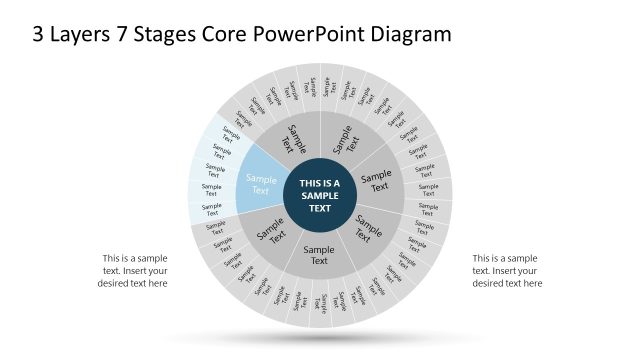
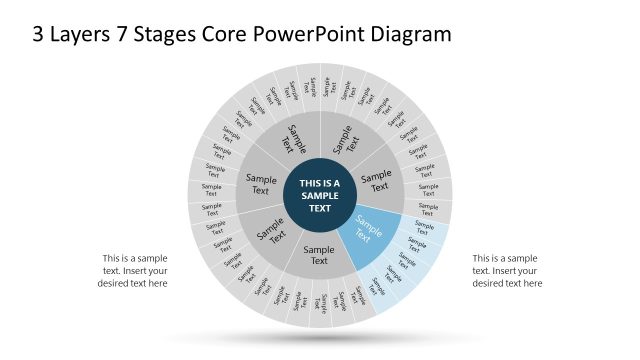
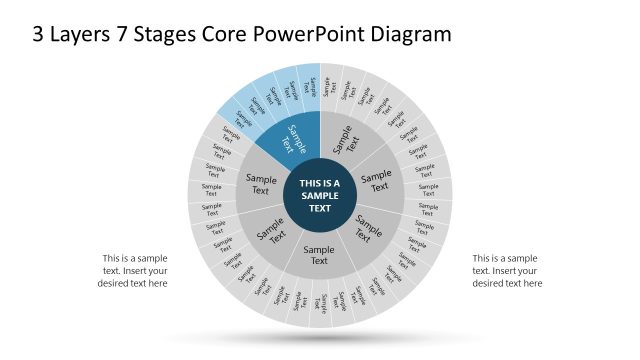
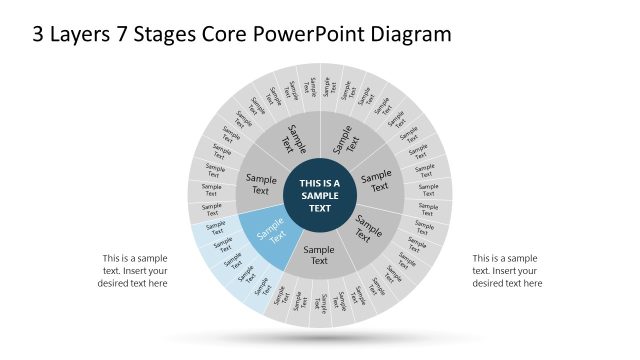
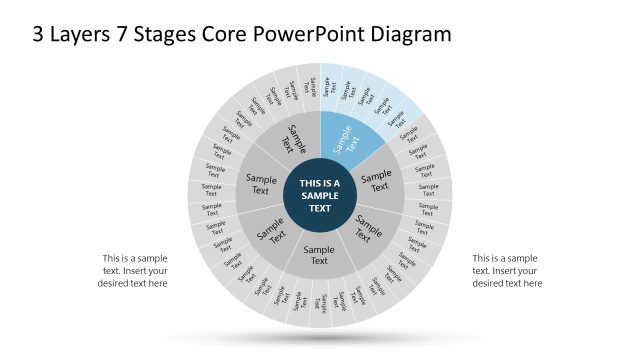
Stage 3 Color Highlight Slide – Layered PPT Slide
3 Layers 7 Stages Circular Diagram
- Diagram
- Circular Cycle
- Process Slide
- 16:9
- 100% Editable
What’s on This Slide
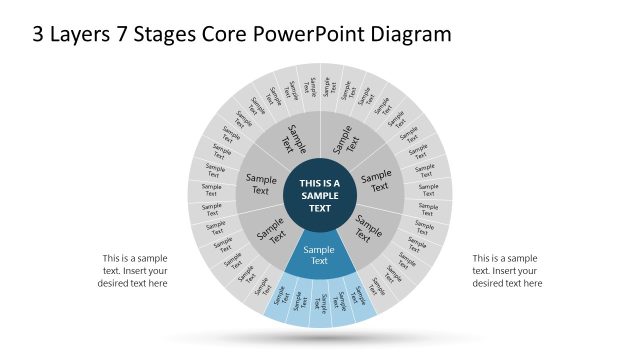
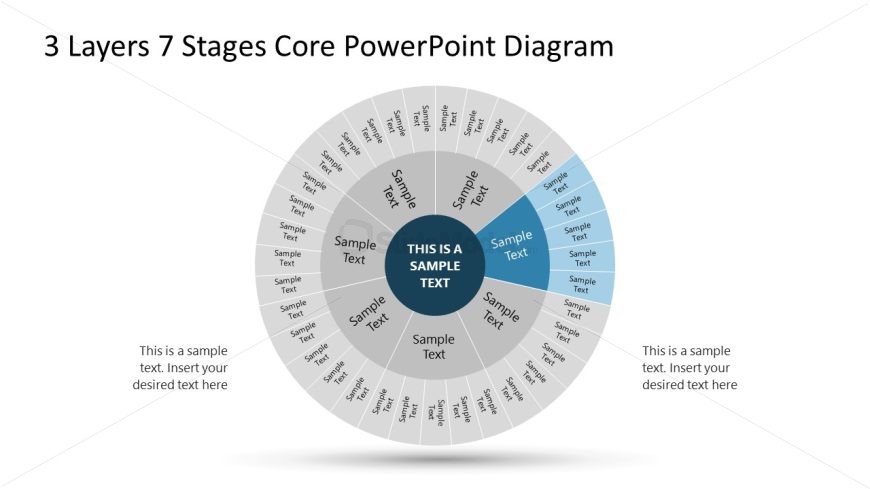
The layout features a circular diagram divided into three concentric layers and seven segments. The central area contains a prominent placeholder for key text, surrounded by segments labeled with sample text. Each segment is visually distinct, with alternating shades of blue and gray. Text placeholders are positioned within the segments, aligned to fit the circular structure. The outermost layer contains additional sample text placeholders, arranged around the circle. The overall composition emphasizes a radial flow, guiding the viewer's attention from the center outward.
How to Use It
This layout serves as a structured representation of a process or framework with multiple stages. It is suitable for illustrating business processes, project phases, or implementation steps. Positioned after a problem slide, it can effectively transition into a roadmap or action plan. This diagram is applicable in scenarios such as strategic planning, project management, or process optimization, where clarity in stages is essential for understanding complex workflows.
Text Placeholders & Capacity
Keep your copy within these limits so it fits without resizing. Node body slots can hold roughly 20 characters each.
| Placeholder | Count | Max characters (approx.) |
|---|---|---|
| Item body | 7 | 20 |
| Item body | 1 | 30 |
| Body paragraph | 2 | 50 |
Slide Keywords
Download unlimited PowerPoint templates, charts and graphics for your presentations with our annual plan.
DOWNLOAD