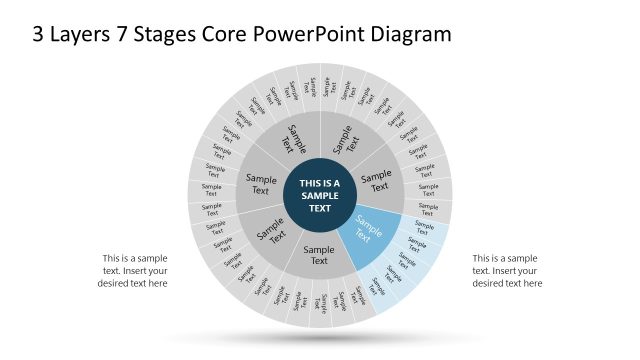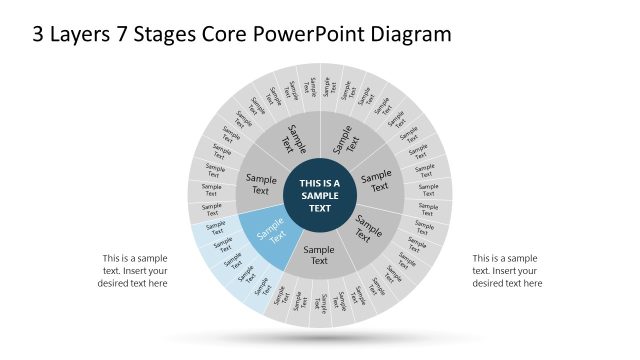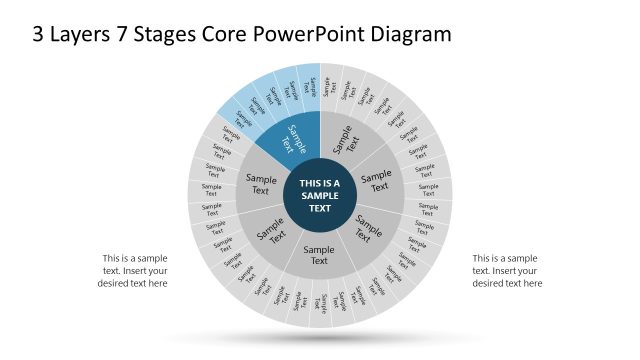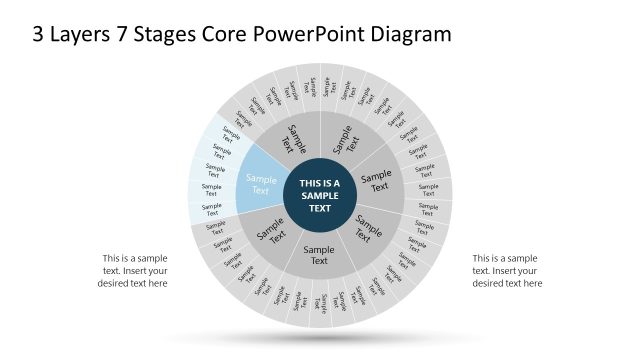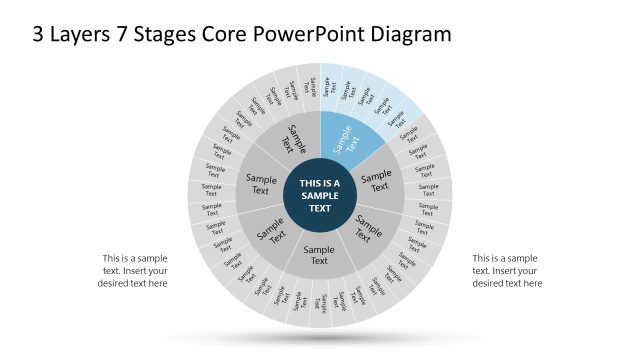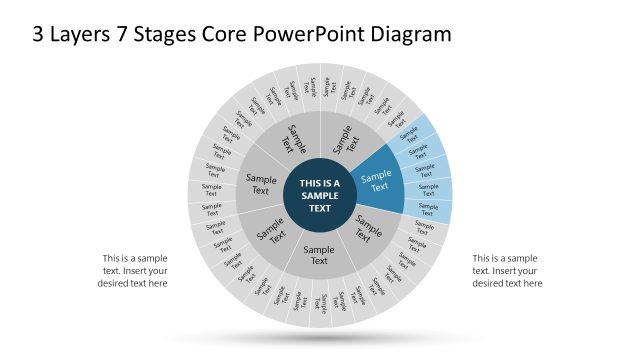
Slide 6 of 8 from 3 Layers 7 Stages Circular PowerPoint Diagram
Circular Diagram Slide for Stage 5
3 Layers 7 Stages Circular Diagram
- Diagram
- Circular Cycle
- Process Slide
- 16:9
- 100% Editable
What’s on This Slide
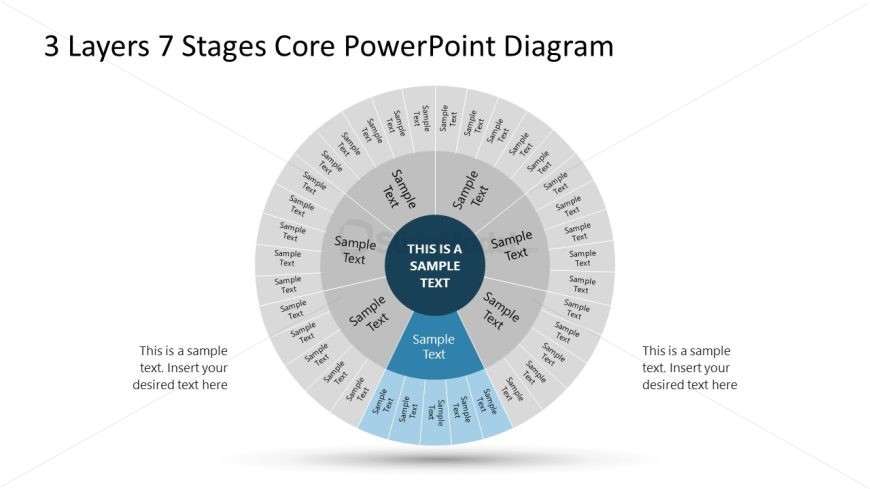
The layout features a circular diagram divided into three layers and seven segments. The central area contains a prominent placeholder for key text, surrounded by seven equally spaced segments. Each segment has a placeholder for text, arranged in a circular pattern. The outermost layer includes additional text placeholders positioned around the circle. The overall composition is balanced, with a clear visual hierarchy emphasizing the central text. The background is light, enhancing the visibility of the dark text and shapes, while the circular structure creates a cohesive look.
How to Use It
This layout serves as a multi-layered diagram to illustrate processes or stages in a circular format. It is suitable for presentations that require a visual representation of sequential steps or components. This structure is effective in business contexts such as project implementation, strategic planning, or process mapping. It fits well in a presentation sequence that discusses stages of development or layers of a business model, providing clarity and engagement for the audience.
Text Placeholders & Capacity
Keep your copy within these limits so it fits without resizing. Node body slots can hold up to 20 characters each.
| Placeholder | Count | Max characters (approx.) |
|---|---|---|
| Item body | 7 | 20 |
| Item body | 1 | 30 |
| Item body | 1 | 30 |
| Item body | 1 | 30 |
Slide Keywords
Download unlimited PowerPoint templates, charts and graphics for your presentations with our annual plan.
DOWNLOAD