Slide 2 of 2 from 3-Layer Circular Diagram Design for PowerPoint
Editable Multi-Color 3 Layer Circular Diagram for PPT
3-Layer Circular Diagram Design for PowerPoint
- Diagram
- Circular Cycle
- Process Slide
- 16:9
- 100% Editable
What’s on This Slide
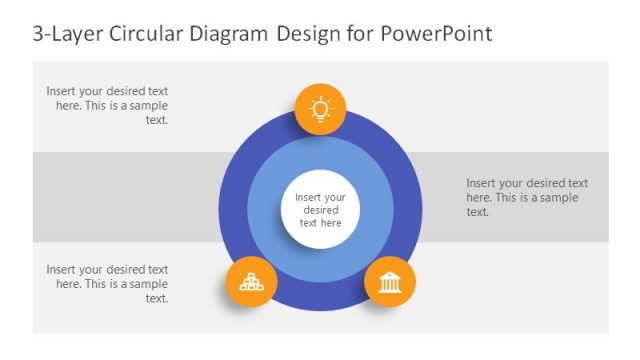
The layout features a central circular node surrounded by two larger concentric circles. The central node is colored light blue and contains a text placeholder aligned centrally. The two outer circles are darker shades of blue, each containing a text placeholder at the bottom. Three icons are positioned above the outer circles, representing different concepts, with a sun icon at the top and two other icons on either side. The background is dark gray, enhancing the visual contrast of the elements.
How to Use It
This layout serves as a multi-layer circular diagram, ideal for illustrating processes or concepts with three distinct components. It fits well in presentations that require a clear visual representation of interconnected ideas or steps. Use this structure in business contexts such as strategy presentations, project planning, or educational materials to convey layered information effectively.
Text Placeholders & Capacity
Keep your copy within these limits so it fits without resizing. Node body slots are tight, roughly 10 words each.
| Placeholder | Count | Max characters (approx.) |
|---|---|---|
| Item body | 3 | 50 |
Slide Keywords
Download unlimited PowerPoint templates, charts and graphics for your presentations with our annual plan.
DOWNLOAD