Slide 1 of 2 from 3 Layer Circular Diagram Concept for PowerPoint
3 Layer Arrow Circular Diagram PPT
3 Layer Circular Diagram Concept for Presentations
- Diagram
- Circular Cycle
- Concept Explanation Slide
- 16:9
- 100% Editable
What’s on This Slide
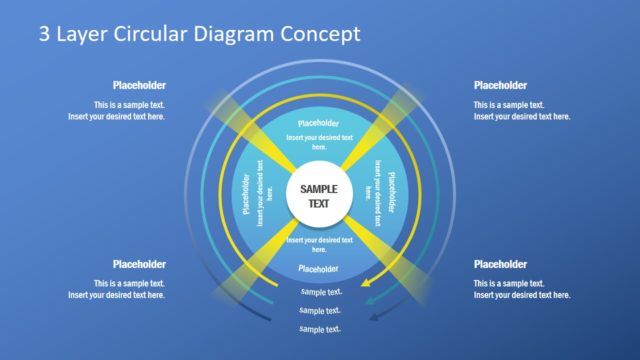
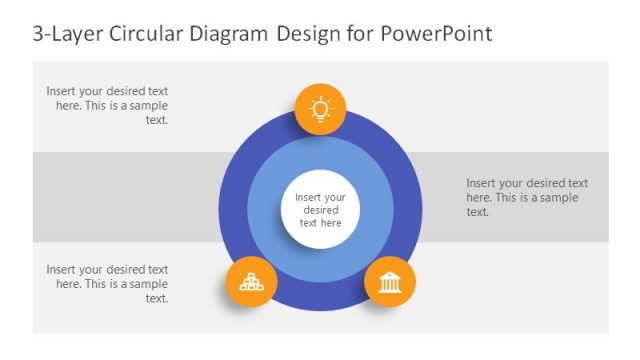
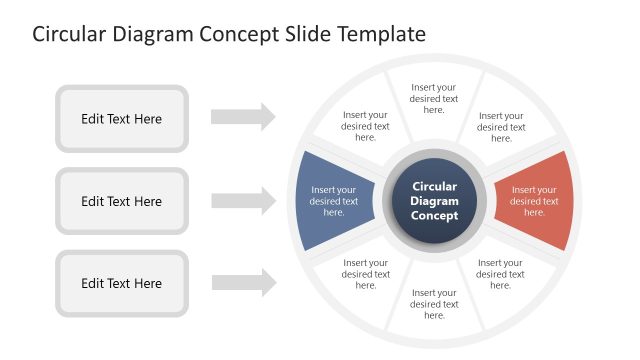
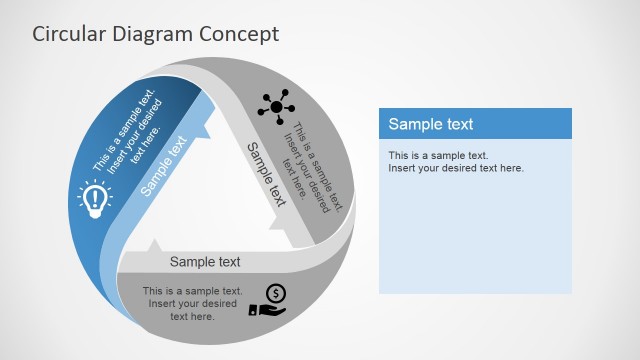
The layout features a central circular node surrounded by three concentric circular layers. Each layer contains text placeholders positioned evenly around the circumference, with arrows indicating flow direction. The central node is larger and labeled 'SAMPLE TEXT.' The placeholders are aligned vertically and horizontally, creating a structured visual hierarchy. The outermost layer has a blue gradient, while the inner layers alternate between yellow and light blue. The overall composition is circular, emphasizing interconnectedness among the elements.
How to Use It
This layout serves as a layered diagram to illustrate processes or concepts with multiple components. It fits well in presentations that require visual representation of hierarchical information or workflows. Suitable scenarios include project planning, strategic analysis, or educational content where complex ideas need simplification. Use this structure to convey relationships among various elements clearly and effectively, enhancing audience understanding.
Text Placeholders & Capacity
Keep your copy within these limits so it fits without resizing. Node body slots can hold about 40 characters each, while the title can accommodate 30 characters.
| Placeholder | Count | Max characters (approx.) |
|---|---|---|
| Item body | 6 | 40 |
| Slide title | 1 | 30 |
Slide Keywords
Download unlimited PowerPoint templates, charts and graphics for your presentations with our annual plan.
DOWNLOAD