Slide 2 of 2 from 3 Layer Circular Diagram Concept for PowerPoint
PowerPoint Circular Diagram 3 Layers
3 Layer Circular Diagram Concept for Presentations
- Diagram
- Circular Cycle
- Concept Explanation Slide
- 16:9
- 100% Editable
What’s on This Slide
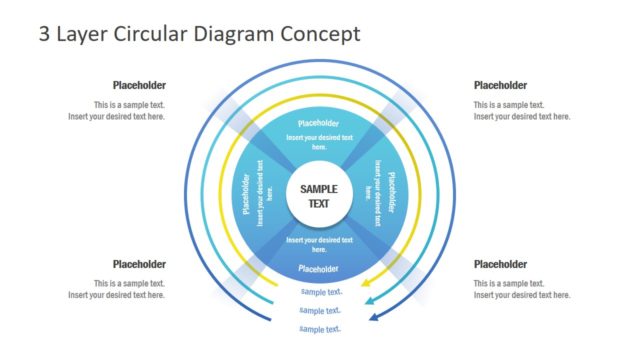
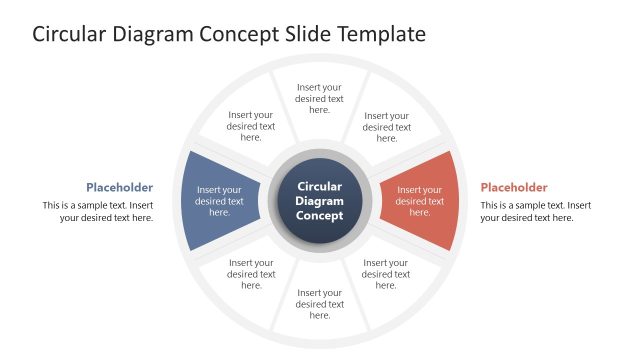
The slide features a circular diagram with three concentric layers. Each layer contains text placeholders positioned at equal intervals around the circle. The center contains a larger placeholder labeled 'SAMPLE TEXT.' Arrows connect the outer layers to the inner layers, indicating flow. The background is a solid blue color, providing contrast to the white and yellow elements. Text placeholders are aligned horizontally and vertically, ensuring a clear visual hierarchy. The overall composition is symmetrical, emphasizing the circular structure.
How to Use It
This layout serves as a layered diagram to illustrate processes or concepts with multiple components. It is suitable for presentations that require a visual breakdown of ideas into distinct layers. This slide can effectively communicate strategies, frameworks, or models in business contexts. It fits well after a problem statement and before a detailed analysis, providing a clear transition to a deeper discussion. It is ideal for summarizing complex information in a structured manner.
Text Placeholders & Capacity
Keep your copy within these limits so it fits without resizing. Node slots can accommodate approximately 6-8 words each, while the title slot can hold about 5-6 words.
| Placeholder | Count | Max characters (approx.) |
|---|---|---|
| Item body | 6 | 40 |
| Item body | 1 | 50 |
| Slide title | 1 | 30 |
Slide Keywords
Download unlimited PowerPoint templates, charts and graphics for your presentations with our annual plan.
DOWNLOAD