Slide 1 of 2 from 3-Layer Circular Diagram Design for PowerPoint
3 Layer Concentric Circular Diagram for PowerPoint
3-Layer Circular Diagram Design for PowerPoint
- Diagram
- Circular Cycle
- Concept Explanation Slide
- 16:9
- 100% Editable
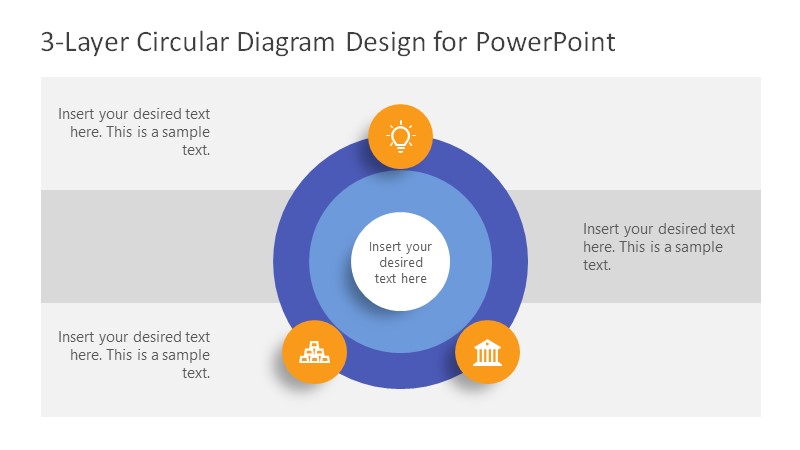
The 3-Layer Circular Diagram slide from the 3-Layer Circular Diagram Design for PowerPoint template offers a structured way to visualize processes and strategic planning. This slide layout is ideal for business presentations requiring clear hierarchical representation, featuring editable shapes and vector icons to enhance clarity. It supports educational and corporate presentations by illustrating multi-stage concepts within a circular flow, making it a practical choice for slide decks focused on process illustration and concept explanation.
What’s on This Slide
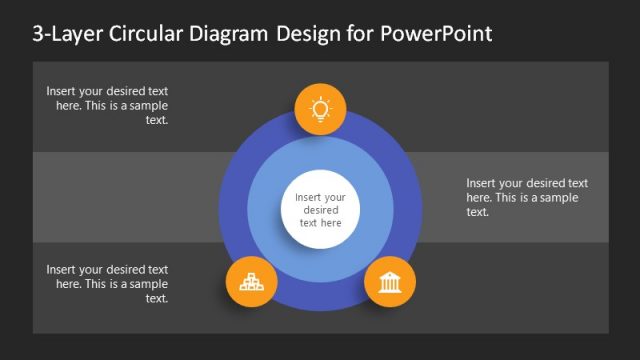
The layout features a central circular node surrounded by two concentric circular layers. The innermost circle is filled with a light blue color and contains a placeholder for text, centrally aligned. The middle layer is a darker blue, with three evenly spaced circular nodes in orange, each containing an icon and a text placeholder. The outer layer has a light gray background, with additional text placeholders positioned to the left and right of the diagram. The overall composition is symmetrical, emphasizing the circular flow of information.
How to Use It
This layout serves as a multi-layered diagram to illustrate processes or concepts with three distinct components. It fits well in presentations that require visual representation of hierarchical information or stages. Suitable scenarios include project planning, strategic frameworks, or educational content. The design allows for clear differentiation of each layer, making it effective for summarizing complex ideas in a structured format.
Text Placeholders & Capacity
Keep your copy within these limits so it fits without resizing. Body slots can hold roughly 10-15 words each.
| Placeholder | Count | Max characters (approx.) |
|---|---|---|
| Item body | 3 | 40 |
| Body paragraph | 2 | 60 |
Slide Keywords
Download unlimited PowerPoint templates, charts and graphics for your presentations with our annual plan.
DOWNLOAD