Slide 2 of 4 from 3-Item Spotlight Diagram Concept Design for PowerPoint
First Item Highlight – Slide Template
3-Item Spotlight Diagram for Presentations
- Diagram
- Other
- Process Slide
- 16:9
- 100% Editable
What’s on This Slide
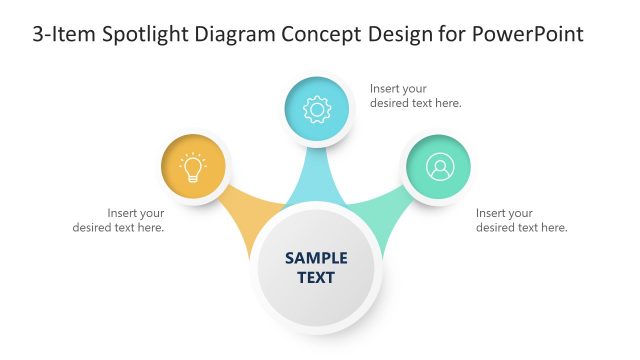
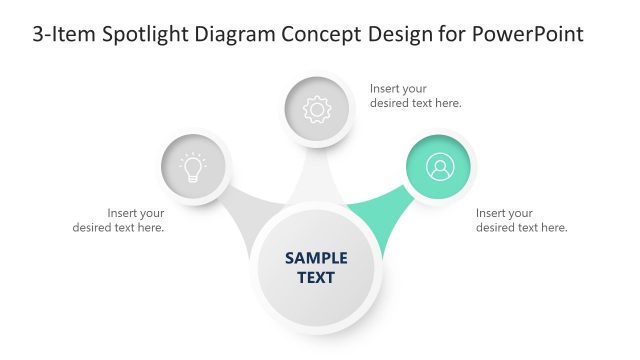
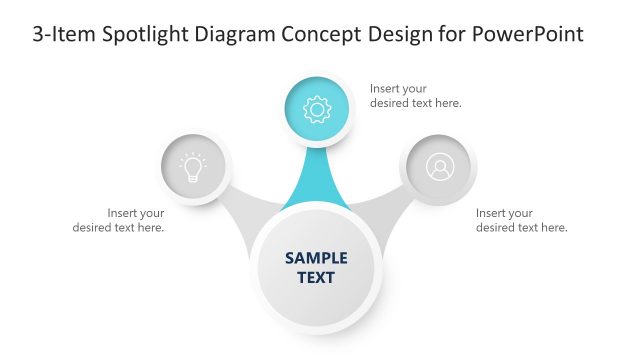
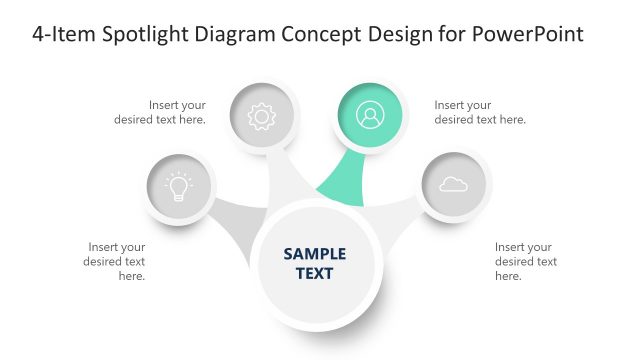
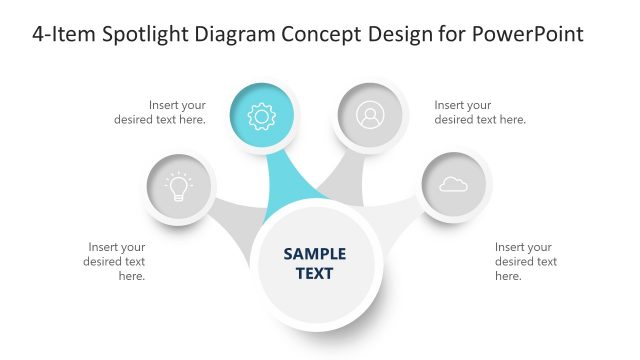
The layout features a central circular node labeled 'SAMPLE TEXT' at the bottom center. Three outer circular nodes, each containing icons, are positioned above and to the left and right. The left node is highlighted in yellow and contains a lightbulb icon, while the right nodes are gray with a gear and user icon. Connecting lines radiate from the central node to each outer node. Text placeholders are present in each node and are aligned centrally. The background is white, enhancing the visual clarity of the diagram.
How to Use It
This layout serves as a process flow diagram, effectively illustrating three key components or steps in a sequence. It is suitable for presentations that require a clear visual representation of interconnected ideas or processes. This slide fits well after an introductory problem statement and can be used in business contexts such as project planning, product features, or strategic initiatives. It allows for concise communication of essential points in a visually engaging manner.
Text Placeholders & Capacity
Keep your copy within these limits so it fits without resizing. Node slots can accommodate about 30 characters each, while the body slot holds around 50 characters.
| Placeholder | Count | Max characters (approx.) |
|---|---|---|
| Item body | 3 | 30 |
| Body paragraph | 1 | 50 |
| Slide title | 1 | 50 |
Slide Keywords
Download unlimited PowerPoint templates, charts and graphics for your presentations with our annual plan.
DOWNLOADReturn to 3-Item Spotlight Diagram Concept Design for PowerPoint.