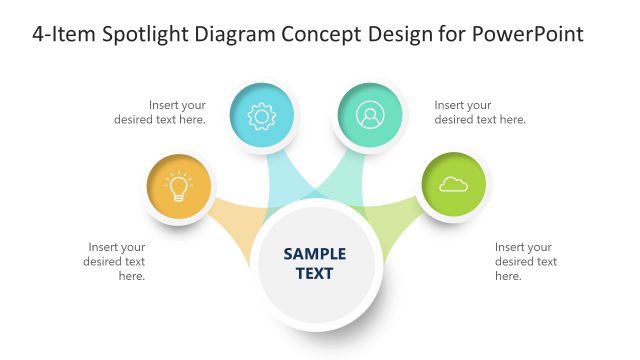
Slide 1 of 4 from 3-Item Spotlight Diagram Concept Design for PowerPoint
3-Item Spotlight Concept Diagram for PowerPoint
3-Item Spotlight Diagram Concept Design
- Diagram
- Other
- Process Slide
- 16:9
- 100% Editable
What’s on This Slide
The layout features a central circular node labeled 'SAMPLE TEXT' at the bottom center. Three smaller circular nodes are positioned above, each connected to the central node by curved lines. The left node contains an icon of a light bulb, the top node features a gear icon, and the right node displays a user icon. Text placeholders are present in each node, aligned to the right of the icons. The background is white, with a light blue color used for the connecting lines and a gradient effect in the nodes. The visual hierarchy emphasizes the central node.
How to Use It
This layout serves as a process flow diagram, effectively illustrating three related concepts or steps. It is suitable for presentations that require a clear depiction of interconnected ideas, such as project phases, product features, or strategic initiatives. This structure fits well at the beginning of a presentation to introduce key topics or in the middle to elaborate on specific points. It can be used in various business contexts, including marketing strategies, product launches, or team roles.
Text Placeholders & Capacity
Keep your copy within these limits so it fits without resizing. Node text slots can hold about 5-6 words each.
| Placeholder | Count | Max characters (approx.) |
|---|---|---|
| Item body | 3 | 30 |
| Item body | 1 | 30 |
| Slide title | 1 | 50 |
Slide Keywords
Download unlimited PowerPoint templates, charts and graphics for your presentations with our annual plan.
DOWNLOADReturn to 3-Item Spotlight Diagram Concept Design for PowerPoint.