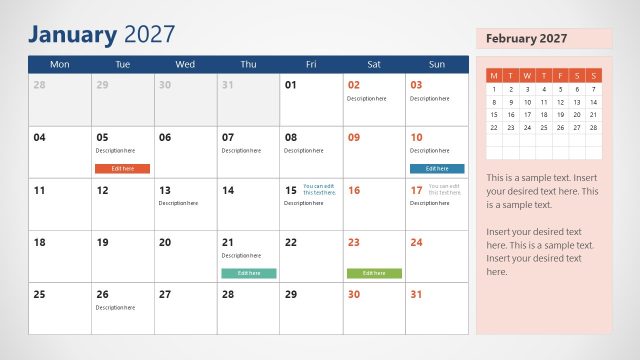
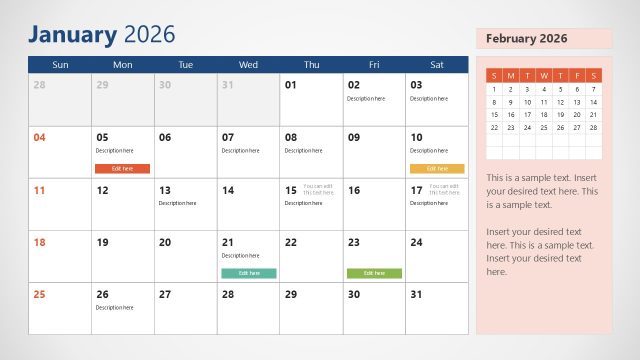
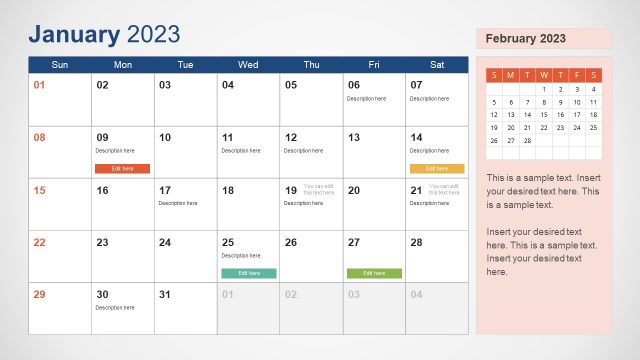
Present the annual meeting schedule of the leadership team in the executive presentations using the 2027 Calendar PowerPoint Template With Sunday as First Day. There are two calendar formats: Monday as the first day or Sunday as the first day. The Sunday-as-first-day calendar splits Saturday and Sunday at opposite ends of the calendar row. This calendar is used in ancient religious traditions, North and South America, parts of Asia, and traditional print diaries. The calendar with Monday as the first day shows Monday on the left of the row, while the weekend block (Saturday + Sunday) is on the right. Corporate trainers use the 2027 calendar to showcase the training schedule to company employees for the next 12 months for advanced tech and AI capabilities.
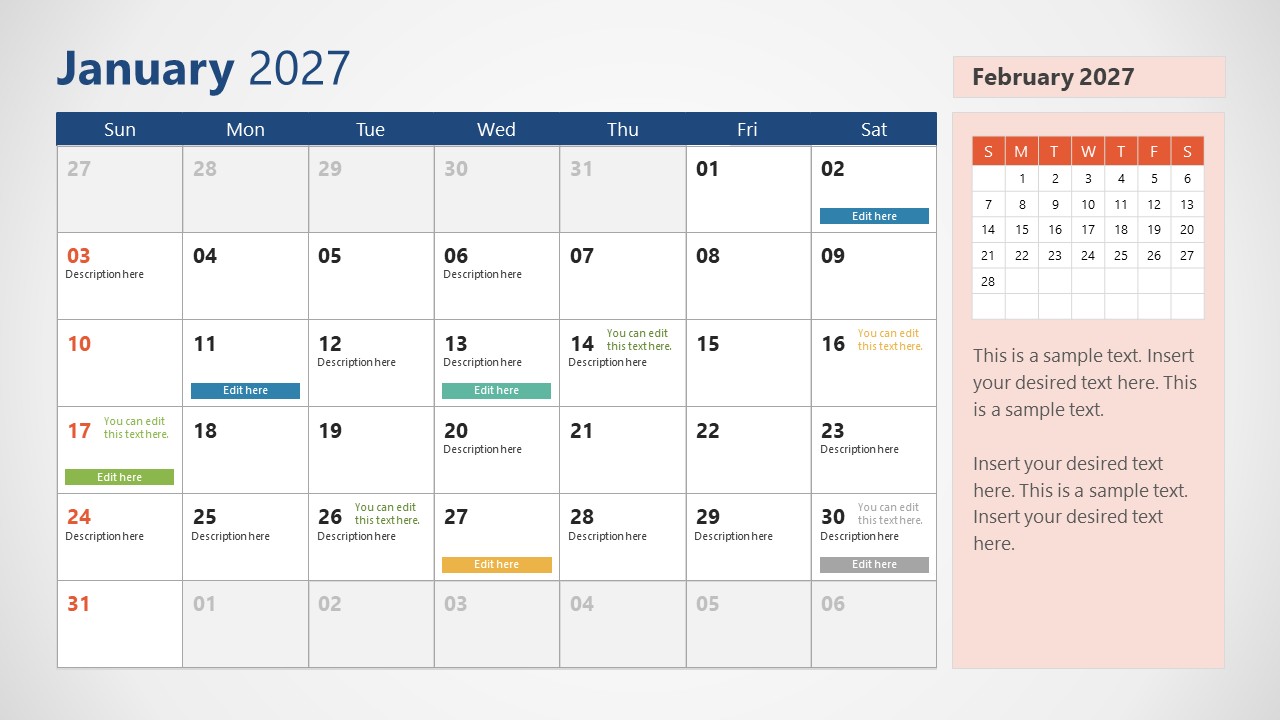
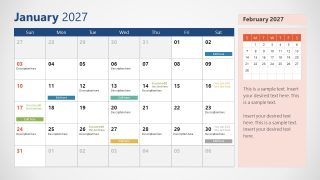
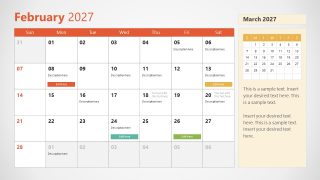
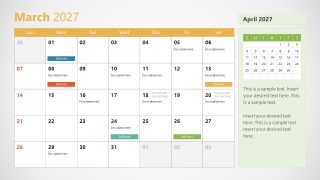
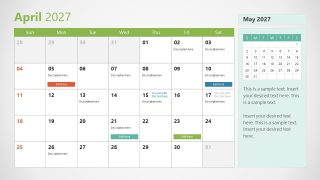
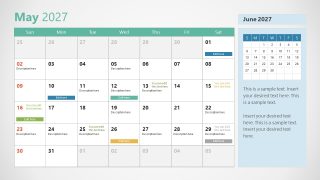
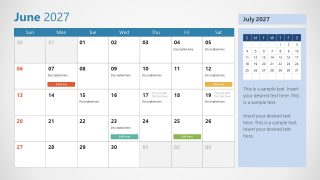
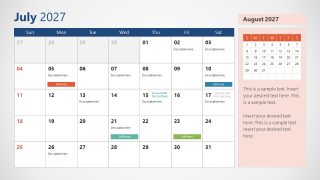
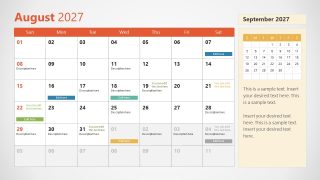
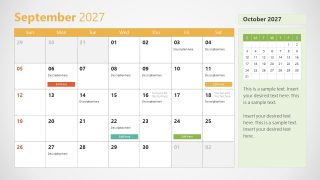
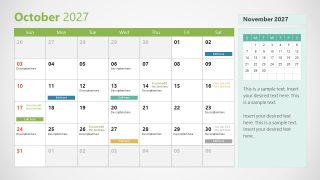
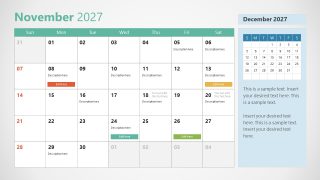
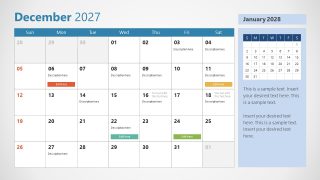
Content managers in their reporting sessions share their content marketing plan with reference to specific events, dates, or celebrations. They use the event tags and color labels to share what they will create and post for social engagement and brand building. Marketing managers visualize the key advertisement options they will consider for the next 12 months to build a strong brand image and identity. The monthly slide is also perfect to share the event schedule for the complete month on social media or with other audiences, like in a conference or webinar. The 2027 Calendar PowerPoint Template With Sunday as First Day has 12 slides for each month. Next, at the end, there is another slide where users display all the monthly calendars at once on one slide. Each slide shows a calendar grid, color labels, and a side panel to preview the upcoming month.
Download the 2027 calendar template with Sunday as the first day to highlight the project timelines, digital transformation plans, or change management phases in a specific time frame.
What’s inside this template
Example presentation scenarios
- A content marketing manager can present the 2027 editorial plan by placing campaign names, publishing dates, and social activity tags in the monthly calendar grids.
- A corporate trainer can brief employees on annual learning sessions by marking course dates with color event labels and using the notes panel for audience or prerequisite details.
- A project manager can map milestones and review windows across 2027 by showing each month separately and closing with the annual overview slide.
- An executive assistant can communicate leadership meeting cadence by entering recurring dates in the monthly grids and using the next-month preview to show upcoming agenda pressure.
Features
- 100% editable presentation template
- Compatible with Microsoft PowerPoint and Google Slides
- 16:9 aspect ratio slides
- Scalable vector shapes, icons and illustrations
- AI-Ready for Microsoft Copilot and Claude
- Instant access and download
Frequently asked questions
Q: How should a presenter keep a month-by-month calendar from feeling like a list of dates?
A: Start with the month title and call out only the decisions tied to that period. Use the colored labels for categories such as campaign, training, deadline, or meeting, then reserve the side panel for context and handoff notes. This keeps the calendar grid readable while turning each slide into a planning conversation.
Q: Who is this template best suited for when planning across 2027?
A: It fits teams that need to show dates as the primary organizing device: content managers mapping editorial posts, trainers scheduling sessions, project leads plotting milestones, and executives reviewing recurring meetings. The Sunday-first monthly grids work well for audiences used to print calendars or North American calendar conventions.
Q: Why does the template pair a large monthly grid with a mini calendar and side notes?
A: The large grid gives the audience a shared view of the current month, while the mini calendar previews what comes next without changing slides. Color labels act as visual anchors for event types. This structure helps presenters move from date recognition to prioritization and follow-up actions.



2027 Calendar PowerPoint Template With Sunday as First Day
13-slide presentation template for 2027 Sunday-first monthly calendars and annual schedule planning
The 2027 Calendar PowerPoint Template With Sunday as First Day is a 13-slide planning deck for 2027 schedules. It includes Sunday-first monthly calendar grids, color event labels, a next-month mini calendar with notes panel, and a one-slide annual overview. It fits content, marketing, training, project, and leadership planning in Microsoft PowerPoint and Google Slides.
- Category
- Timelines & Planning
- Rating

 Loading...
- Aspect ratio
- 16:9
- Item ID
- 23126-05
- Colors
 Microsoft PowerPoint
  Microsoft Copilot
  Claude for PowerPoint
 Other formats supported
Subscribe today and get immediate
access to download our PowerPoint templates.