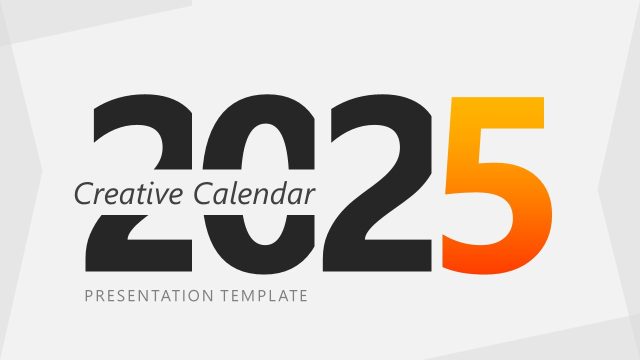
Present the year-long product launch roadmap in executive presentations using the 2027 Calendar PowerPoint Template with Monday as First Day. Two calendar layouts are included: one places Monday first and groups Saturday and Sunday as a weekend block at the end of the row; the other starts the week on Sunday. The Monday-first layout follows the ISO 8601 date standard used across Europe, parts of Asia, the Americas, and in digital logistics scheduling. Program leads use the calendar to lay out yearly marketing or project execution timelines in one place, and AI engineers use it to plan a 12-step digital transformation across their technical presentations.
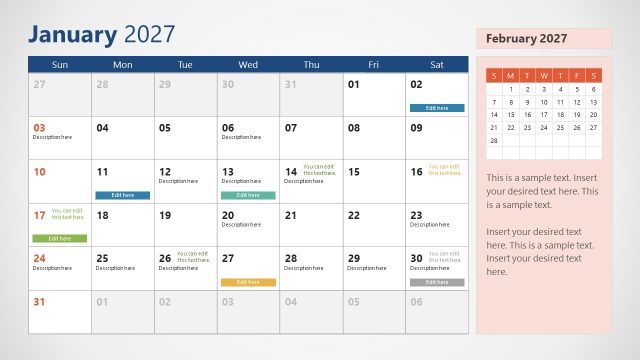
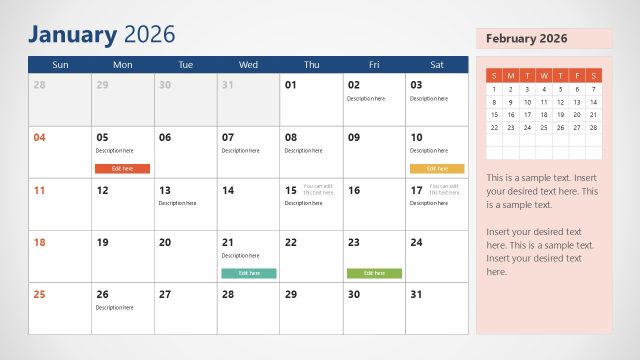
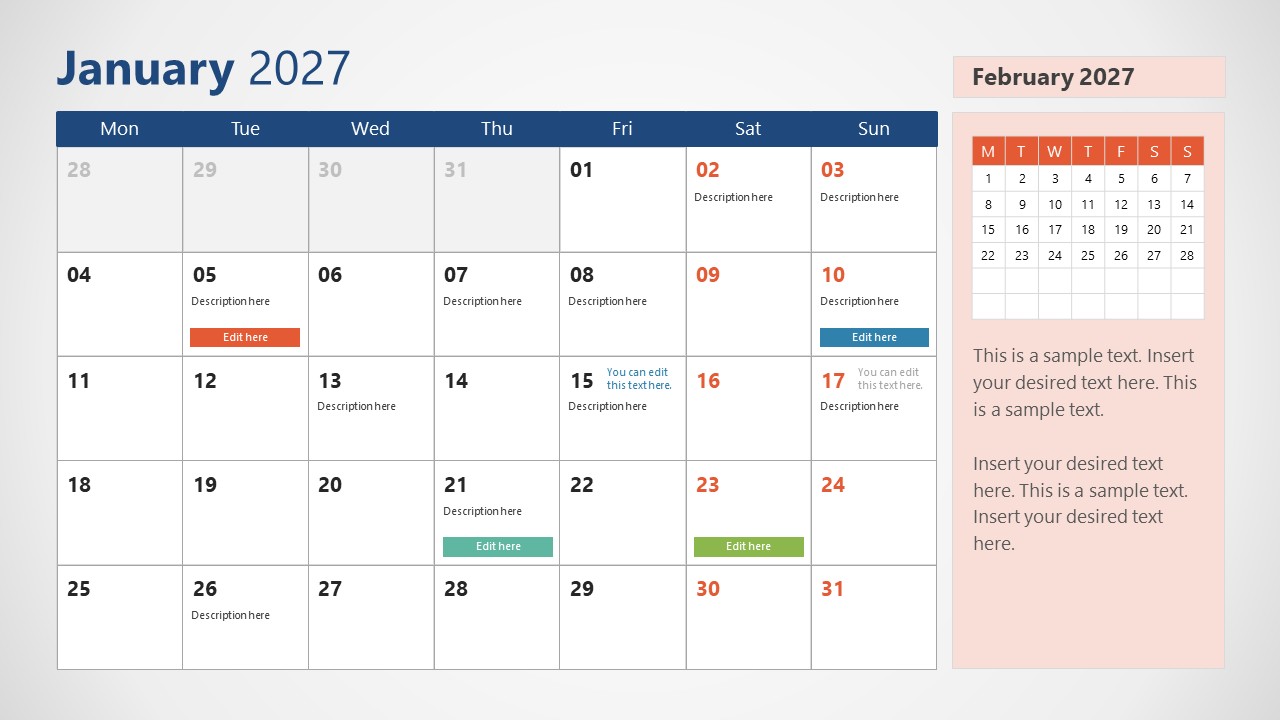
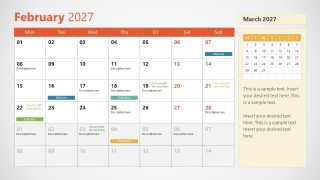
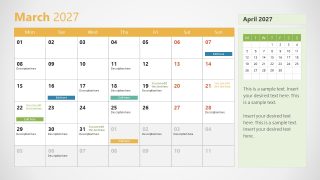
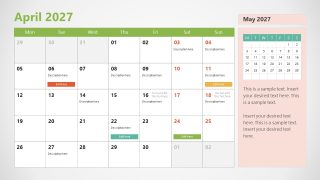
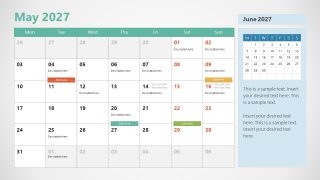
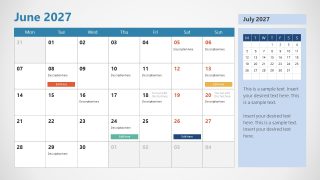
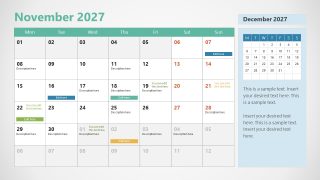
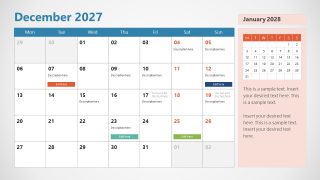
This PPT template includes 12 slides, one for each month, and every slide carries a calendar grid, color-coded event tags, and a vertical side panel previewing the following month. HR teams use the color labels consistently across all 12 slides to present the company-wide holiday and training calendar for 2027. Event management teams use the monthly slides to keep scheduled events visible to internal stakeholders throughout the year, and the same layout works for mapping board members’ travel plans across leadership meetings.
Shapes, tag placement, and color labels can all be adjusted to match whatever data a presenter needs to show. Pick the Sunday-first layout for US-style planning calendars, or stay with the Monday-first version for ISO-aligned date logic in international meetings.
What’s inside this template
Example presentation scenarios
- A project manager can present a 2027 execution plan to stakeholders by placing milestones and status notes inside the monthly calendar grids.
- An HR team can communicate company training, holidays, and policy deadlines by applying consistent color-coded event tags across the 12 month slides.
- A marketing lead can map a content plan or product launch schedule by using the date cells, description placeholders, and next-month preview panels.
- An event planner can brief internal teams on production deadlines, rehearsal dates, and event days using the monthly grids and colored schedule strips.
Features
- 100% editable presentation template
- Compatible with Microsoft PowerPoint and Google Slides
- 16:9 aspect ratio slides
- Scalable vector shapes, icons and illustrations
- AI-Ready for Microsoft Copilot and Claude
- Instant access and download
Frequently asked questions
Q: How should a presenter keep a full-year calendar plan clear instead of overcrowded?
A: Use the monthly slides as decision calendars, not storage pages. Place only the highest-value milestones in the date cells, keep supporting details in the sidebar text, and reserve the colored tags for recurring categories such as launches, training, holidays, or reviews. This keeps the audience focused on timing and priority.
Q: Who is this Monday-first 2027 calendar template best suited for?
A: It is best for teams that need to explain date-based work across the full year, such as HR, marketing, events, operations, and program management. The month-by-month sequence works well when presenters must align stakeholders on when activities happen, what is coming next, and which dates need attention.
Q: Why does the side mini-calendar make the schedule easier to understand?
A: The large grid acts as the working month, while the mini-calendar works like a time map that points to the next planning window. This design reduces calendar shock at month boundaries because the audience can see upcoming dates before the presenter moves to the following slide.


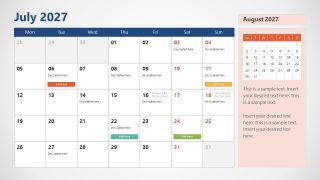
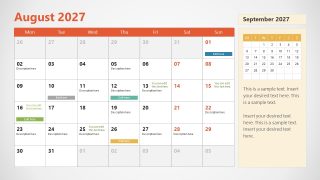
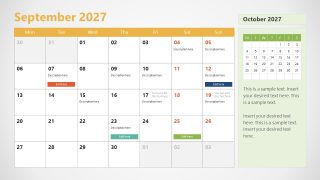
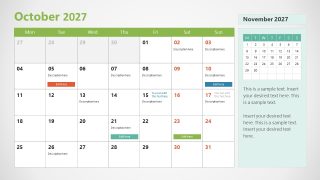
2027 Calendar PowerPoint Template With Monday as First Day
12-slide 2027 calendar presentation template for monthly schedules and color-coded event planning
The 2027 Calendar PowerPoint Template With Monday as First Day is a 12-slide 16:9 planning presentation template with one editable monthly calendar per slide. It shows Monday-first calendar grids, color-coded event tags, description placeholders, and a right-side mini calendar preview. It is for project, HR, marketing, and event teams using Microsoft PowerPoint or Google Slides.
- Category
- Timelines & Planning
- Rating

 Loading...
- Aspect ratio
- 16:9
- Item ID
- 23126-04
- Colors
 Microsoft PowerPoint
  Microsoft Copilot
  Claude for PowerPoint
 Other formats supported
Subscribe today and get immediate
access to download our PowerPoint templates.