Calendar PowerPoint templates can be used as part of event planning or in advance scheduling presentations. Unlike desktop or digital calendars, the PowerPoint calendar uses text boxes and placeholders to add events or reminders. These templates are helpful in all types of businesses and industries. Since they provide an advanced preview of activities each month. Moreover, monthly calendar template entries are also suitable for project planning presentations. Such as Gantt Charts to highlight time and resources or timeline management presentations.
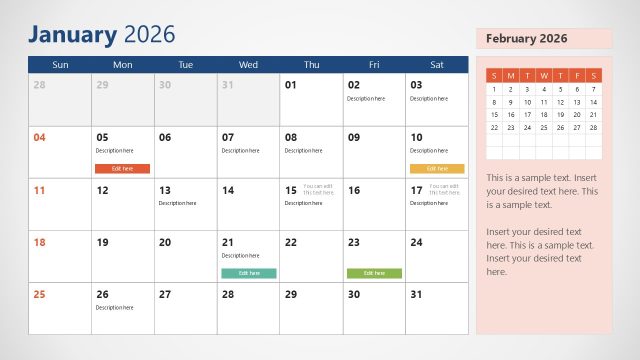
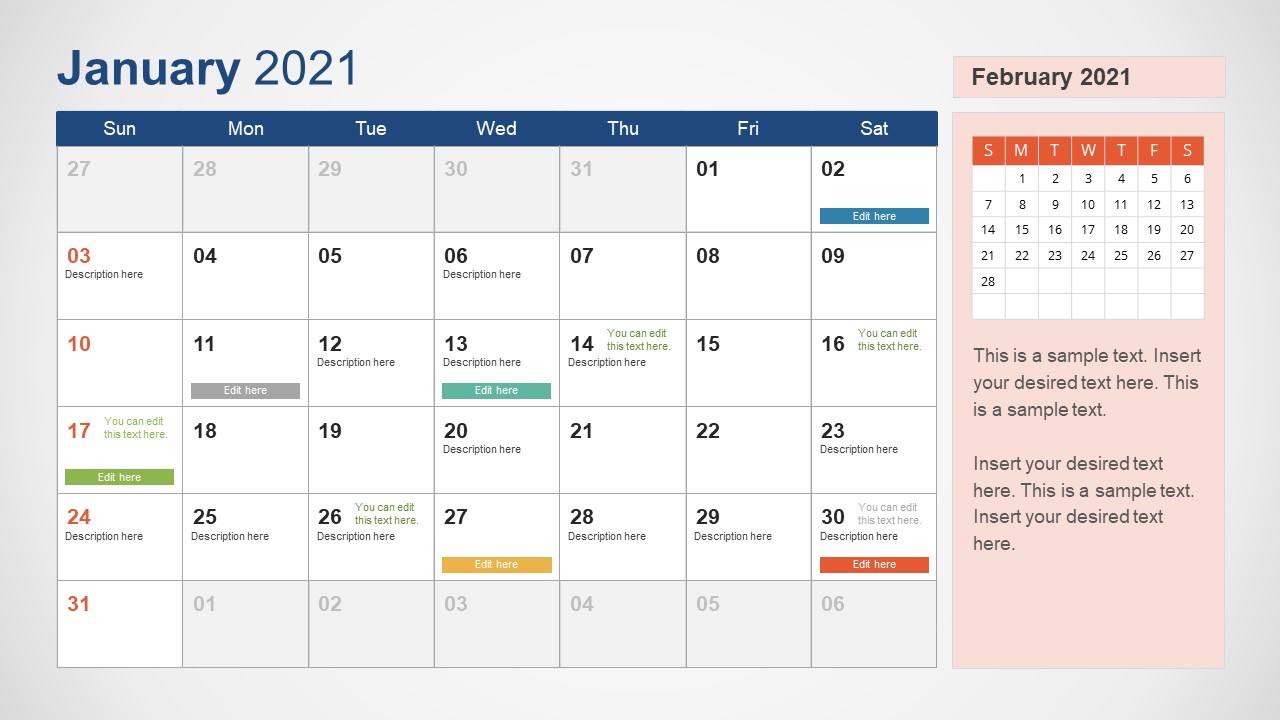
The 2021 Calendar PowerPoint Template is a fully editable presentation. This blank calendar template is also available for Google Slides Themes. The 2021 Calendar template includes 12 slides for each month in tabular format. These slides have pre-defined sections for weekdays and dates. Further, these slides provide next month’s calendar preview on one side. This way, viewers will get an idea of next month’s weeks or days without moving to the next slide.
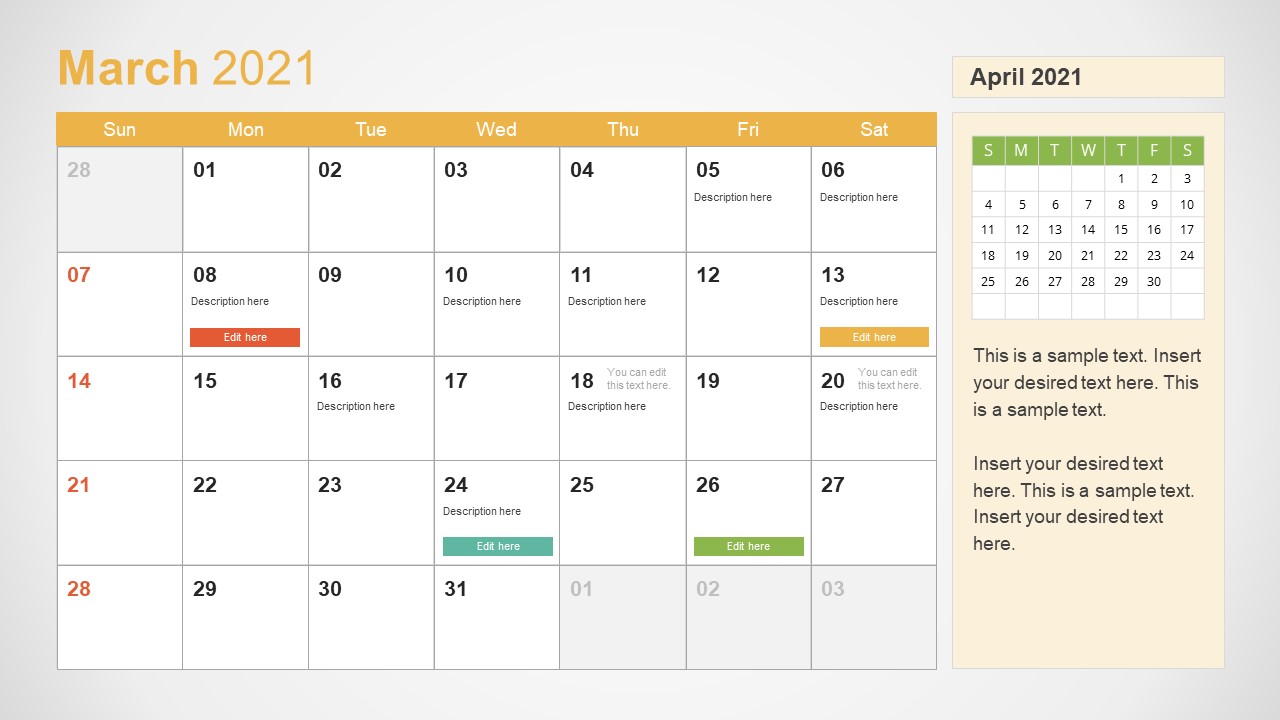
Each slide of the 2021 calendar has a different gradient share in background. These colors will bring uniqueness to the overall event calendar planner presentations. This 2021 Calendar PowerPoint Template starts a week from Sunday. These slides are fully editable, allowing users to change the start of the week and dates if necessary because editable PowerPoint shapes enable users to edit or move segments.
SlideModel catalog offers a weekly calendar template. Subscribers can also download other calendar templates for PowerPoint presentations or Google Slides, like the 2022 calendar templates or the 2023 calendar template for PowerPoint.
What’s inside this template
Example presentation scenarios
- A project manager can present monthly milestones to stakeholders using the calendar grid for due dates, the colored task bars for key workstreams, and the notes panel for risks or dependencies.
- An event planner can brief a client on preparation windows by placing venue deadlines, vendor calls, and event dates inside the monthly date cells.
- A marketing team lead can map campaign launches across 2021 using the dated calendar boxes for publication dates and the next-month preview to flag upcoming work.
- An operations coordinator can show staffing, closures, and recurring reminders during a monthly team meeting with the editable notes area and color-coded schedule markers.
Features
- 100% editable presentation template
- Compatible with Microsoft PowerPoint and Google Slides
- 16:9 aspect ratio slides
- Scalable vector shapes, icons and illustrations
- AI-Ready for Microsoft Copilot and Claude
- Instant access and download
Frequently asked questions
Q: How should a presenter organize information on each monthly calendar slide?
A: Keep the calendar grid for fixed dates such as meetings, launches, deadlines, and events. Use the colored task bars only for the highest-priority items so the month remains readable. Reserve the right-side notes panel for context, decisions, or reminders that explain why certain dates matter.
Q: Who is this calendar template best suited for?
A: This template is best for planners who need to communicate dates rather than analyze performance. Project managers, event coordinators, marketing teams, school administrators, and operations leads can use the month-by-month slides to align people around deadlines, recurring activities, and upcoming schedule changes.
Q: Why does the design include both a large calendar and a next-month preview?
A: The large calendar focuses attention on the active month, while the small next-month preview helps audiences see what is coming without changing slides. This reduces schedule ambiguity in planning meetings because presenters can discuss immediate dates and upcoming transitions in the same view.



2021 Calendar PowerPoint Template
12-slide 2021 calendar presentation template with monthly grids, notes panels, and next-month previews
The 2021 Calendar PowerPoint Template is a 12-slide planning deck for Microsoft PowerPoint and Google Slides. It provides one monthly calendar slide per month, with a large weekday grid, dated event placeholders, colored task bars, a right-side notes panel, and a small next-month preview for schedulers, project managers, and event planners.
- Category
- Timelines & Planning
- Rating


 Loading...
- Aspect ratio
- 16:9
- Item ID
- 20581-01
- Colors
 Microsoft PowerPoint
 Microsoft Copilot
 Claude for PowerPoint
Other formats supported
Subscribe today and get immediate
access to download our PowerPoint templates.