Slide 2 of 6 from 2-Step Ribbon Arrow Diagram Concept for PowerPoint
Ribbon Arrow Step 2 PowerPoint Diagram
Arrow Wrapped Concept for PowerPoint
- Diagram
- Arrow Sequence
- Process Slide
- 16:9
- 100% Editable
What’s on This Slide
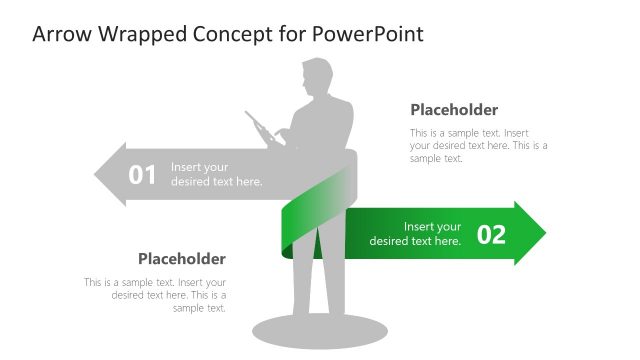
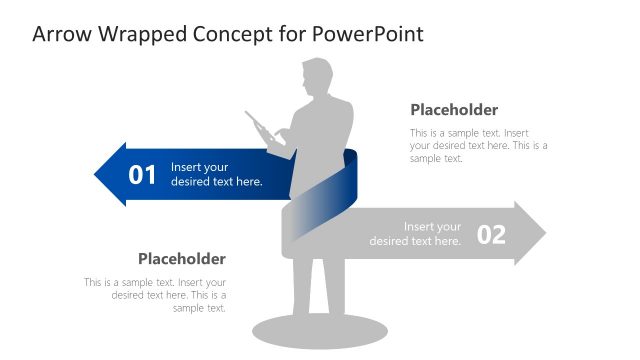
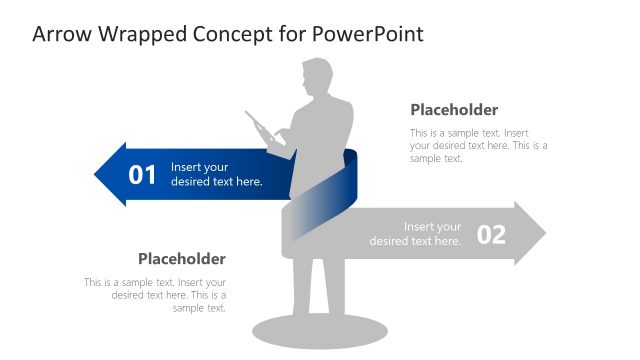
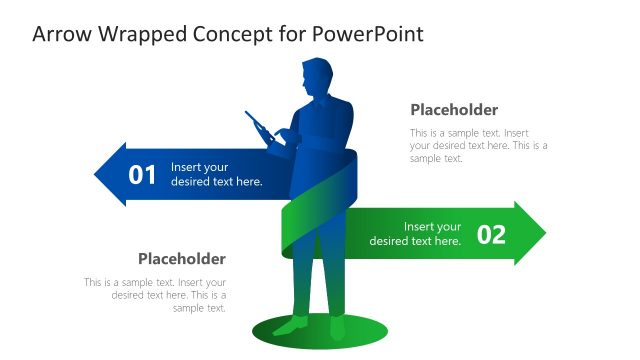
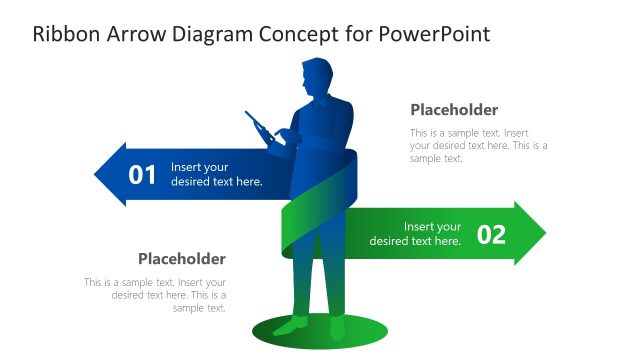
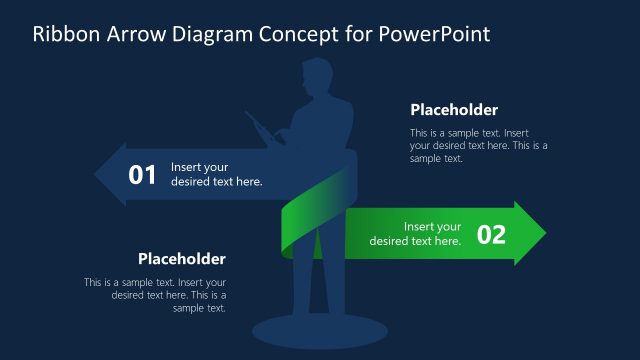
The layout features a central silhouette of a businessman holding a device, positioned slightly left. Two arrows, one pointing left and one pointing right, are at the top and bottom, respectively. The top arrow is gray with a text placeholder labeled '01' on the left side, while the bottom arrow is green with a placeholder labeled '02' on the right. A text placeholder is also located below the silhouette, centered, and contains additional sample text. The overall composition is balanced, with clear visual hierarchy and separation between elements.
How to Use It
This layout serves as a two-step process diagram, ideal for outlining sequential actions or stages. It fits well in a presentation sequence where a problem is introduced, followed by proposed solutions or steps. Suitable for business contexts, it can be used to present project phases, decision-making processes, or strategic initiatives. The clear visual flow aids in guiding the audience through the content effectively.
Text Placeholders & Capacity
Keep your copy within these limits so it fits without resizing. Body slots can hold around 10-15 words each.
| Placeholder | Count | Max characters (approx.) |
|---|---|---|
| Item heading | 2 | 2 |
| Item body | 2 | 50 |
| Body paragraph | 1 | 100 |
Slide Keywords
Download unlimited PowerPoint templates, charts and graphics for your presentations with our annual plan.
DOWNLOADReturn to 2-Step Ribbon Arrow Diagram Concept for PowerPoint.