Slide 2 of 3 from Free Arrow Wrapped Concept Diagram for PowerPoint
Businessman 2 Arrow Diagram PowerPoint
Arrow Wrapped Concept Diagram for Presentations
- Diagram
- Arrow Sequence
- Process Slide
- 16:9
- 100% Editable
The Arrow Wrapped Concept Diagram slide from the Free Arrow Wrapped Concept Diagram for PowerPoint template offers a clear process visualization ideal for project planning and strategy presentations. This slide layout uses editable shapes and vector icons to depict sequential steps, making it suitable for business presentations and pitch deck templates that require a structured slide deck with professional PowerPoint slides.
What’s on This Slide
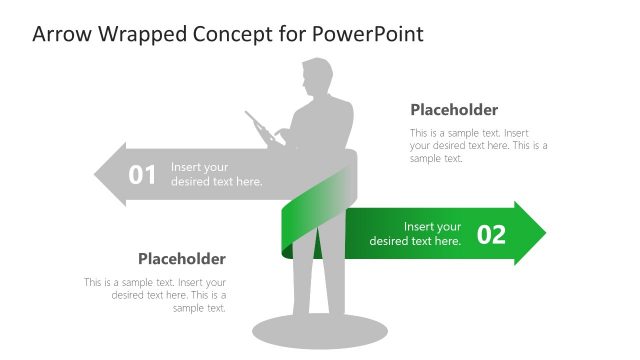
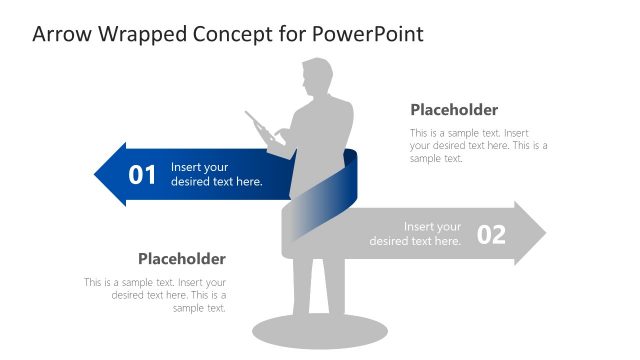
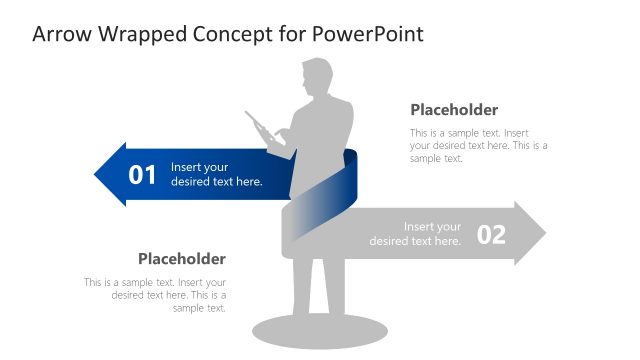
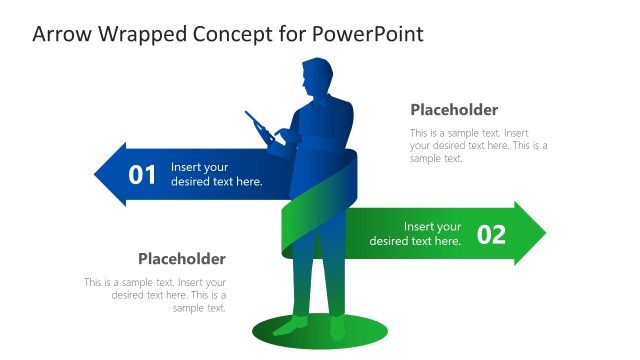
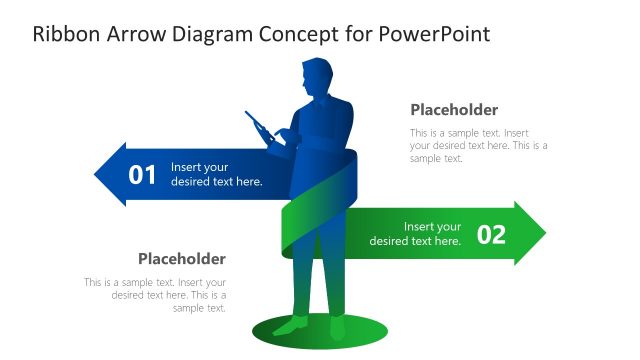
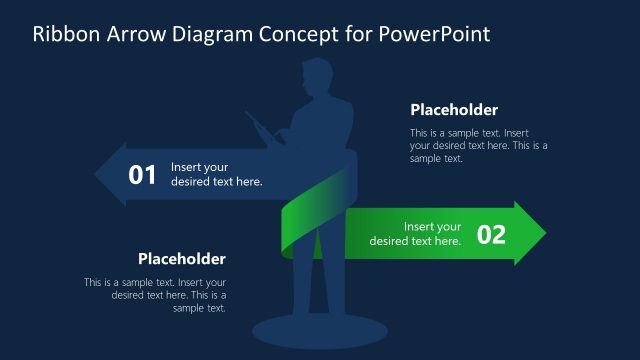
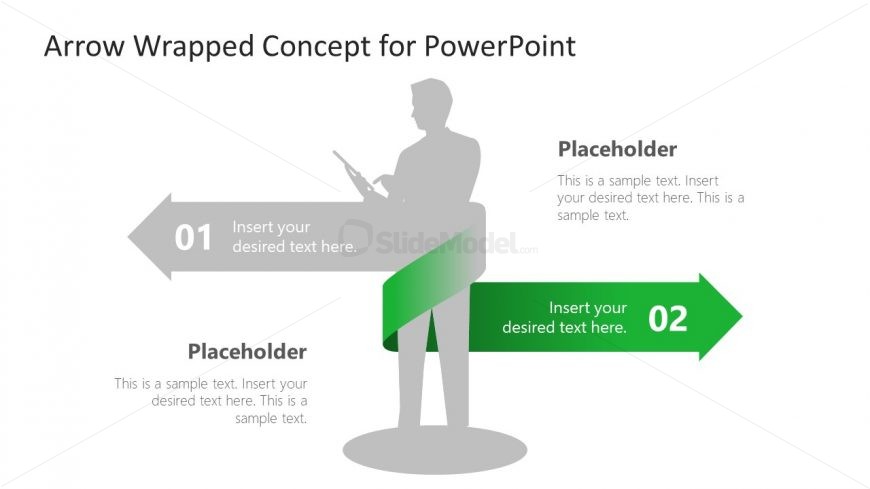
The layout features a central figure holding a device, positioned slightly left. Two arrows extend from the figure, one pointing left and the other right. The left arrow contains a numbered placeholder labeled '01' with space for text, while the right arrow features a numbered placeholder labeled '02'. Below the figure, a text placeholder is centered, allowing for additional content. The background is predominantly white, with a green gradient wrapping around the right arrow, creating a visual emphasis. The overall composition is balanced and structured.
How to Use It
This layout serves as a sequential process diagram, ideal for illustrating steps or phases in a presentation. It fits well after a problem statement and before a solution roadmap. This structure is useful in business contexts such as project planning, strategy discussions, or instructional content, where clear progression is essential. It can effectively highlight key points or actions that need to be taken, making it suitable for both formal and informal presentations.
Text Placeholders & Capacity
Keep your copy within these limits so it fits without resizing. Node body slots can hold about 15-20 words each.
| Placeholder | Count | Max characters (approx.) |
|---|---|---|
| Item heading | 2 | 30 |
| Item body | 2 | 100 |
| Body paragraph | 1 | 200 |
Slide Keywords
Download unlimited PowerPoint templates, charts and graphics for your presentations with our annual plan.
DOWNLOADReturn to Free Arrow Wrapped Concept Diagram for PowerPoint.