Slide 6 of 6 from 2-Step Ribbon Arrow Diagram Concept for PowerPoint
Ribbon Arrow 1 PowerPoint Diagram
Ribbon Arrow Diagram Concept for PowerPoint
- Diagram
- Arrow Sequence
- Process Slide
- 16:9
- 100% Editable
What’s on This Slide
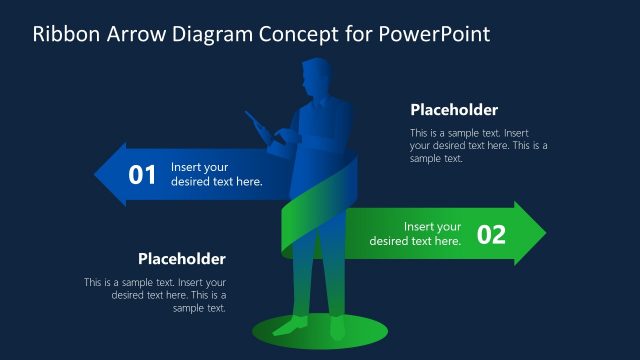
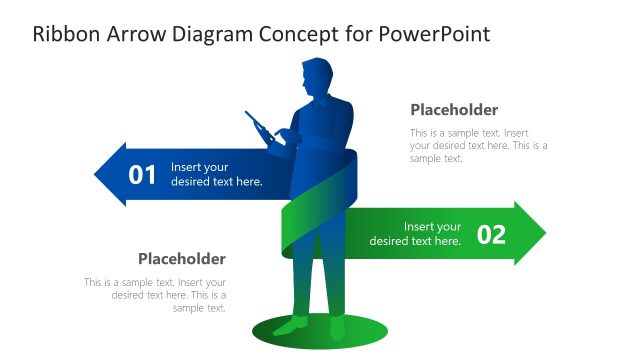
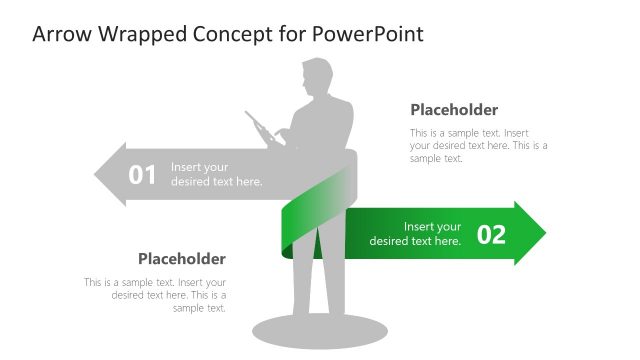
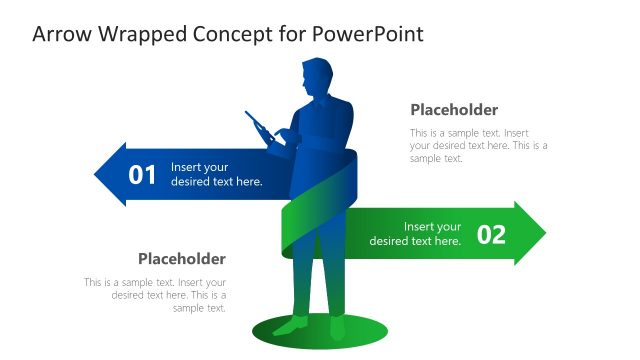
The layout features a dark blue background with a central silhouette of a businessman holding a device. Two large arrows, one pointing right and the other pointing left, are positioned at the top and bottom of the slide. The left arrow is gray with a text placeholder labeled '01' and a text area beneath it. The right arrow is green with a text placeholder labeled '02' and another text area below. The text placeholders are centrally aligned and designed to accommodate descriptive text, creating a clear visual hierarchy.
How to Use It
This layout serves as a two-step process diagram, ideal for illustrating sequential actions or decisions. It fits well in a presentation sequence after a problem statement and before a solution or conclusion. Business scenarios include project overviews, process explanations, or strategic plans, where clarity in steps is essential for audience understanding.
Text Placeholders & Capacity
Keep your copy within these limits so it fits without resizing. Node body slots can hold about 15-20 words each.
| Placeholder | Count | Max characters (approx.) |
|---|---|---|
| Item heading | 2 | 30 |
| Item body | 2 | 100 |
| Slide title | 1 | 50 |
| Footer | 1 | 150 |
Slide Keywords
Download unlimited PowerPoint templates, charts and graphics for your presentations with our annual plan.
DOWNLOADReturn to 2-Step Ribbon Arrow Diagram Concept for PowerPoint.