Slide 3 of 11 from 10 Item Tunnel Layout PowerPoint Diagram
Slide 3 of Comparison Agenda PowerPoint
10 Item Tunnel Layout for PowerPoint
- Diagram
- Comparison Split
- Comparison Slide
- 16:9
- 100% Editable
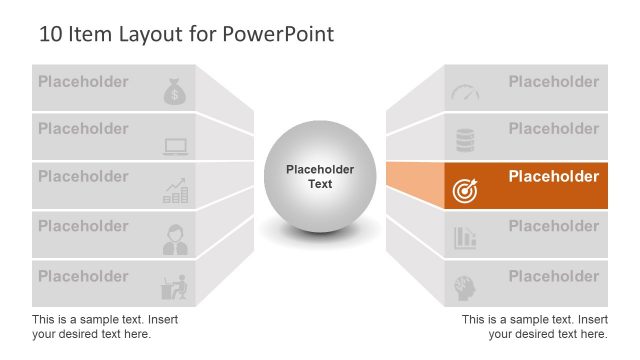
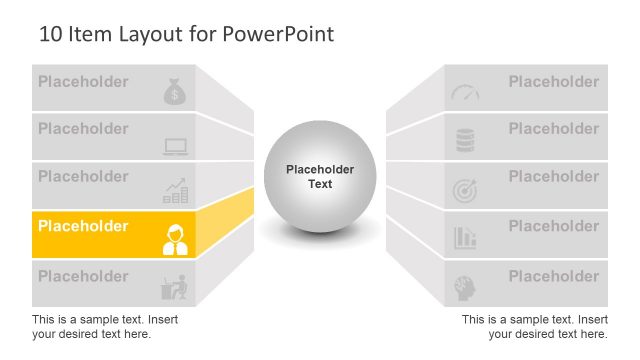
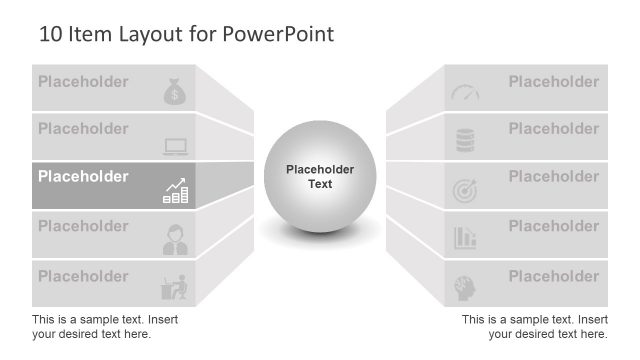
The 10 Item Tunnel Layout slide from the 10 Item Tunnel Layout PowerPoint Diagram template offers a clear and organized way to compare ten key elements using editable shapes and vector icons. Ideal for business presentations, this slide layout supports project updates and strategic highlights by visually emphasizing a central concept surrounded by related items, enhancing clarity in corporate presentation slide decks.
What’s on This Slide
The layout features a central circular placeholder with text, surrounded by ten rectangular placeholders arranged in two columns. The left column contains five placeholders with icons, while the right column mirrors this arrangement. The central circle is larger and visually distinct, emphasizing its importance. The placeholders are aligned vertically, with the central circle positioned at the midpoint. An orange-highlighted placeholder in the left column stands out among the gray ones. Text placeholders are present at the bottom for additional content, maintaining a clear visual hierarchy.
How to Use It
This layout serves as a structured framework for presenting ten key items or concepts in a visually engaging manner. It fits well in a presentation sequence following an introduction or agenda slide, effectively summarizing main points. This format is suitable for business scenarios like project updates, product features, or strategic highlights, where clear differentiation of items is essential. It allows for easy comparison and emphasizes key takeaways, making it useful for both team meetings and client presentations.
Text Placeholders & Capacity
Keep your copy within these limits so it fits without resizing. Node labels can hold about 30 characters each, while body text can accommodate around 50 characters.
| Placeholder | Count | Max characters (approx.) |
|---|---|---|
| Item heading | 10 | 30 |
| Item body | 10 | 50 |
| Body paragraph | 2 | 100 |
| Slide title | 1 | 40 |
Slide Keywords
Download unlimited PowerPoint templates, charts and graphics for your presentations with our annual plan.
DOWNLOADReturn to 10 Item Tunnel Layout PowerPoint Diagram.