Slide 2 of 11 from 10 Item Tunnel Layout PowerPoint Diagram
Slide 2 of Comparison Agenda PowerPoint
10 Item Layout for PowerPoint Diagram
- Diagram
- Comparison Split
- Comparison Slide
- 16:9
- 100% Editable
The 10 Item Layout for PowerPoint from the 10 Item Tunnel Layout PowerPoint Diagram template offers a clear comparison slide ideal for business presentations. This slide template uses editable shapes and vector icons arranged around a central node, making it effective for summarizing key takeaways or agenda items within a corporate presentation or pitch deck template.
What’s on This Slide
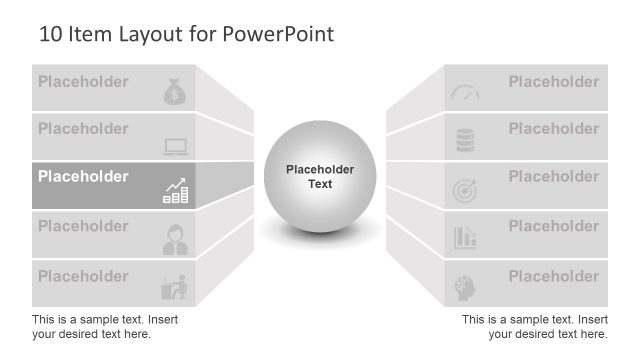
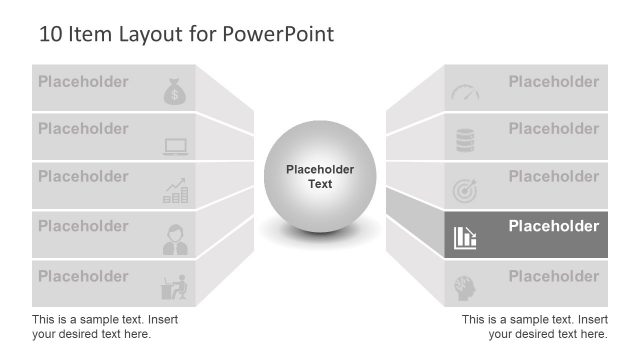
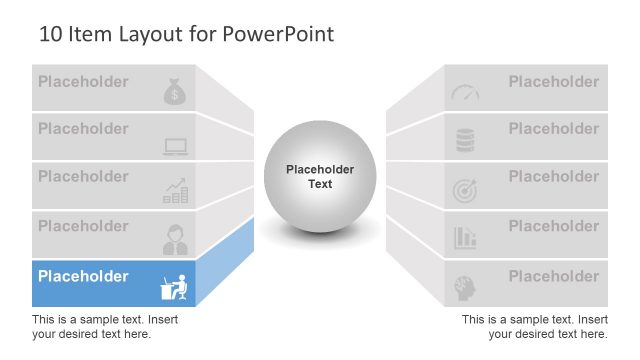
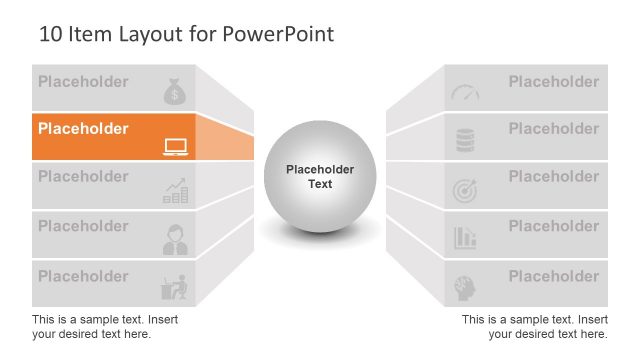
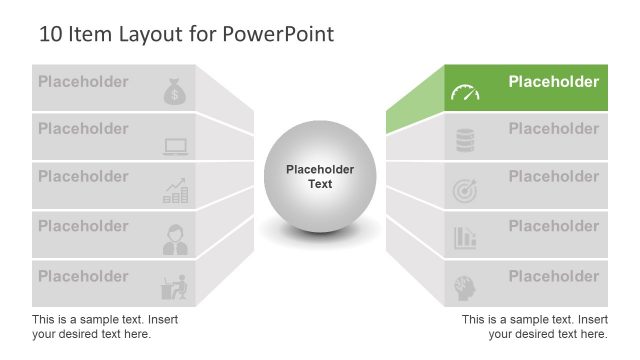
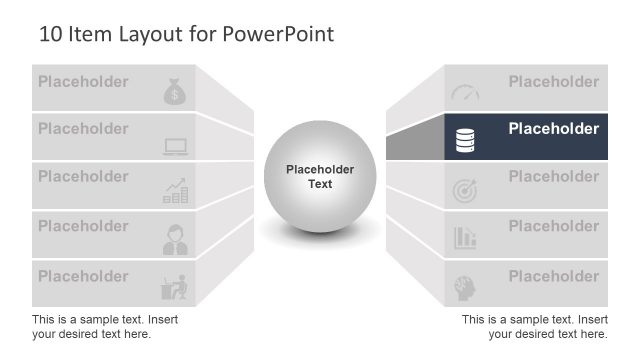
The layout features a central circular node labeled 'Placeholder Text' flanked by two vertical columns. Each column contains five rectangular sections with placeholders for text, arranged in a stacked format. The top section of the left column includes an icon of a dollar sign, while the right column has various icons representing different concepts. The background is a light gray, and the overall composition emphasizes the central node, creating a clear visual hierarchy. Text placeholders are aligned centrally within their respective sections.
How to Use It
This layout serves as a structured framework for presenting ten distinct items or concepts, making it suitable for agendas, key takeaways, or comparisons. It fits well in a presentation sequence after introducing a topic and before diving into detailed discussions. This format is applicable in business contexts for summarizing lessons learned or highlighting key concepts, effectively guiding the audience through the presented information.
Text Placeholders & Capacity
Keep your copy within these limits so it fits without resizing. Node slots can accommodate roughly 50 characters each.
| Placeholder | Count | Max characters (approx.) |
|---|---|---|
| Slide title | 1 | 30 |
| Item body | 10 | 50 |
| Body paragraph | 2 | 100 |
Slide Keywords
Download unlimited PowerPoint templates, charts and graphics for your presentations with our annual plan.
DOWNLOADReturn to 10 Item Tunnel Layout PowerPoint Diagram.