Slide 2 of 11 from 10 Elements Idea Metaphor PowerPoint Diagram
10 Elements Metaphor Infographic PPT
10 Elements Idea Metaphor PowerPoint Diagram
- Diagram
- Circular Cycle
- Process Slide
- 16:9
- 100% Editable
What’s on This Slide
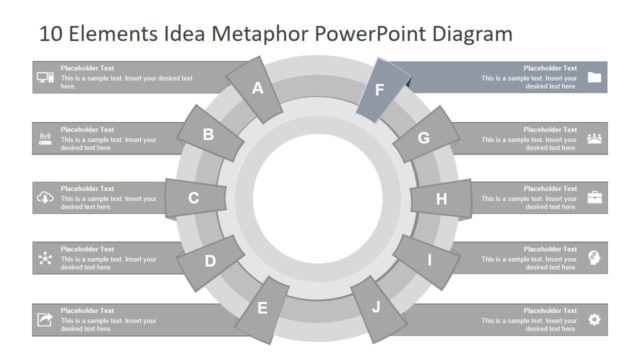
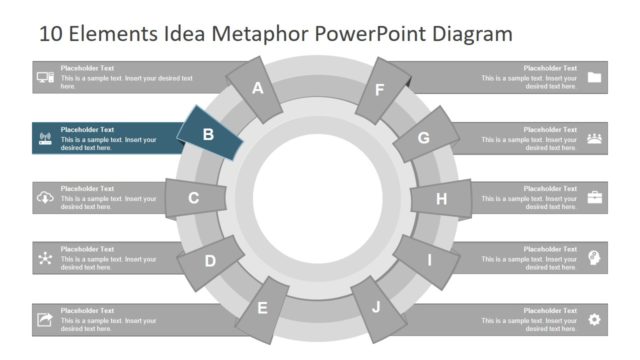
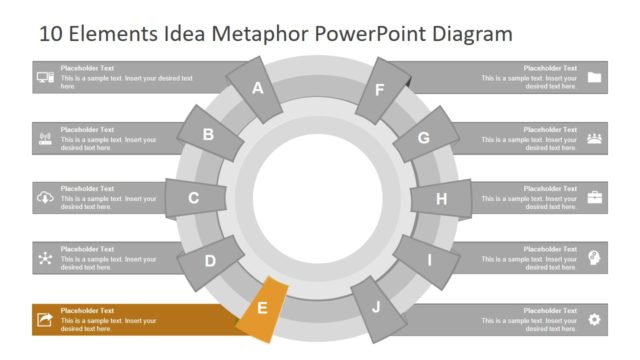
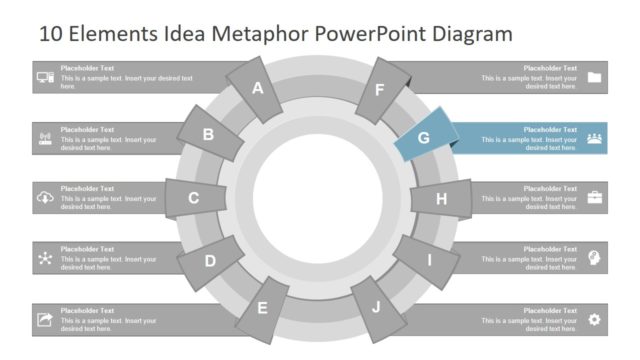
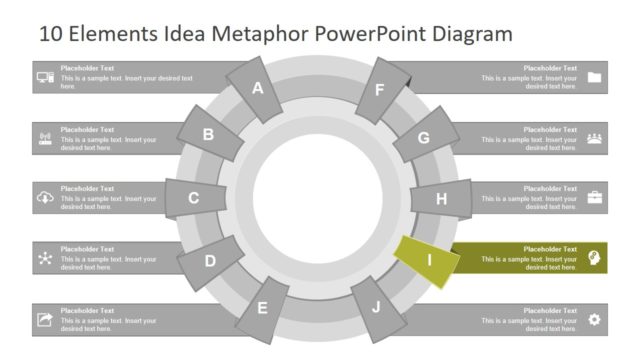
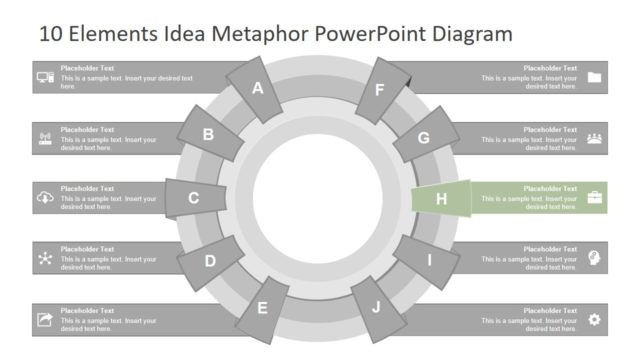
The layout features a circular diagram with ten segments arranged in a radial pattern. Each segment contains a placeholder for text, positioned around a central empty circle. The segments are labeled A through J, with segment A highlighted. The text placeholders are aligned centrally within each segment, allowing for a clear visual hierarchy. The background is light with a subtle gradient, and the segments are shaded in varying tones of gray. The overall composition emphasizes the central idea while clearly delineating each segment for individual content.
How to Use It
This layout serves as a process cycle or comparison diagram, effectively illustrating ten distinct elements or steps. It fits well in presentations that require a visual representation of interconnected ideas or stages. Ideal for business contexts, it can be used for product comparisons, process explanations, or showcasing multiple features. This structure allows for easy modification to suit various topics while maintaining clarity and organization throughout the presentation sequence.
Text Placeholders & Capacity
Keep your copy within these limits so it fits without resizing. Each segment can hold a title and a brief description, roughly 30 and 100 characters respectively.
| Placeholder | Count | Max characters (approx.) |
|---|---|---|
| Item heading | 10 | 30 |
| Item body | 10 | 100 |
Slide Keywords
Download unlimited PowerPoint templates, charts and graphics for your presentations with our annual plan.
DOWNLOADReturn to 10 Elements Idea Metaphor PowerPoint Diagram.