Meetup presentations occupy a specific space between informal conversation and structured public speaking. They are delivered to peers, not clients, managers, or anonymous conference audiences. This context changes everything: how slides should look, how content should be framed, and how the presenter is perceived. Most people who speak at meetups are not professional speakers. They are developers, founders, designers, marketers, or operators sharing firsthand experience with a community that expects honesty rather than polish.
In this article, we’ll learn how to prepare and deliver a meetup presentation, from its structure, slide design, pacing, and decision-making before stepping on stage. The objective is not to turn meetup talks into simplified conference presentations, but to help presenters communicate clearly, respect the audience’s expectations, and avoid the common mistakes that make meetup talks feel overly corporate or disconnected from the room.
Table of Contents
- What Is a Meetup Presentation?
- Meetup Presentations Compared to Conferences, Workshops, and Meetings
- Differences Across Meetup Types and Objectives
- Typical Meetup Presentation Duration and Visual Expectations
- Preparing Your First Meetup Presentation
- Using AI to Prepare Meetup Talking Points
- Slide Templates and Visual Resources for Meetups
- Practical Tips for Delivering a Meetup Talk
- FAQs
- Final Words
What Is a Meetup Presentation?
A meetup presentation is a talk delivered at a community event rather than in a formal corporate or academic setting. These presentations usually take place within technology groups, startup circles, design communities, marketing collectives, data science meetups, product management groups, or local business networks. While the format involves slides and a speaker, the intent differs significantly from traditional professional presentations. The goal is rarely to sell, close a deal, or report internally. Instead, the focus is on sharing experience, explaining an idea, or contributing practical insight to a group that voluntarily chose to attend.
Most meetup presenters are not trained speakers. They are founders, developers, designers, analysts, or operators who have something relevant to share. This shapes both expectations and tolerance. The audience does not expect polished performance or complex visuals. What they do expect is clarity, honesty, and relevance. A meetup presentation works when it feels grounded in lived experience rather than abstract theory. Slides support the talk, but they do not carry it.
Unlike corporate decks, a presentation for meetup event context typically avoids heavy branding, rigid agendas, or dense frameworks. Attendees want to understand how something works, why a decision mattered, or what failed and why. This preference influences how presenters should structure their meetup slide deck, how many slides they use, and how they frame their message. Treating a meetup like a scaled-down conference talk often creates distance rather than engagement.
Meetup Presentations Compared to Conferences, Workshops, and Meetings
Understanding what a meetup presentation is becomes easier when compared to other standard formats. A conference presentation usually targets a broader audience with varied backgrounds. It often emphasizes authority, credentials, and a tightly managed narrative. Speakers are selected in advance, time slots are fixed, and delivery is expected to be rehearsed. Slides tend to be more refined, sometimes visually elaborate, and the speaker’s role is clearly elevated.
A meetup presentation operates under different constraints. The audience is narrower and more specialized. Attendees often share a baseline level of knowledge, which allows the presenter to skip broad introductions and focus on specifics. The tone is informal, and deviations from the script are acceptable. Questions may interrupt the flow. This makes meetup presentation vs conference presentation distinctions important when preparing content.
Workshop presentations introduce another contrast. A workshop presentation is designed around active participation. Slides exist mainly to guide exercises, explain tasks, or structure activities. Time is allocated for hands-on work, and learning outcomes are explicit. In contrast, a meetup talk may include demonstrations or examples, but it rarely pauses for structured practice. This difference matters when considering meetup presentation vs workshop presentation approaches.
Meeting presentations, such as internal updates or stakeholder briefings, prioritize alignment and decision-making. They follow a defined agenda example and aim to reach consensus or approval. Slide content is often dense because attendees are expected to review or act on the information later. Meetup audiences do not share this obligation. They attend out of interest, not necessity. Presenters who overload slides with data or decision logic often lose attention.
Differences Across Meetup Types and Objectives
Not all meetups are alike. The nature of the community shapes how a presentation should be framed. A tech meetup presentation slides set for a general technology audience might focus on concepts, architecture, or trends. A developer meetup presentation usually demands specificity. Developers expect code-level explanations, technical trade-offs, and honest discussion of constraints. Slides in these contexts often act as reference points rather than visual narratives.

Product-focused meetups introduce another shift. A product meetup presentation often centers on decision-making, prioritization, user feedback, and iteration cycles. The audience may include designers, engineers, and managers, which requires careful balance. Presenters need to explain reasoning without oversimplifying. Visuals might include workflows, roadmap slides, or simplified diagram templates, but they should remain readable at a glance.
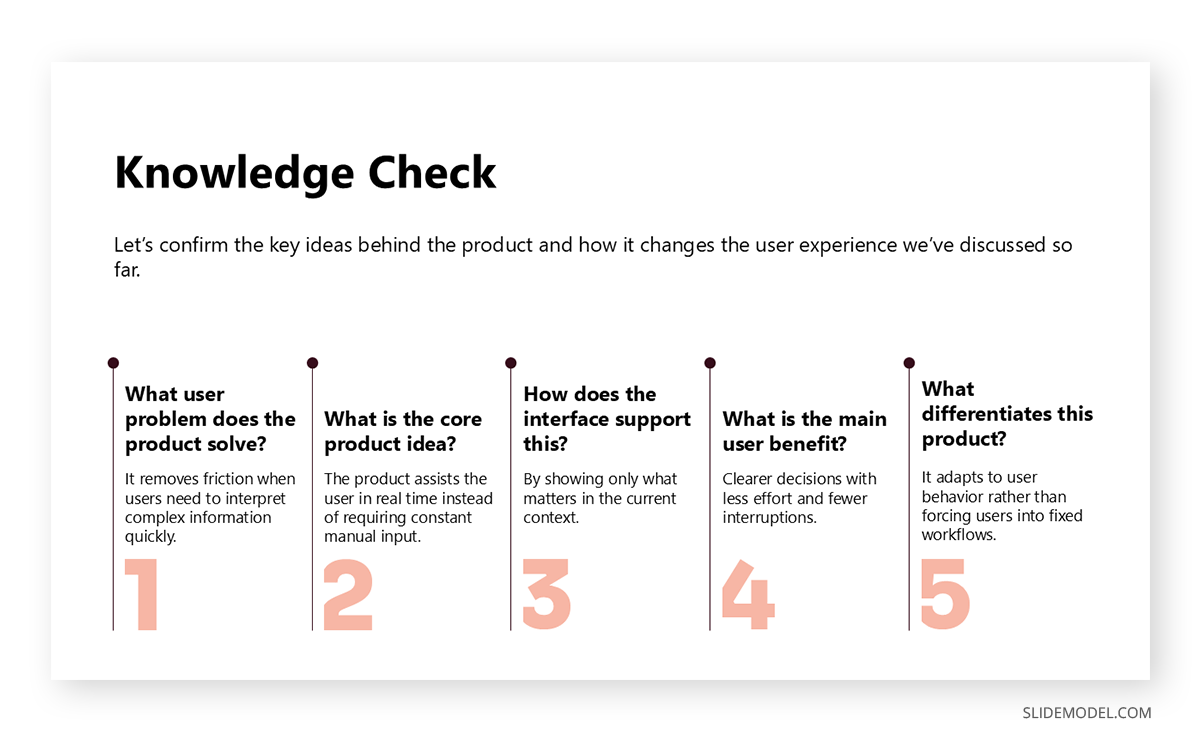
Design meetups value visual clarity but resist decorative excess. Slides are expected to be clean and intentional. The presentation may include process artifacts, before-and-after examples, or a critique. Overly corporate templates feel out of place here. An informal presentation for meetups in design contexts often relies on white space and restraint rather than dense layouts.
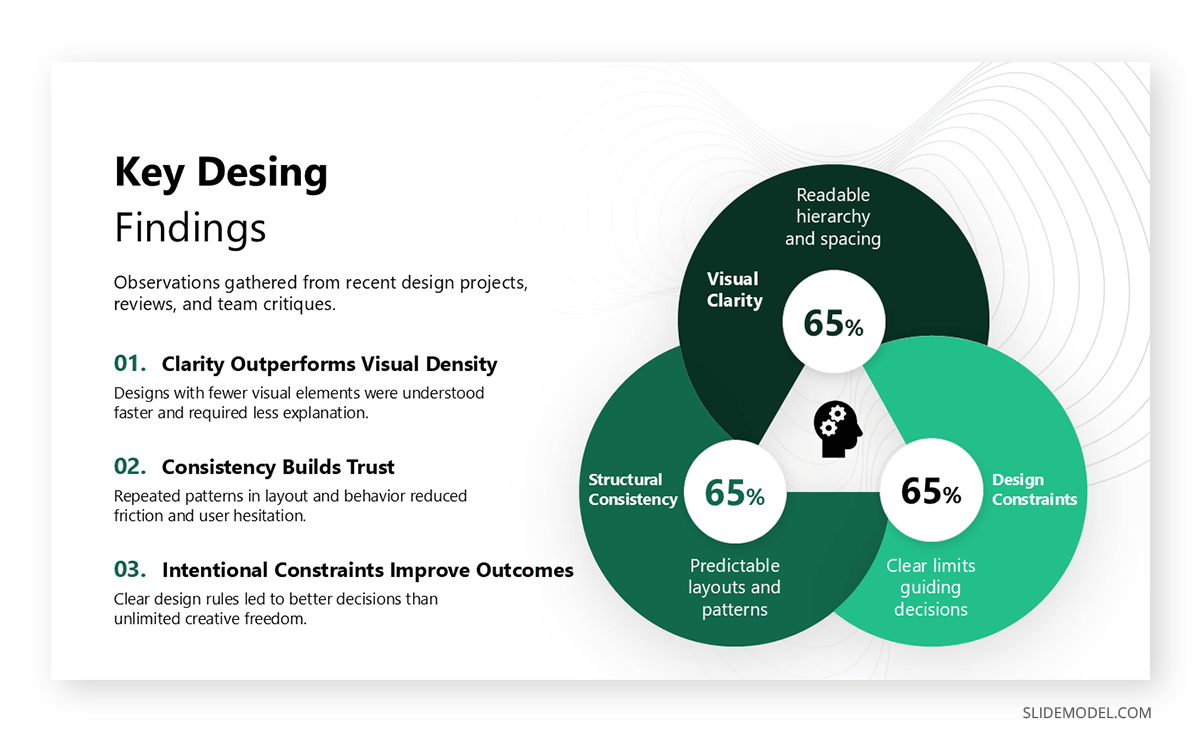
Community and local business meetups introduce different objectives. These events often aim to build relationships and encourage participation. A community event presentation slides set might include calls to collaborate, resources to share, or invitations to continue the discussion. The presentation succeeds when it lowers barriers rather than asserts expertise.
Typical Meetup Presentation Duration and Visual Expectations
Most meetup talks last 20-40 minutes, often followed by questions. This timeframe strongly influences slide count. A common mistake among first-time presenters is preparing too many slides. When speakers ask how many slides for a meetup presentation, a practical guideline is one slide per 1 to 2 minutes of speaking time. This keeps pacing manageable and prevents rushing.
Visual expectations at meetups are modest. Slides should be legible from the back of the room and readable on shared screens. Text-heavy slides slow delivery and shift attention away from the speaker. Images, diagrams, or short phrases work better than paragraphs. Attendees did not come to read; they came to listen and think.
Slide branding should be minimal. A logo on the title slide is sufficient. Full brand systems, marketing slogans, or promotional language can create resistance. Meetup audiences are sensitive to perceived sales intent. Even when discussing a product or company, framing the content as a learning experience maintains trust.
Consistency matters more than polish. Simple slides for meetup talk settings benefit from stable layouts and a predictable presentation structure. Attendees quickly learn where to look for context, examples, or takeaways. Frequent layout changes or visual experiments increase cognitive load without adding value.
Preparing Your First Meetup Presentation
A first meetup presentation can feel intimidating because the feedback is immediate and unfiltered. Unlike conference audiences, who often applaud regardless of content, meetup audiences respond honestly. Preparing effectively reduces anxiety and improves delivery.
Start by defining why your topic matters to this specific audience. Avoid broad claims. Instead, identify a concrete problem, question, or situation that attendees recognize. This grounding step shapes the entire narrative. When people see themselves in the opening minutes, attention stabilizes.
Next, outline your talk verbally before opening the slide software. Many first-meetup presentation tips emphasize this step because it prevents slides from dictating the structure. Decide what you want attendees to remember and how each section supports that outcome. Only then translate the outline into slides.
Keep your personal introduction short. Explain who you are in relation to the topic, not your whole background. Credibility at meetups comes from relevance, not titles. Overemphasizing credentials can feel defensive.
Rehearsal matters, but over-rehearsing can flatten delivery. Aim to know your flow without memorizing exact wording. Meetup talks benefit from natural phrasing and responsiveness to the room. Practicing transitions between sections often matters more than perfecting individual slides.
Finally, prepare for questions. Anticipate where assumptions may be challenged. Having backup slides or notes helps, but the ability to explain your reasoning verbally carries more weight than extra visuals.
Using AI to Prepare Meetup Talking Points
AI tools can assist with preparation when used carefully. They are useful for generating initial outlines, clarifying talking points, or identifying gaps in logic. However, relying on AI-generated scripts often results in generic phrasing that meetup audiences detect immediately.
A better approach is to use AI to interrogate your ideas. For example, asking an AI to challenge your assumptions or propose questions an audience might ask can improve readiness. Generating alternative explanations helps refine clarity.
Recommended lecture: ChatGPT for Presentations
When drafting slides, AI can help summarize complex concepts into concise phrases. The presenter should then revise these phrases to match their natural language. Authenticity matters more than efficiency. If, instead, you struggle with the content to populate your slides, you can try our AI presentation maker tool, SlideModel.ai, which not only brings AI power to the written aspects but also generates images and icons once you select your preferred presentation template and review the generated presentation outline.
AI is also useful for time management. Simulating a talk outline and estimating speaking time per section helps answer questions like how to prepare a meetup presentation within given constraints. The tool becomes a planning aid rather than a content source.
Slide Templates and Visual Resources for Meetups
Choosing the proper meetup presentation template simplifies preparation and reduces visual friction. Templates designed for corporate sales or executive reporting often feel out of place. Meetup-friendly templates emphasize readability, neutral color palettes, and flexible layouts.
A free meetup presentation template can be sufficient when it prioritizes spacing and legibility over decoration. Look for templates that let you highlight one idea per slide and scale well across different screen sizes.
Recommended lecture: The 10-20-30 Rule of Presentations
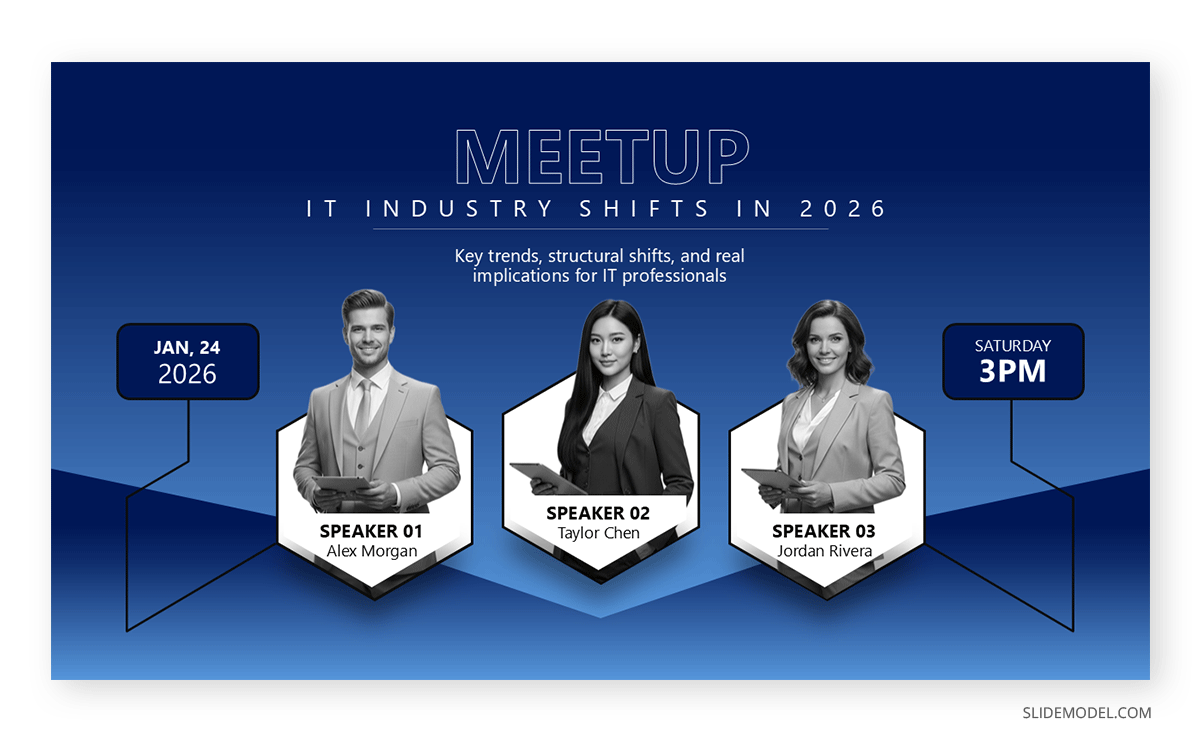
SlideModel offers several resources that can be adapted for meetups without appearing corporate. For meetup talks, title slides should be restrained. A simple title slide with the talk name, your name, and the meetup or community logo is enough to establish context. Avoid subtitle overload or taglines. The audience will calibrate expectations based on your opening words, not on a visual flourish.
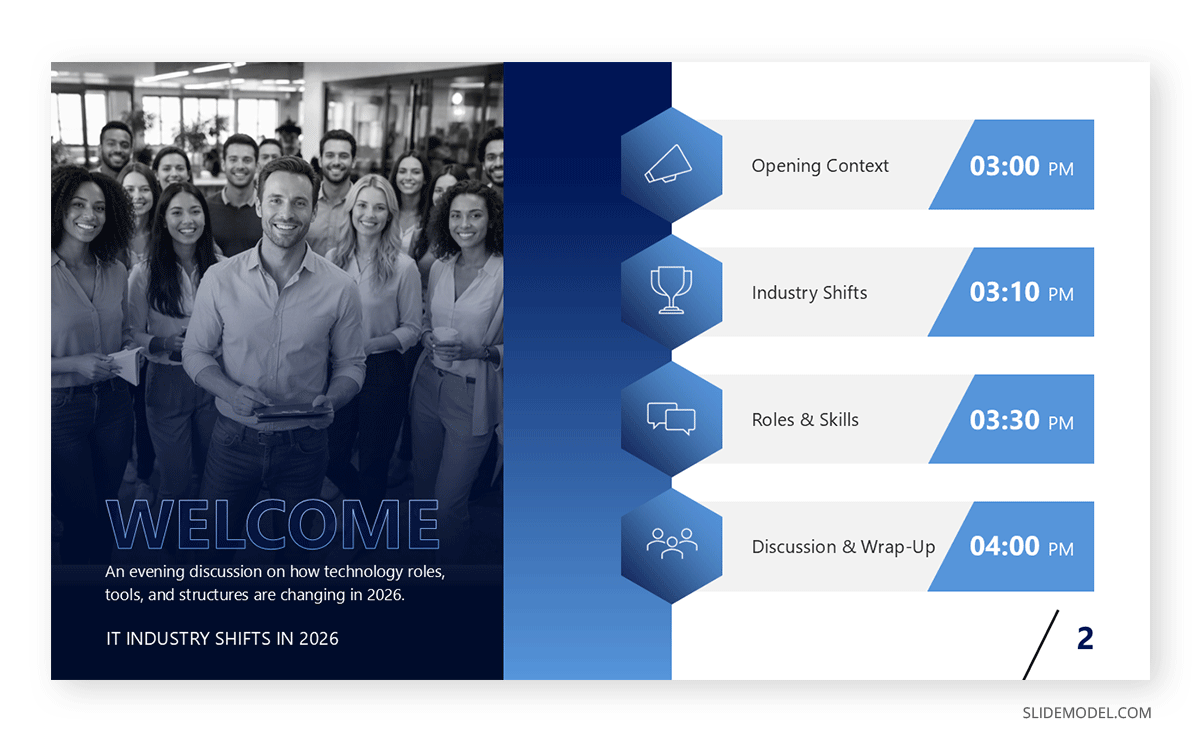
For agenda structuring, an agenda slide can help orient the audience without formalizing the talk excessively. Instead of a rigid multi-step agenda, a short orientation slide outlining the main sections helps the audience follow along without switching to corporate mode. This is particularly effective when transitioning from informal introductions to more structured content. If you include an agenda, keep it conceptual rather than procedural.
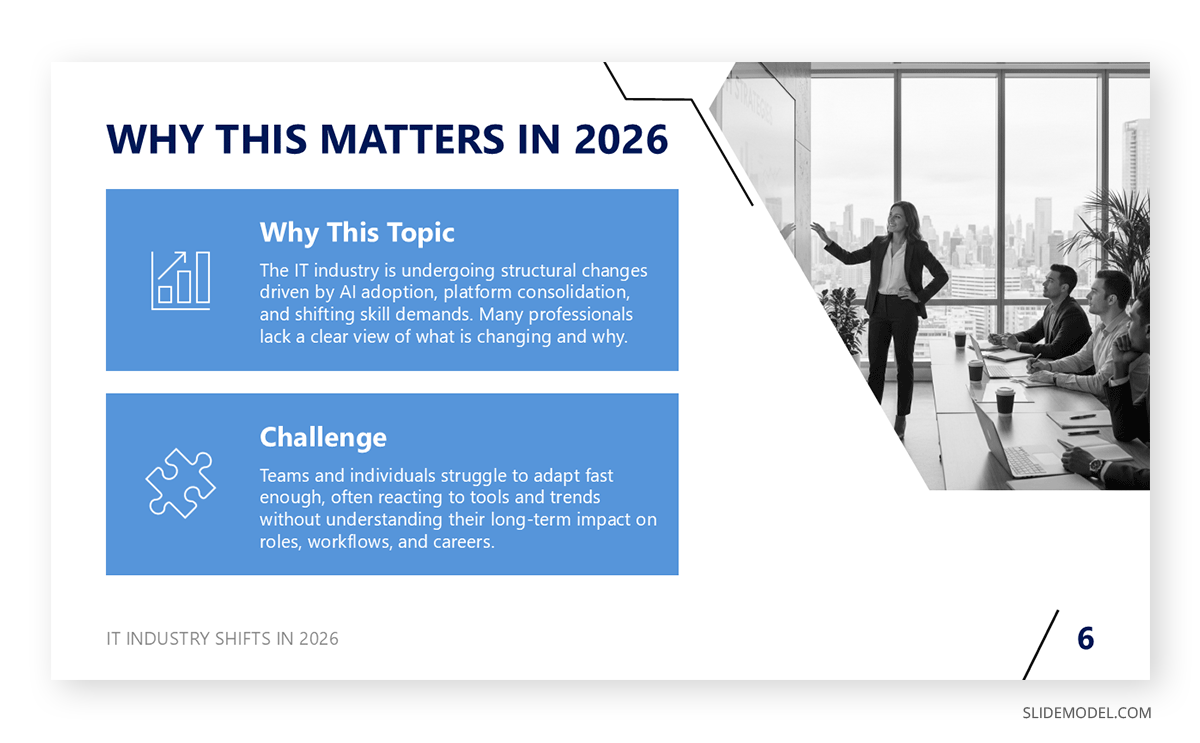
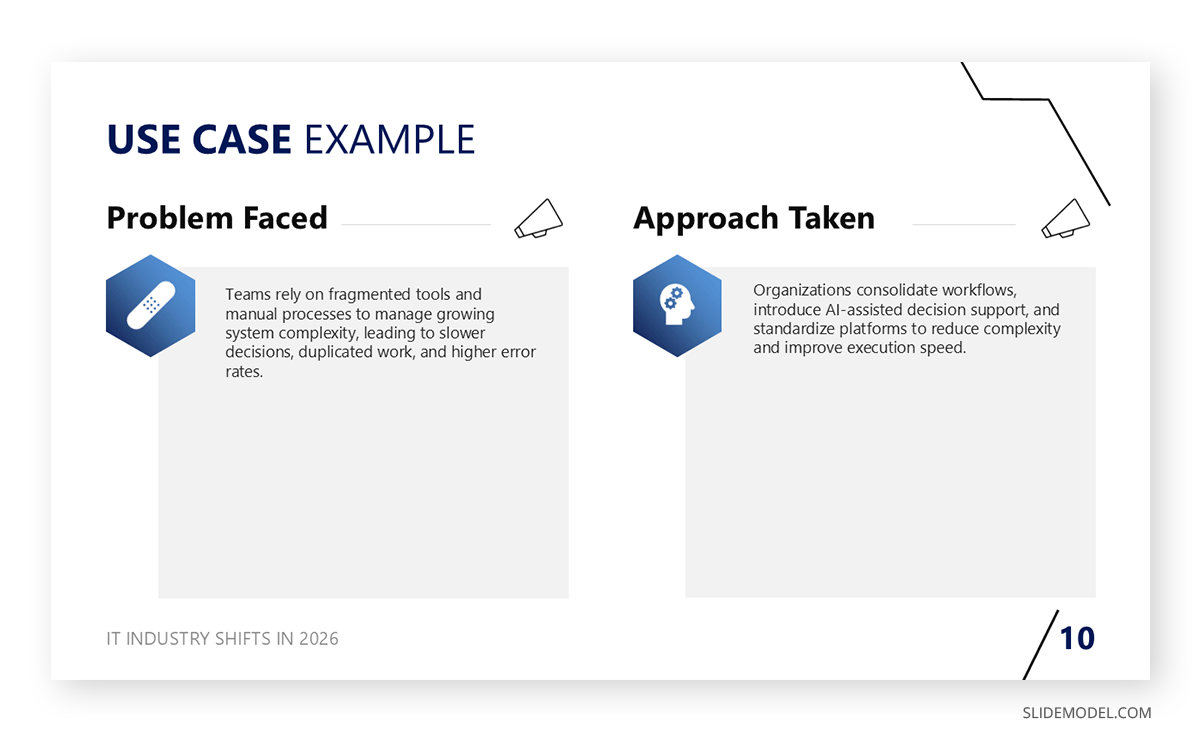
Problem framing slides are especially valuable in meetup settings. A single slide stating the challenge, question, or situation you encountered grounds the talk in reality. These slides often work best with minimal text and a short sentence that mirrors how the audience might phrase the problem themselves.
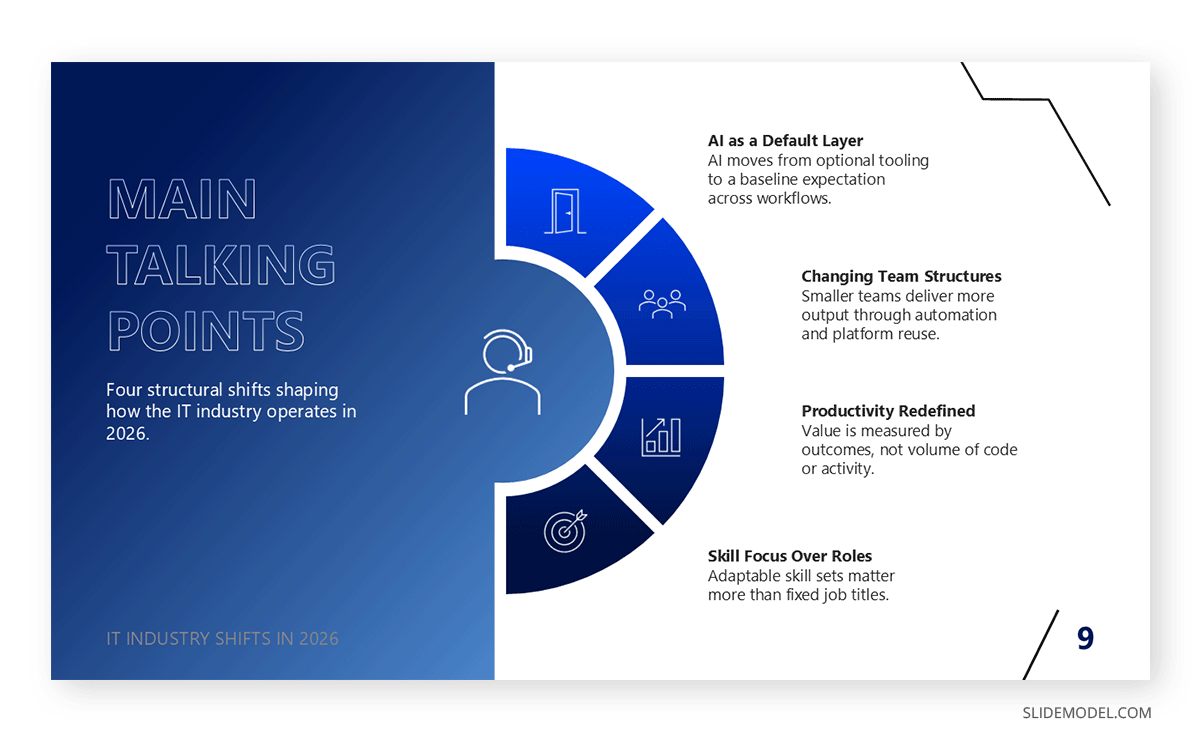
Concept or framework slides should focus on one idea at a time. If your talk introduces a model, workflow, or decision logic, use a clean diagram or sequential layout. Avoid compressing multiple ideas into one visual. Meetup audiences tolerate pauses while you explain, but they disengage when slides require interpretation.
Example and demonstration slides are often the strongest assets in a meetup slide deck. Screenshots, simplified code snippets, before-and-after visuals, or process snapshots help translate abstract ideas into something concrete. These slides should act as anchors while you talk, not as standalone documentation.
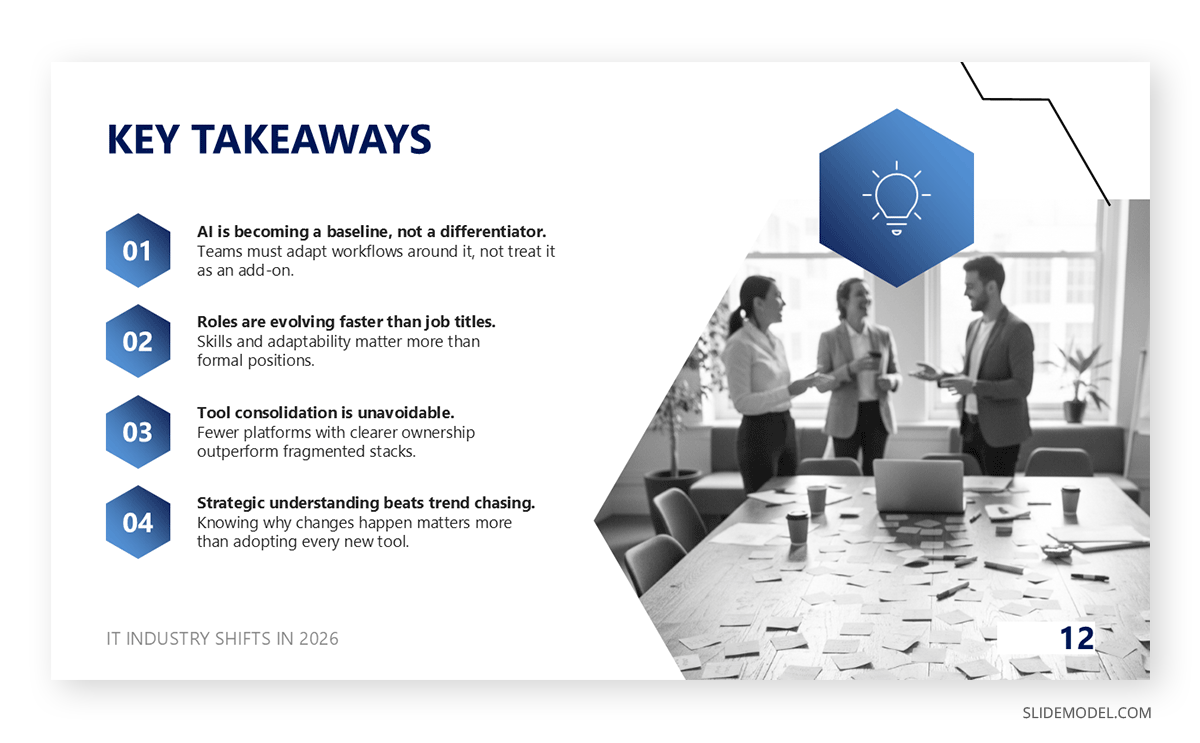
Finally, takeaway slides deserve careful attention. A dedicated slide summarizing what the audience should remember provides closure without repetition. This slide is often referenced during Q&A, making clarity more important than design variety.
Practical Tips for Delivering a Meetup Talk
Delivery matters as much as structure. Tips for giving a meetup presentation often focus on presence rather than performance. Speak at a measured pace. Pauses help ideas land and give listeners time to process.
Eye contact builds connection. Meetup rooms are smaller than conference halls, which makes engagement more personal. Address the room, not the slides.
Manage time actively. Keep an eye on the clock without appearing rushed. If a section runs long, compress later parts rather than skipping conclusions.
Questions may arise mid-talk. Decide in advance whether you will take them immediately or defer. State this clearly at the beginning. Both approaches work if applied consistently.
Nervousness is common, especially for how to give a talk at a meetup first-time speakers. Acknowledging it briefly can humanize you. Over-apologizing does the opposite.
Finally, remember that meetups reward generosity. Share what you learned, including mistakes. This honesty often resonates more than polished success stories.
FAQs
How is a meetup presentation different from a conference presentation?
Meetup presentations are more informal, shorter, and peer-oriented, with less emphasis on performance and more on relevance.
How long should a meetup presentation be?
Most meetup talks last between 20 and 40 minutes, often followed by a Q&A session.
How many slides should a meetup presentation include?
A common guideline is one slide per one to two minutes of speaking time, depending on content density.
Should meetup slides be highly designed?
No. Clarity and readability matter more than visual sophistication or branding.
Is it acceptable to reuse a conference deck for a meetup?
Only with significant adaptation. Conference decks are usually too formal and dense for meetup settings.
What tone works best for meetup presentations?
A conversational, direct tone that reflects real experience rather than polished messaging.
How much personal background should the presenter share?
Only what explains your connection to the topic. Extended resumes are unnecessary.
Are live demos appropriate in meetup talks?
Yes, if the demo presentations are short, controlled, and directly support the talk’s core idea.
Should meetup presentations include a call to action?
They can, but it should feel optional and relevant, not promotional.
How technical should a developer meetup presentation be?
As technical as the audience expects. Avoid oversimplifying for fear of losing non-experts.
Is it okay to admit mistakes or failures in a meetup talk?
Yes. Honest reflection often increases credibility and engagement.
Final Words
Meetup presentations succeed when they respect the context in which they are delivered. They are not simplified conference talks or informal sales pitches. They are peer conversations supported by slides, shaped by real experience, and evaluated through relevance rather than polish. Presenters who focus on clarity, restraint, and honest reasoning tend to resonate more than those who prioritize performance or visual complexity.
A well-prepared meetup talk creates space for dialogue, questions, and shared learning. It signals that the presenter understands the audience and values their time. Over time, meetups become one of the most effective environments for refining ideas, testing narratives, and building confidence as a speaker. When approached with intention, a meetup presentation becomes less about exposure and more about contribution.