Slide 2 of 5 from Simple Yes/No Flowchart PowerPoint Template
Yes No Flow Chart Diagram PowerPoint
Simple Yes/No Flowchart Slide
- Diagram
- Flowchart
- Process Slide
- 16:9
- 100% Editable
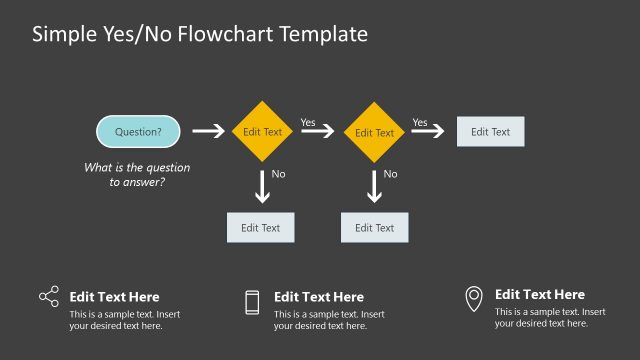
The Simple Yes/No Flowchart slide from the Simple Yes/No Flowchart PowerPoint Template offers a clear diagram layout ideal for decision-making processes. This slide template features editable shapes and vector icons arranged to visualize binary choices, making it suitable for business presentations, project evaluations, and customer service protocols. Its design supports straightforward communication of yes/no pathways within corporate presentations or pitch deck templates.
What’s on This Slide
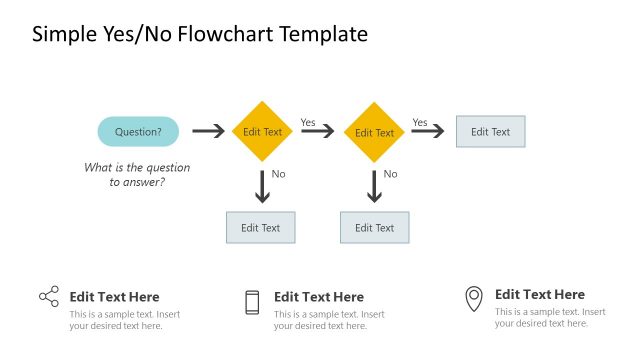
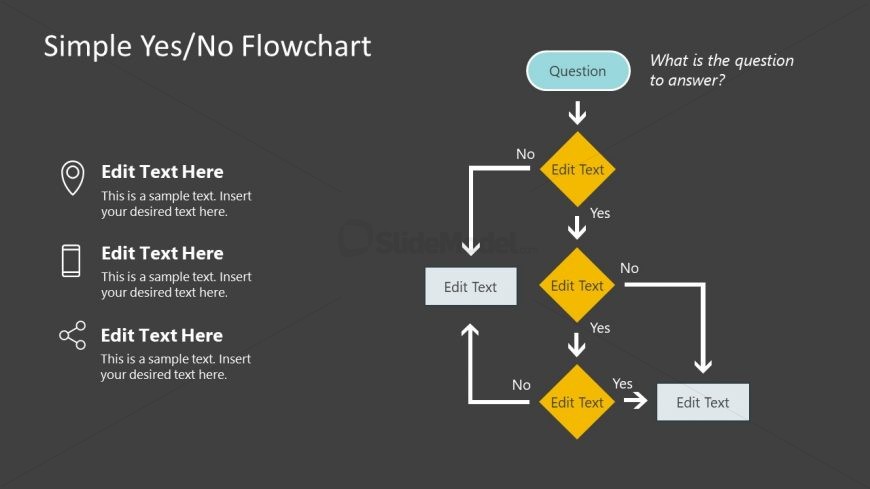
The layout features a central question box at the top, labeled 'What is the question to answer?' Below, a flowchart structure branches into two diamond shapes labeled 'Yes' and 'No.' Each diamond leads to additional text placeholders for further instructions. Text placeholders are present on the left side, arranged vertically with icons for location, phone, and a generic symbol. The background is dark gray, providing contrast to the white and light blue elements. The visual hierarchy emphasizes the question at the top, followed by the decision points.
How to Use It
This flowchart layout serves to guide decision-making processes, illustrating a simple yes/no pathway. It fits well in presentations that require clarity in decision-making, such as project evaluations or customer service protocols. This structure is useful for scenarios where a straightforward question leads to multiple outcomes. It can be applied in business meetings, training sessions, or strategic planning discussions, helping audiences visualize choices and consequences effectively.
Text Placeholders & Capacity
Keep your copy within these limits so it fits without resizing. Node body slots can hold about 50 characters each.
| Placeholder | Count | Max characters (approx.) |
|---|---|---|
| Slide title | 1 | 30 |
| Item heading | 3 | 20 |
| Item body | 3 | 50 |
Slide Keywords
Download unlimited PowerPoint templates, charts and graphics for your presentations with our annual plan.
DOWNLOADReturn to Simple Yes/No Flowchart PowerPoint Template.