Slide 3 of 5 from Simple Yes/No Flowchart PowerPoint Template
Horizontal Flowchart PowerPoint Diagram
Simple Yes/No Flowchart Template
- Diagram
- Flowchart
- Process Slide
- 16:9
- 100% Editable
The Simple Yes/No Flowchart slide from the Simple Yes/No Flowchart PowerPoint Template offers a clear process diagram ideal for decision-making workflows. This slide template features editable shapes and vector icons arranged to guide users through yes/no questions, making it suitable for troubleshooting guides and customer service workflows within business presentations or pitch decks.
What’s on This Slide
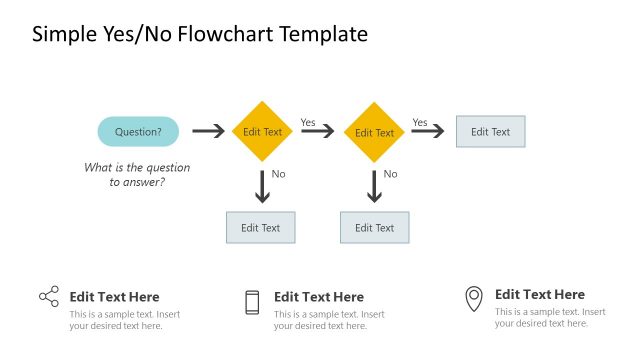
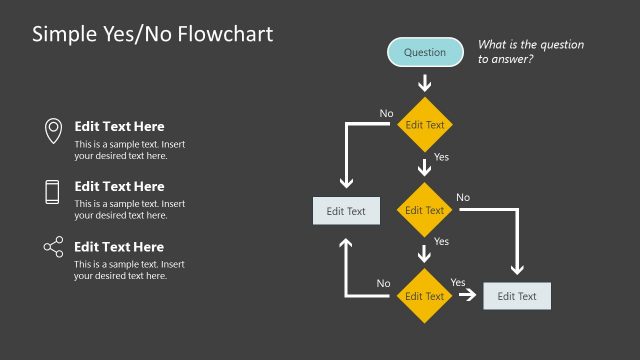
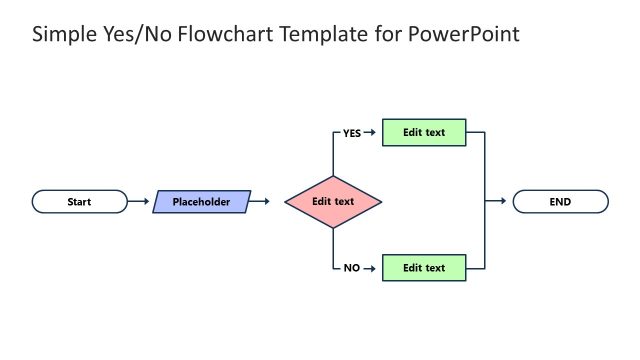
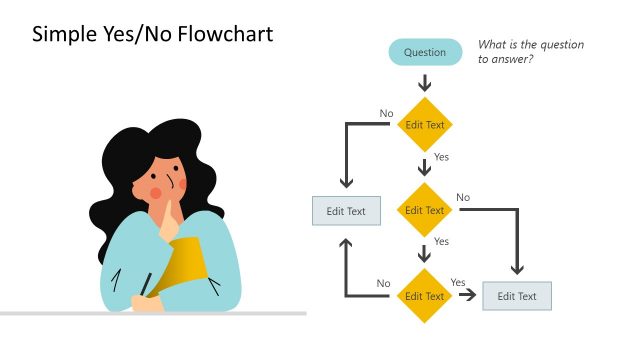
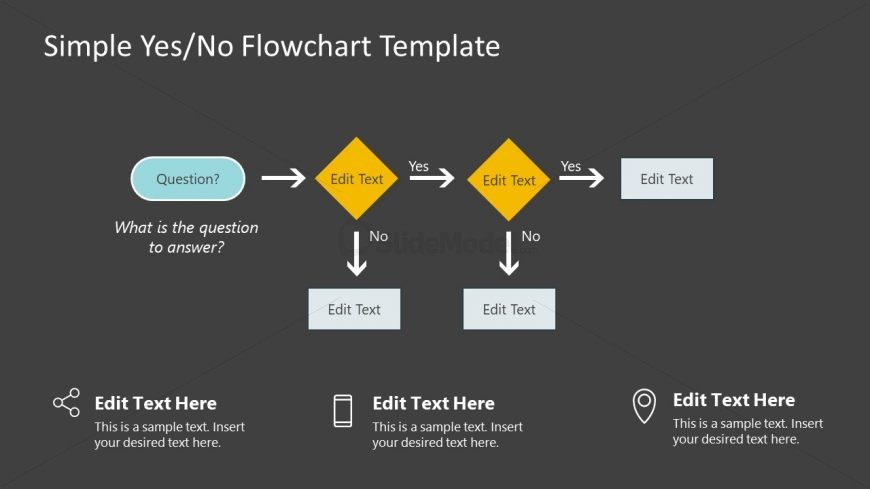
The layout features a central question box at the top, directing to a diamond-shaped decision node below. The flowchart branches into two paths labeled 'Yes' and 'No', each leading to additional diamond nodes. Below these nodes are rectangular boxes for further text. The overall flow is horizontal from the question to the decision nodes, then downward to the outcomes. Text placeholders are present for the question, decision points, and outcomes, aligned centrally in their respective shapes. The background is dark gray, enhancing the visibility of the flowchart elements.
How to Use It
This layout serves as a decision-making flowchart, guiding users through a series of yes/no questions. It fits well in presentations that require clarity in decision processes, such as project management or operational workflows. It can be used in scenarios like troubleshooting guides, customer service decision trees, or product selection processes. The layout's sequential structure aids in illustrating logical steps clearly, making it suitable for both training sessions and strategic discussions.
Text Placeholders & Capacity
Keep your copy within these limits so it fits without resizing. Node labels can hold about 30 characters each, while node bodies can accommodate roughly 50 characters.
| Placeholder | Count | Max characters (approx.) |
|---|---|---|
| Item heading | 4 | 30 |
| Item body | 4 | 50 |
| Slide title | 1 | 40 |
Slide Keywords
Download unlimited PowerPoint templates, charts and graphics for your presentations with our annual plan.
DOWNLOADReturn to Simple Yes/No Flowchart PowerPoint Template.