Slide 1 of 5 from Simple Yes/No Flowchart PowerPoint Template
Female Character and Flowchart PowerPoint
Simple Yes/No Flowchart Template
- Diagram
- Flowchart
- Process Slide
- 16:9
- 100% Editable
The Simple Yes/No Flowchart slide from the Simple Yes/No Flowchart PowerPoint Template offers a clear visual tool for decision-making processes. This editable slide features a structured flowchart ideal for project management, training sessions, or workshops, helping presenters convey complex choices effectively. Its design supports use within business presentations or corporate slide decks, utilizing editable shapes to customize each decision point. This slide is compatible with PowerPoint templates and Google Slides templates, enhancing clarity in process visualization.
What’s on This Slide
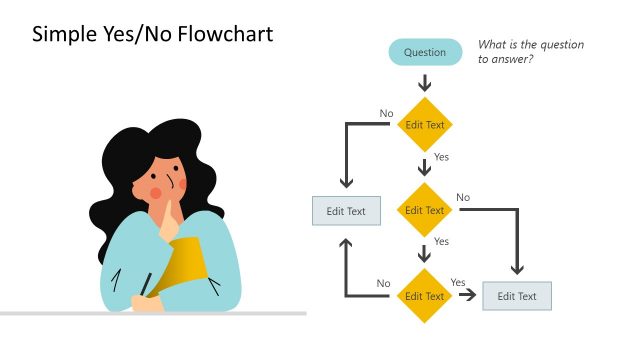
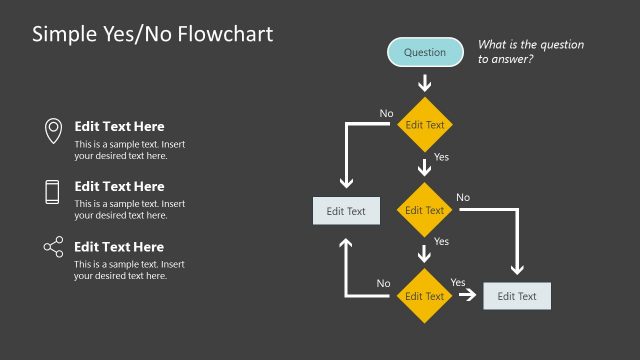
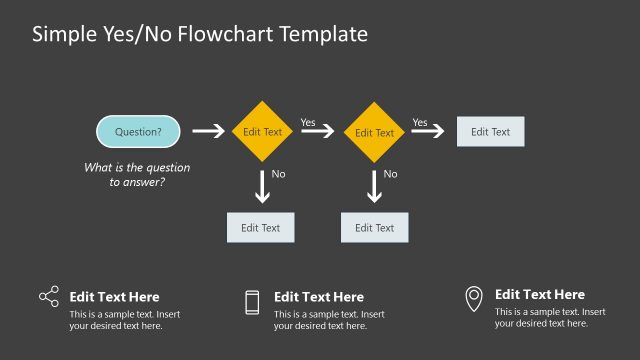
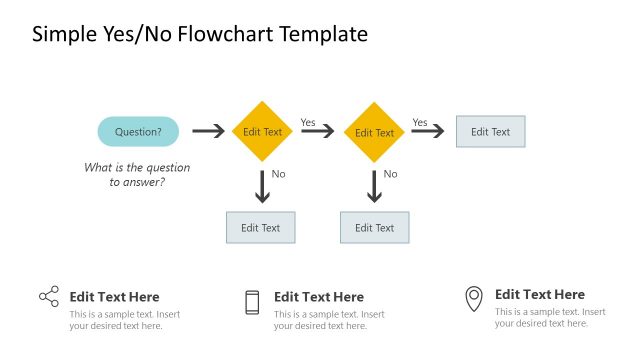
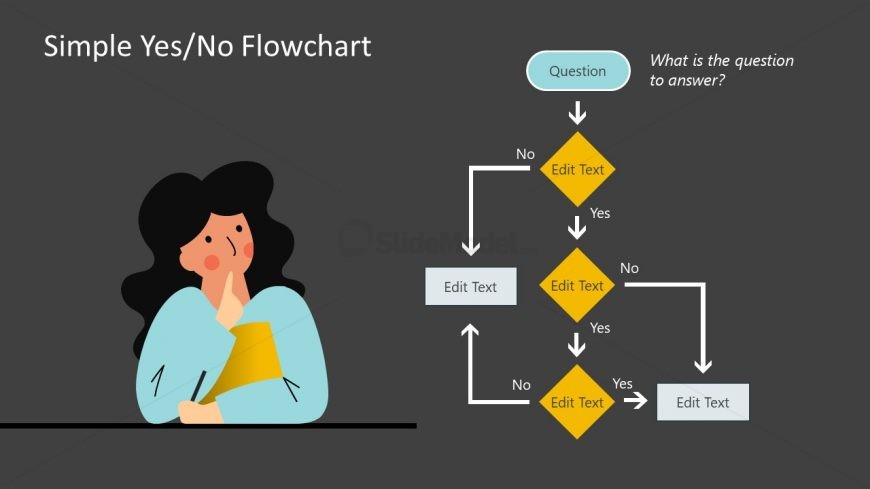
The layout features a left-aligned image of a person thinking, with a light gray background. To the right, a flowchart is displayed, starting with a rounded rectangle labeled 'Question' at the top. Below it, a diamond shape labeled 'No' branches downwards, leading to another diamond labeled 'Yes.' Each diamond has text placeholders for editing. Additional rectangular placeholders are positioned below the diamonds. The flowchart elements are connected by arrows, indicating the flow direction. The overall composition is balanced, with visual hierarchy emphasizing the flowchart.
How to Use It
This layout serves as a decision-making flowchart, guiding users through a series of yes/no questions. It fits well in presentations that require clarity in decision processes, such as project management or problem-solving sessions. The flowchart can be used to visualize steps in a process, making it suitable for training sessions or workshops. It can also serve as a quick reference tool for decision-making scenarios, helping audiences understand complex choices in a simplified manner.
Text Placeholders & Capacity
Keep your copy within these limits so it fits without resizing. Node labels can hold about 20 characters each.
| Placeholder | Count | Max characters (approx.) |
|---|---|---|
| Slide title | 1 | 30 |
| Item heading | 5 | 20 |
| Item body | 5 | 50 |
| Body paragraph | 1 | 50 |
Slide Keywords
Download unlimited PowerPoint templates, charts and graphics for your presentations with our annual plan.
DOWNLOADReturn to Simple Yes/No Flowchart PowerPoint Template.