Slide 5 of 5 from Simple Yes/No Flowchart PowerPoint Template
Horizontal Flowchart Template PowerPoint
Simple Yes/No Flowchart Template
- Diagram
- Flowchart
- Process Slide
- 16:9
- 100% Editable
The Yes/No Flowchart slide from the Simple Yes/No Flowchart PowerPoint Template provides a clear visual process for decision-making workflows. This editable slide uses vector icons and shapes to map yes/no questions, making it suitable for project management and customer service presentations. Its structured layout supports business presentations and pitch deck templates that require straightforward process mapping and outcome visualization.
What’s on This Slide
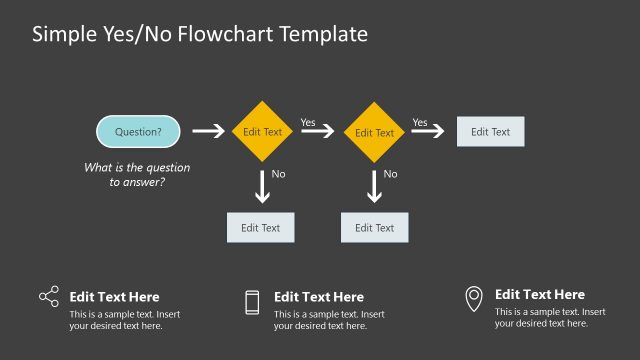
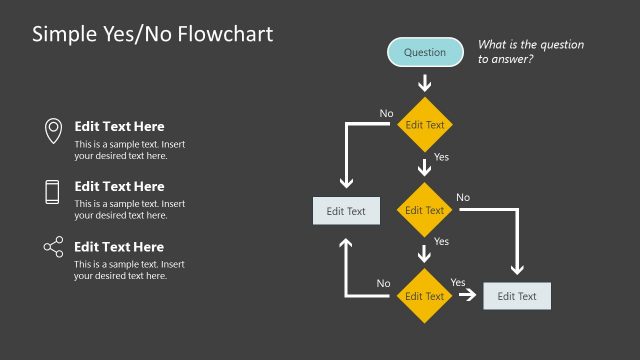
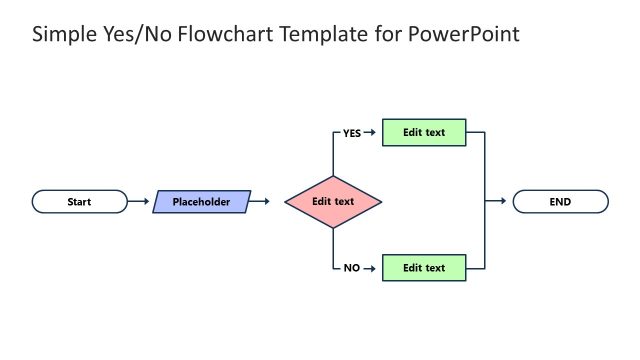
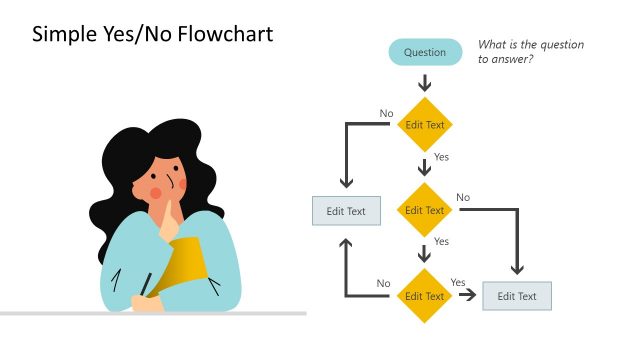
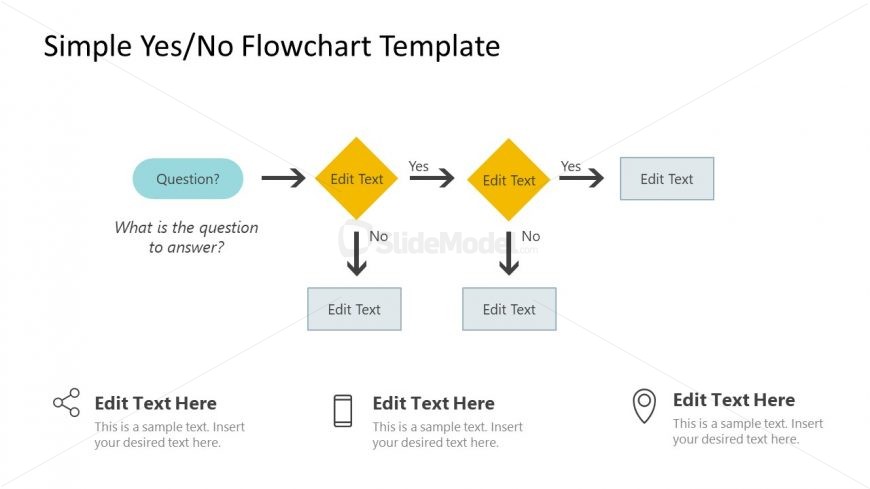
The layout features a central diamond shape labeled 'Question?' at the top, with a light blue rectangle above it. Below, two yellow diamonds represent decision points, each with arrows leading to two light gray rectangles for outcomes. The diamonds are aligned horizontally, with 'Yes' and 'No' labels on either side. Below the flowchart, there are three text placeholders for additional information, aligned left and right. The overall color scheme includes light blue, yellow, and gray, with a clean, structured flow from the question to the outcomes.
How to Use It
This layout serves as a decision-making flowchart, guiding users through a series of yes/no questions to reach a conclusion. It fits well in presentations aimed at problem-solving or process mapping. Scenarios include project management decisions, customer service workflows, or product feature evaluations. The flowchart format helps clarify complex decisions and is useful for training sessions or strategic planning meetings.
Text Placeholders & Capacity
Keep your copy within these limits so it fits without resizing. Node labels can hold about 20 characters each.
| Placeholder | Count | Max characters (approx.) |
|---|---|---|
| Slide title | 1 | 30 |
| Item heading | 4 | 20 |
| Item body | 4 | 50 |
| Footer | 3 | 50 |
Slide Keywords
Download unlimited PowerPoint templates, charts and graphics for your presentations with our annual plan.
DOWNLOADReturn to Simple Yes/No Flowchart PowerPoint Template.