Slide 3 of 8 from Innovative PowerPoint Themes Layouts
Free Photo Template Layout PowerPoint
Text Layout with Image Background
- Text Layout
- Single Statement
- Context Slide
- 16:9
- 100% Editable
The Text Layout with Image Background slide from the Innovative PowerPoint Themes Layouts template combines a visually engaging image with a semi-transparent text area, ideal for summarizing key points or introducing topics. This slide layout supports clear communication in business presentations and pitch decks, utilizing editable shapes and slide templates to balance imagery and text effectively.
What’s on This Slide
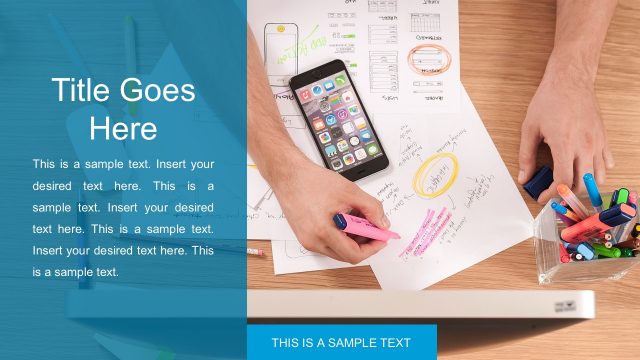
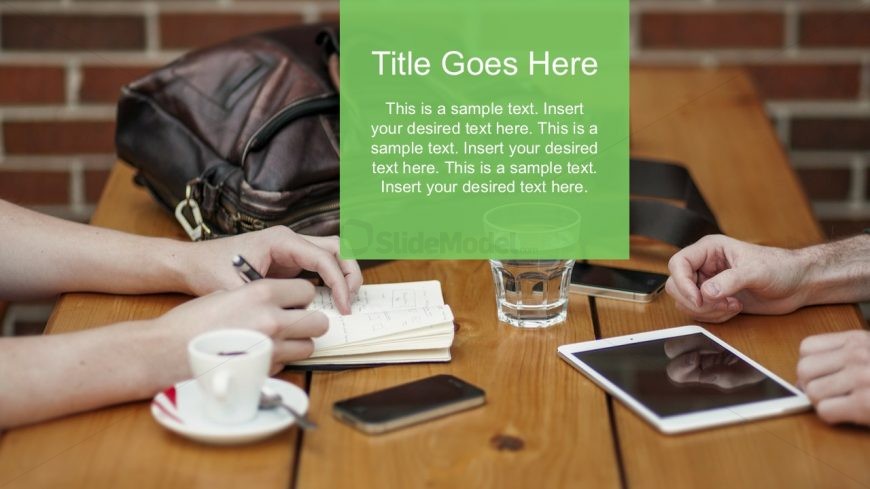
The layout features a large image background showing hands writing and a coffee cup. A semi-transparent green rectangle occupies the right side, containing a title placeholder at the top and three body text placeholders below it. The title is centered at the top of the green area, while the body text placeholders are aligned below, maintaining a vertical stack. The image background is visually dominant, while the green rectangle provides contrast and readability for the text. The overall composition balances imagery with textual information.
How to Use It
This layout serves as a text-focused slide that integrates visual elements effectively. It is suitable for presenting key points or summaries in a presentation sequence, especially after an introduction or problem statement. This structure can be used in business meetings, educational settings, or marketing presentations where visual context enhances the message. It allows for clear communication of ideas while maintaining audience engagement through imagery.
Text Placeholders & Capacity
Keep your copy within these limits so it fits without resizing. Body slots can hold approximately 15-20 words each.
| Placeholder | Count | Max characters (approx.) |
|---|---|---|
| Slide title | 1 | 30 |
| Body paragraph | 3 | 100 |
Slide Keywords
Download unlimited PowerPoint templates, charts and graphics for your presentations with our annual plan.
DOWNLOADReturn to Innovative PowerPoint Themes Layouts.