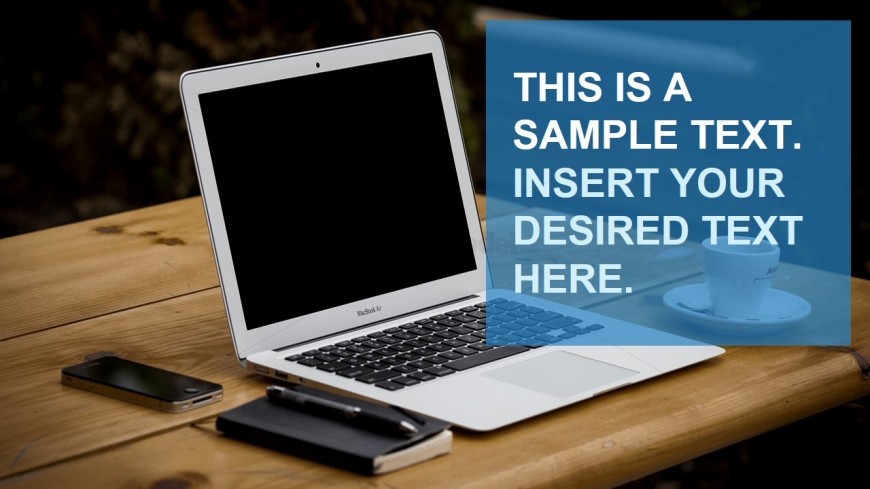
Slide 2 of 4 from Free Title Layout Slides for PowerPoint
Free Photo Computer MacBook Title
Photo-Based Title Layout for Presentations
- Text Layout
- Single Statement
- Context Slide
- 16:9
- 100% Editable
The Photo-Based Title Layout from the Free Title Layout Slides for PowerPoint template offers a balanced design combining a prominent background image with a translucent text panel, ideal for introducing new topics or section dividers in business presentations. This slide layout supports clear communication of key messages using editable shapes and text placeholders, enhancing visual engagement in corporate presentation slide decks.
What’s on This Slide
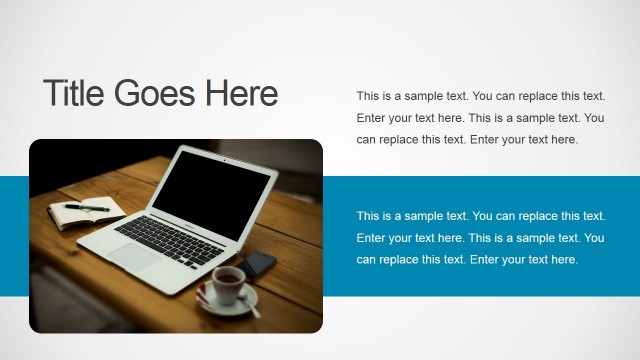
The layout features a laptop positioned prominently on a wooden table, with a coffee cup nearby. To the right, a translucent blue text panel occupies the upper two-thirds of the slide. This panel contains two text placeholders, one for a title and another for additional text, both aligned to the right. The visual hierarchy emphasizes the text area, contrasting with the background image. The overall composition balances the image and text, creating a clear focal point while ensuring readability through color contrast.
How to Use It
This layout serves as a title or section divider, ideal for introducing new topics or themes in a presentation. It fits well after a cover slide and before detailed content slides. Suitable scenarios include business presentations, educational lectures, or creative portfolios where visual engagement is essential. Use it to highlight key messages or themes, making it effective for both formal and informal settings.
Text Placeholders & Capacity
Keep your copy within these limits so it fits without resizing. Text slots can accommodate roughly 40 characters for the title and 80 characters for the body text.
| Placeholder | Count | Max characters (approx.) |
|---|---|---|
| Slide title | 1 | 40 |
| Body paragraph | 1 | 80 |
Slide Keywords
Download unlimited PowerPoint templates, charts and graphics for your presentations with our annual plan.
DOWNLOADReturn to Free Title Layout Slides for PowerPoint.