Slide 1 of 8 from Innovative PowerPoint Themes Layouts
Free Template Layout for PowerPoint
Sample Text Layout with Image
- Media Layout
- Image + Text Split
- Context Slide
- 16:9
- 100% Editable
What’s on This Slide
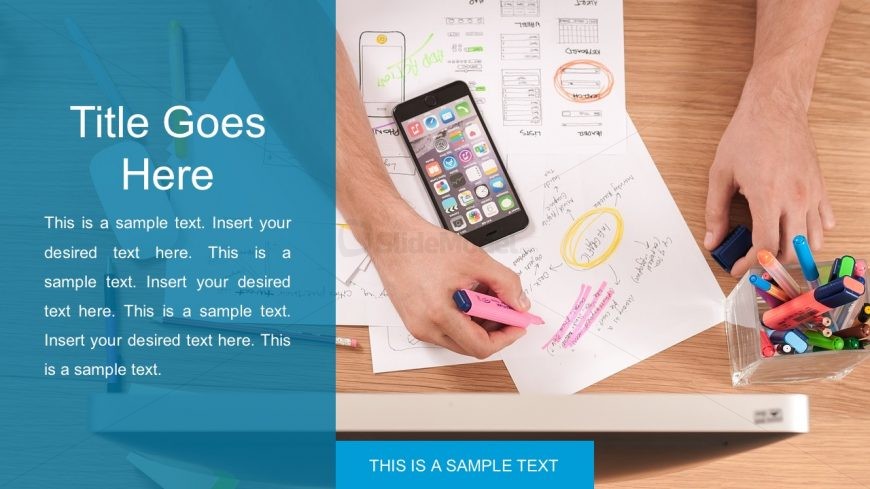
The layout features a large image on the right side, showing a hand holding a pink highlighter above a smartphone and various papers. On the left, a solid blue container occupies the vertical space, containing a title placeholder at the top, followed by three text placeholders stacked vertically. Each text placeholder is aligned to the left and has a consistent size. The overall composition is balanced, with the image and text container creating a clear visual separation. The background is light wood, enhancing the professional appearance.
How to Use It
This layout serves as an introductory slide or a section divider in a presentation. It is suitable for showcasing key points or highlights, particularly in business or educational contexts. The image can support the text by providing visual context or illustrating a concept. This layout fits well at the beginning of a presentation or after a problem-framing slide, helping to transition into detailed discussions or solutions.
Text Placeholders & Capacity
Keep your copy within these limits so it fits without resizing. Body slots can hold about 15-20 words each.
| Placeholder | Count | Max characters (approx.) |
|---|---|---|
| Slide title | 1 | 30 |
| Body paragraph | 3 | 100 |
| Footer | 1 | 30 |
Slide Keywords
Download unlimited PowerPoint templates, charts and graphics for your presentations with our annual plan.
DOWNLOADReturn to Innovative PowerPoint Themes Layouts.