Slide 3 of 4 from Free What Went Well Slide Template for PowerPoint
Free Slide Template for What Can be Improved
What Can Be Improved? Slide Template
- Text Layout
- Single Statement
- Evaluation Slide
- 16:9
- 100% Editable
What’s on This Slide
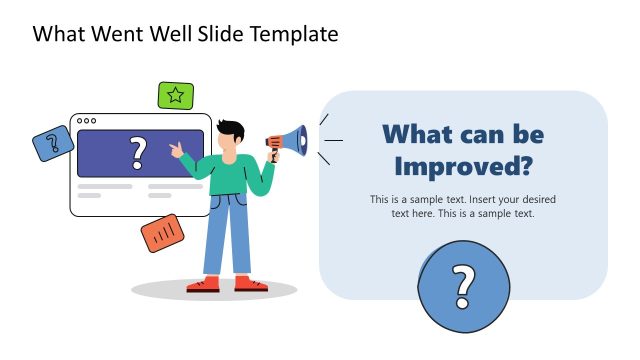
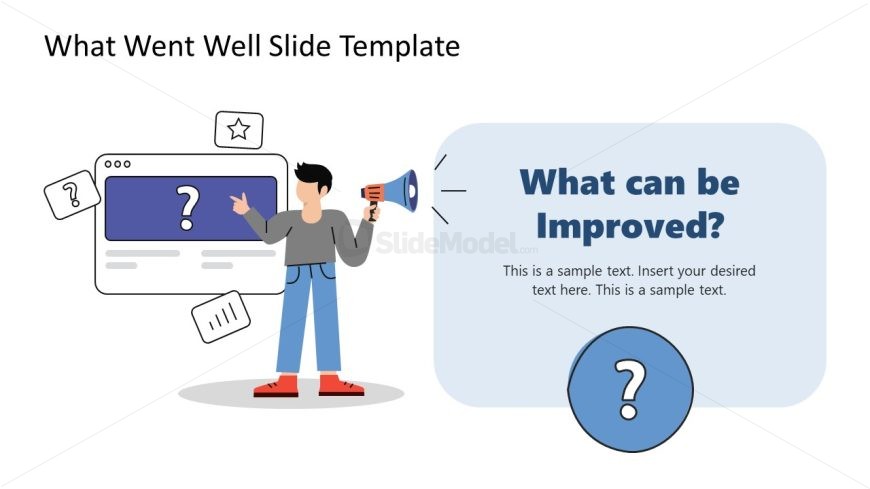
The layout features a central character holding a megaphone on the left side. To the right, a large rounded rectangle contains the question, 'What can be Improved?' with a bold font. Below this, there are two text placeholders for additional information, aligned left and right within the rectangle. A circular question mark icon is positioned at the bottom of the rectangle. The background is light, while the character and icons use a multicolor scheme, creating a clear visual hierarchy between the character and the text elements.
How to Use It
This layout serves as a prompt for discussing areas of improvement within a project or initiative. It fits well after presenting positive outcomes or successes, allowing for a balanced evaluation. Common scenarios include team retrospectives, project reviews, or feedback sessions where participants can identify and discuss potential enhancements. The structure encourages engagement and reflection, making it suitable for interactive discussions.
Text Placeholders & Capacity
Keep your copy within these limits so it fits without resizing. Body slots can hold about 10-15 words each.
| Placeholder | Count | Max characters (approx.) |
|---|---|---|
| Slide title | 1 | 30 |
| Body paragraph | 2 | 70 |
| Item heading | 1 | 10 |
Slide Keywords
Download unlimited PowerPoint templates, charts and graphics for your presentations with our annual plan.
DOWNLOADReturn to Free What Went Well Slide Template for PowerPoint.