Slide 1 of 4 from Free What Went Well Slide Template for PowerPoint
Free What Did Not Go Well PowerPoint Slide
What Didn't Go Well Slide Template
- Text Layout
- Other
- Evaluation Slide
- 16:9
- 100% Editable
What’s on This Slide
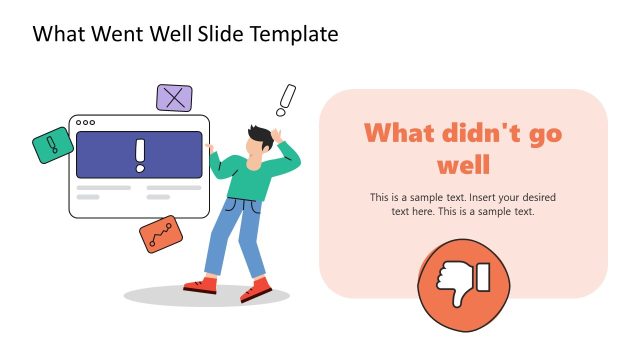
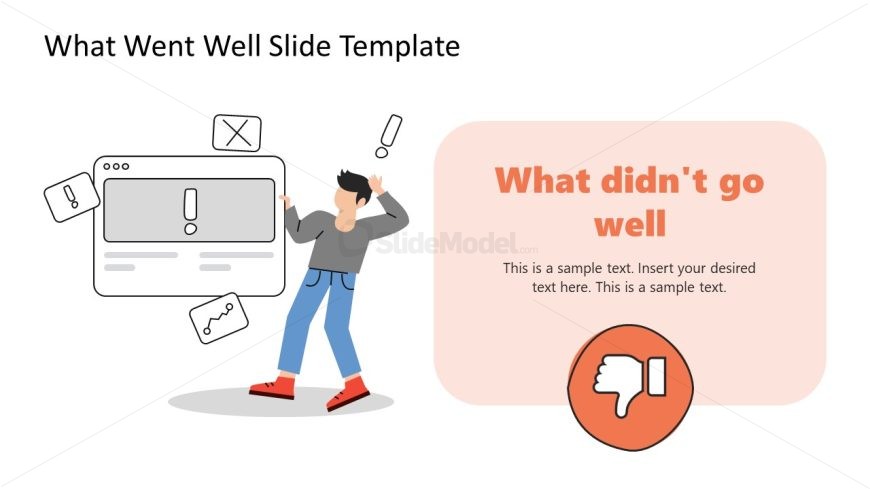
The layout features a left-aligned illustration of a person with a computer and warning icons, conveying a sense of concern. To the right, a rounded rectangle in a light orange hue contains the title 'What didn't go well' in bold, large text. Below the title, there are text placeholders for additional commentary, aligned centrally. A circular icon with a thumbs-down symbol is positioned at the bottom right. The overall composition balances visual elements with text, creating a clear hierarchy.
How to Use It
This layout serves to highlight issues or challenges faced in a project or initiative. It fits well in a presentation sequence following a success overview, allowing for a contrast in discussion. This structure is useful in business contexts such as performance reviews, project retrospectives, or team assessments, where identifying areas for improvement is essential.
Text Placeholders & Capacity
Keep your copy within these limits so it fits without resizing. Body slots can hold about 20-30 words each.
| Placeholder | Count | Max characters (approx.) |
|---|---|---|
| Slide title | 1 | 30 |
| Body paragraph | 1 | 150 |
| Callout | 1 | 20 |
Slide Keywords
Download unlimited PowerPoint templates, charts and graphics for your presentations with our annual plan.
DOWNLOADReturn to Free What Went Well Slide Template for PowerPoint.