Slide 2 of 4 from Free What Went Well Slide Template for PowerPoint
What Went Well Free Slide for PowerPoint Presentation
What Went Well Slide Template
- Text Layout
- Single Statement
- Evaluation Slide
- 16:9
- 100% Editable
The What Went Well slide layout from the Free What Went Well Slide Template for PowerPoint is designed for effective evaluations, showcasing team achievements and project updates. This visually appealing slide features a left-aligned illustration, a clear title, and placeholders for additional text, making it an excellent choice for business presentations.
What’s on This Slide
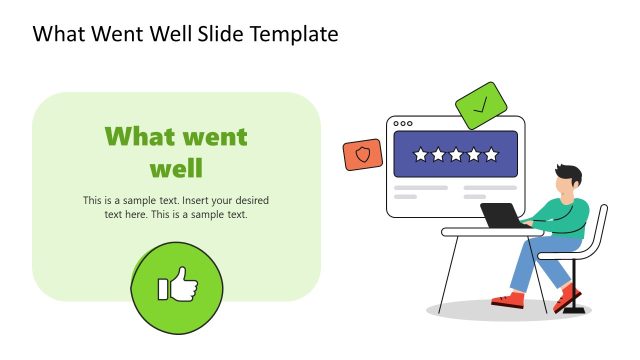
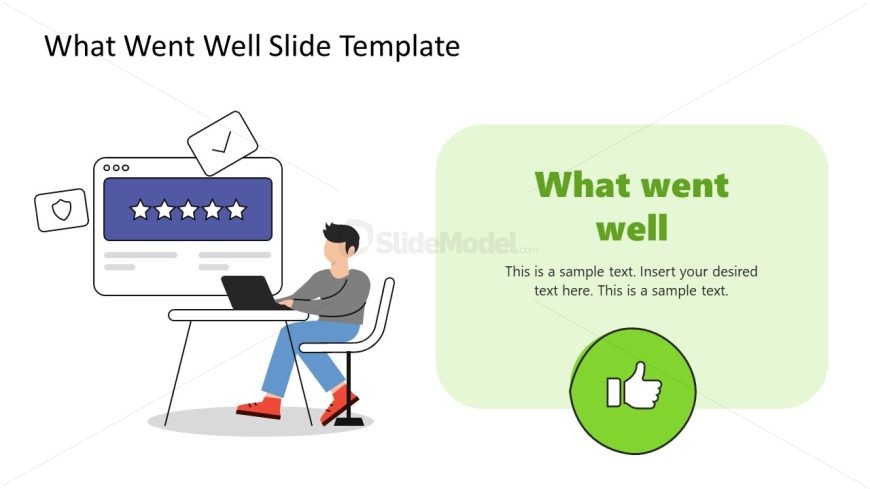
The layout features a left-aligned illustration of a person working at a desk with a laptop, accompanied by a web interface showing five stars. To the right, a green rounded rectangle contains the title 'What went well' in bold text, with a placeholder for additional text below. The overall composition balances visual elements with text, creating a clear hierarchy. The background is light, enhancing the visibility of the elements. There are text placeholders for the title and body, aligned to the right of the illustration.
How to Use It
This layout serves as a summary slide, ideal for highlighting positive outcomes or achievements in a presentation. It fits well after problem identification slides, providing a transition to solutions or successes. Applicable in business reviews, project updates, or performance evaluations, this format allows for concise communication of key points. It can be used individually or as part of a series to maintain thematic consistency throughout a presentation.
Text Placeholders & Capacity
Keep your copy within these limits so it fits without resizing. Body text slots can hold about 20-25 words each.
| Placeholder | Count | Max characters (approx.) |
|---|---|---|
| Slide title | 1 | 30 |
| Body paragraph | 1 | 150 |
Slide Keywords
Download unlimited PowerPoint templates, charts and graphics for your presentations with our annual plan.
DOWNLOADReturn to Free What Went Well Slide Template for PowerPoint.