Slide 9 of 23 from Free Ultra Analysis Slide Template
Trend Analysis Free PowerPoint
Multi-Chart Comparison Slide for Presentations
- Chart
- Combo Chart
- Evaluation Slide
- 16:9
- 100% Editable
The Multi-Chart Comparison Layout from the Free Ultra Analysis Slide Template offers a structured approach to data comparison and performance analysis. This slide features editable shapes and multiple charts arranged in quadrants, making it suitable for corporate presentations that require clear market evaluation. Its design supports side-by-side analysis of diverse data sets, enhancing the effectiveness of business presentations and pitch deck templates.
What’s on This Slide
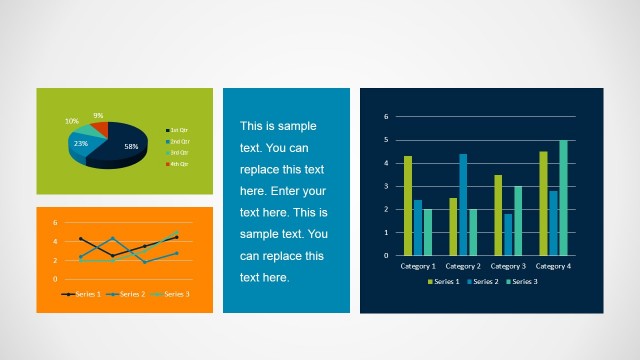
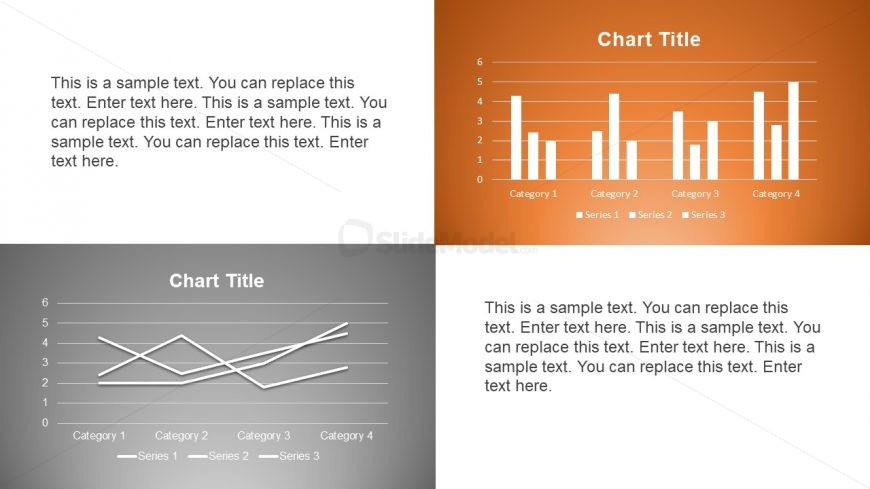
The layout consists of four quadrants, each containing a chart or text placeholder. The top-right quadrant features a vertical bar chart with four categories and three series, labeled appropriately. The bottom-left quadrant displays a line chart with three series across four categories. The top-left and bottom-right quadrants contain text placeholders, aligned to the left and center, respectively. Each chart has a title placeholder above it, maintaining a consistent visual hierarchy. Background colors alternate between light and dark shades, enhancing contrast.
How to Use It
This layout serves as a multi-chart comparison tool, ideal for presenting data across different metrics simultaneously. It fits well in a presentation sequence after introducing a problem and before discussing solutions. Business scenarios include performance analysis, market comparisons, or financial reviews, where multiple data sets need to be evaluated side by side for clarity and impact.
Text Placeholders & Capacity
Keep your copy within these limits so it fits without resizing. Text slots can accommodate roughly 30-150 characters each.
| Placeholder | Count | Max characters (approx.) |
|---|---|---|
| Chart title | 4 | 30 |
| Body paragraph | 4 | 150 |
Slide Keywords
Download unlimited PowerPoint templates, charts and graphics for your presentations with our annual plan.
DOWNLOADReturn to Free Ultra Analysis Slide Template.