Slide 1 of 4 from Free Title Layout Slides for PowerPoint
Free Photo Business Man using Smartphone
Text Layout Slide with Image Placeholder
- Text Layout
- Single Statement
- Context Slide
- 16:9
- 100% Editable
The Text Layout with Image slide from the Free Title Layout Slides for PowerPoint template combines a clear visual focus with editable shapes to support product introductions, team presentations, or project overviews. This slide layout balances a prominent smartphone image with text placeholders, making it a practical choice for business presentations and pitch deck templates that require a strong visual anchor alongside concise messaging.
What’s on This Slide
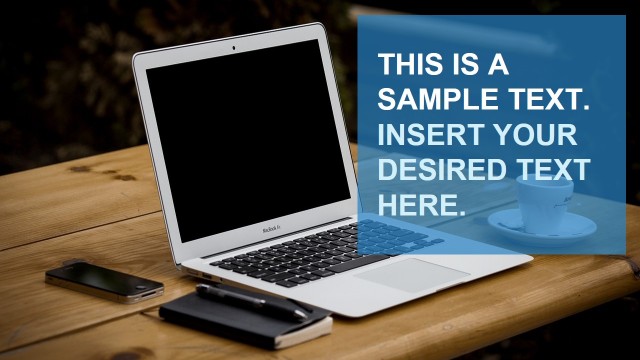
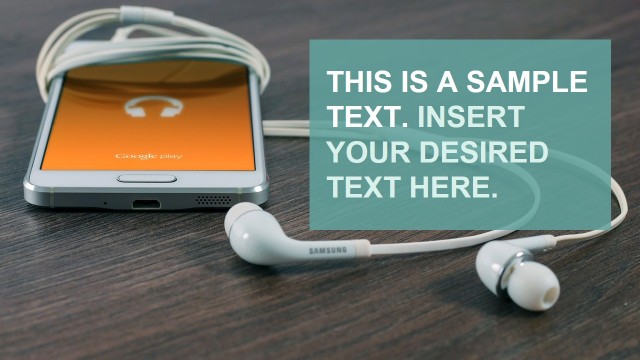
The layout features a prominent image of a hand holding a smartphone on the left side. A translucent blue banner overlays the top portion of the slide, containing two text placeholders. The first placeholder, aligned left and larger, displays the title 'THIS IS A SAMPLE TEXT.' Below it, a smaller placeholder states 'INSERT YOUR DESIRED TEXT HERE.' The overall composition is balanced, with the image and text working together to create a cohesive visual structure. The background is light, enhancing the visibility of the text and image.
How to Use It
This layout serves as an introductory or title slide, effectively presenting key information alongside a relevant image. It is suitable for various contexts, such as product presentations, team introductions, or project overviews. The slide can be used at the beginning of a presentation to set the tone or to transition between sections. It fits well within a sequence of slides that require a visual anchor to engage the audience while conveying essential information succinctly.
Text Placeholders & Capacity
Keep your copy within these limits so it fits without resizing. Body slots are tight, roughly 10-15 words each.
| Placeholder | Count | Max characters (approx.) |
|---|---|---|
| Slide title | 1 | 30 |
| Body paragraph | 1 | 50 |
Slide Keywords
Download unlimited PowerPoint templates, charts and graphics for your presentations with our annual plan.
DOWNLOADReturn to Free Title Layout Slides for PowerPoint.