Slide 2 of 5 from Free Segmented Quadrants Circular PowerPoint Diagram
Segmented Quadrants Circular PowerPoint Diagram
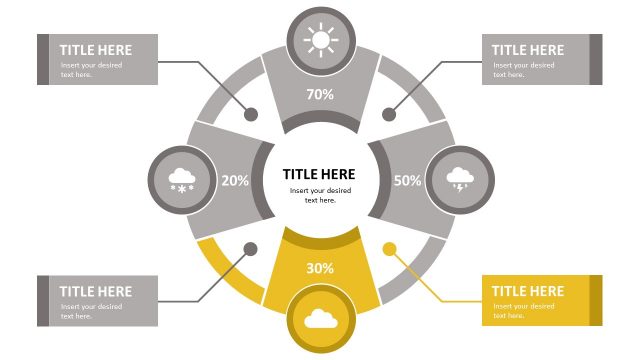
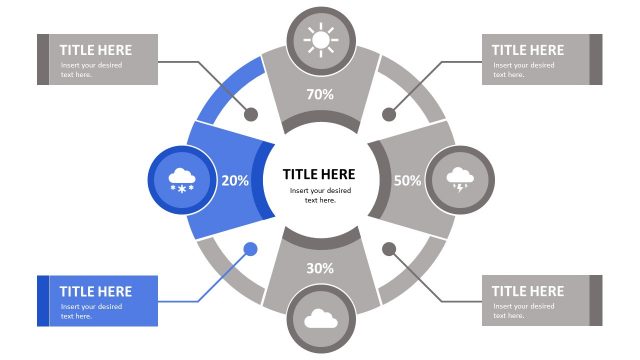
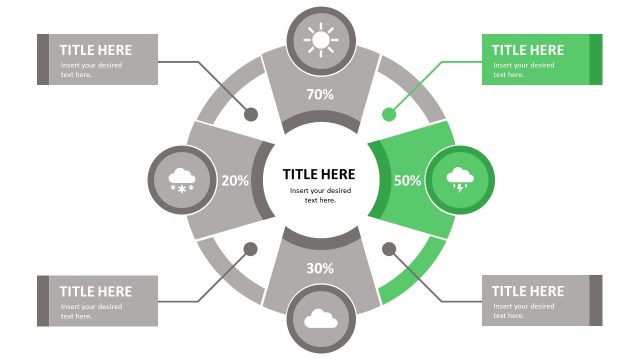
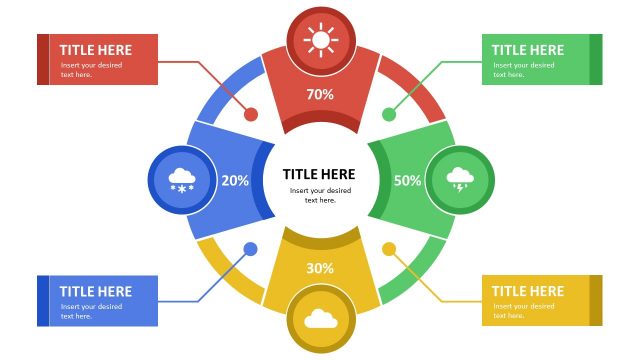
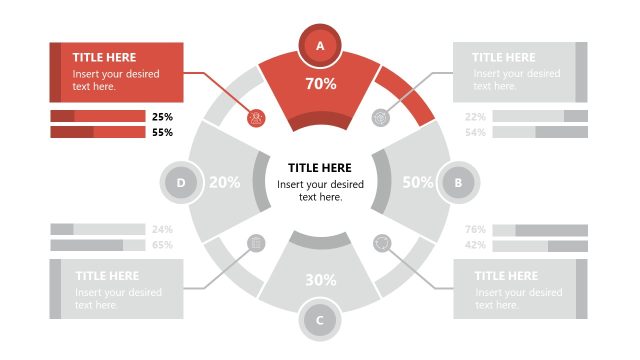
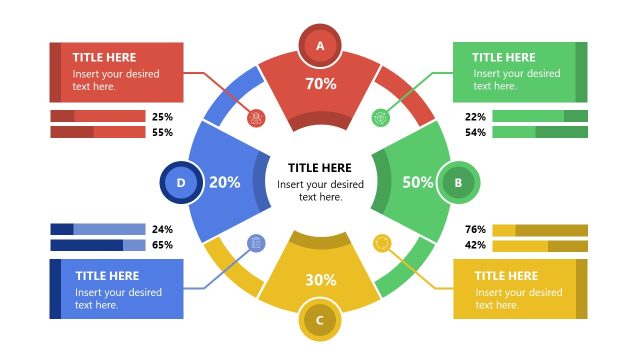
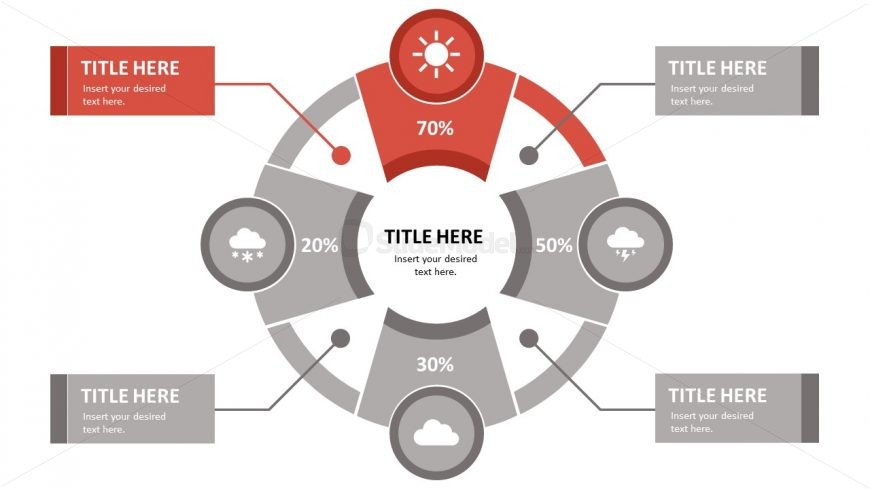
The layout features a circular diagram divided into four segments, each containing a percentage value and an icon representing weather conditions. The segments are arranged in a clockwise manner, with the top segment highlighted in red, indicating a 70% value. Each segment has a corresponding text placeholder positioned to the right or left, aligned horizontally. The icons include a sun, cloud, and lightning, with a consistent visual hierarchy. The background is white, allowing the colored segments to stand out distinctly, and the overall composition is balanced and symmetrical.
This layout serves as a segmented circular diagram, ideal for displaying comparative data or percentages across four categories. It fits well in a presentation sequence after an introductory slide, providing a visual summary of key metrics or insights. Suitable scenarios include performance assessments, market analysis, or project status updates, where clear visual representation of data is essential. It can be used to highlight strengths and weaknesses in a business context or to illustrate varying degrees of impact across different factors.
Keep your copy within these limits so it fits without resizing. Node body slots can hold roughly 40 characters each.
| Placeholder | Count | Max characters (approx.) |
|---|---|---|
| Item heading | 4 | 20 |
| Item body | 4 | 40 |
| Slide title | 1 | 30 |
Download unlimited PowerPoint templates, charts and graphics for your presentations with our annual plan.
DOWNLOADReturn to Free Segmented Quadrants Circular PowerPoint Diagram.