Slide 3 of 3 from Free Rhombus Infographic Slides for PowerPoint
Mash of Rhombus in PowerPoint
Creative Rhombus Infographic Slides
- Diagram
- Comparison Split
- Context Slide
- 16:9
- 100% Editable
The Rhombus Infographic Layout from the Free Rhombus Infographic Slides for PowerPoint template offers an effective way to present multiple concepts or project features using colored rhombus shapes. This slide layout is ideal for business presentations and pitch decks that require clear visual summaries and comparisons. Its editable shapes and vector icons enhance customization, making it a practical choice for corporate presentations and marketing strategy overviews.
What’s on This Slide
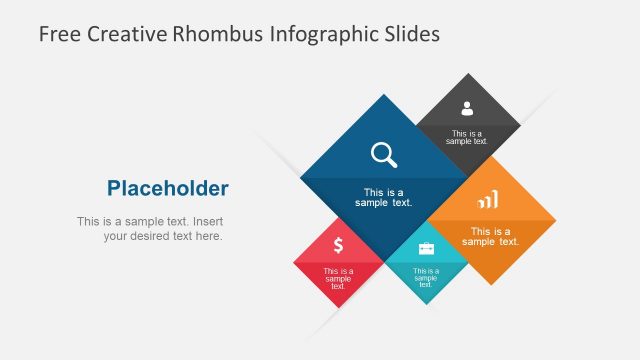
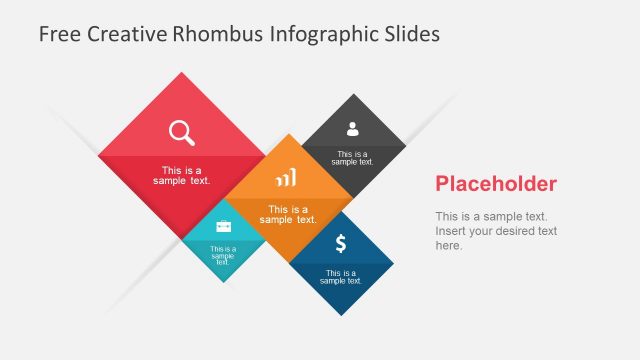
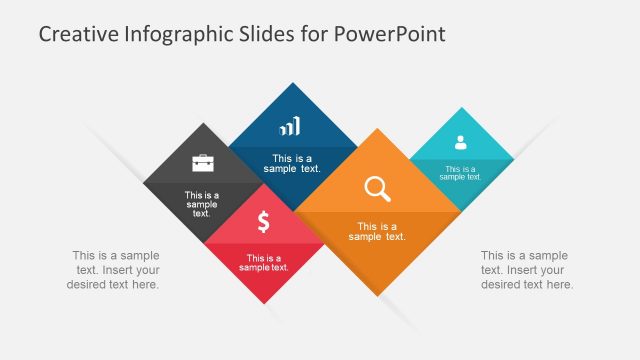
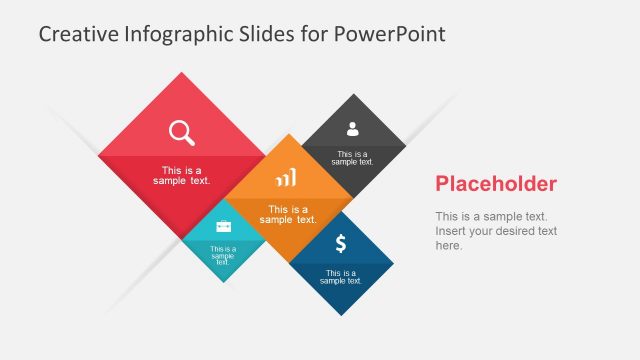
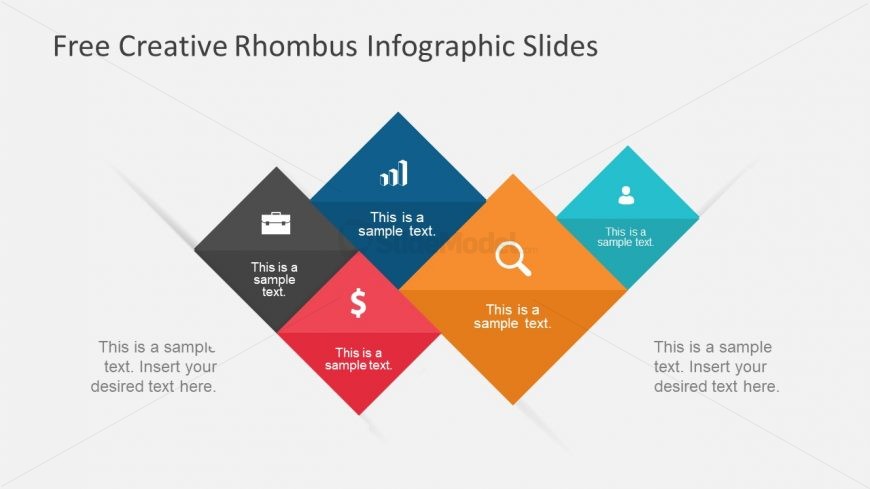
The layout features a series of colored rhombus shapes arranged in a diamond pattern. There are five rhombuses, with the top two positioned at angles, and the bottom three aligned horizontally. Each rhombus contains a placeholder for text, with icons placed in the upper two shapes. The background is light gray, enhancing the visibility of the colored shapes. The visual hierarchy is established through the use of contrasting colors, with the central rhombus in orange, flanked by blue, teal, black, and red shapes. Placeholder text is centered within each rhombus, maintaining a uniform alignment.
How to Use It
This layout serves as a visual summary or comparison tool, ideal for presenting multiple concepts or categories. It fits well in a presentation sequence after introducing a topic and before diving into detailed discussions. Real-world applications include marketing strategies, project highlights, or product features. Each rhombus can represent a distinct idea or data point, making it suitable for business presentations that require clarity and engagement. This layout can effectively communicate key messages in a visually appealing manner.
Text Placeholders & Capacity
Keep your copy within these limits so it fits without resizing. Node body slots can hold roughly 5-6 words each.
| Placeholder | Count | Max characters (approx.) |
|---|---|---|
| Item body | 5 | 30 |
| Slide title | 1 | 40 |
Slide Keywords
Download unlimited PowerPoint templates, charts and graphics for your presentations with our annual plan.
DOWNLOAD