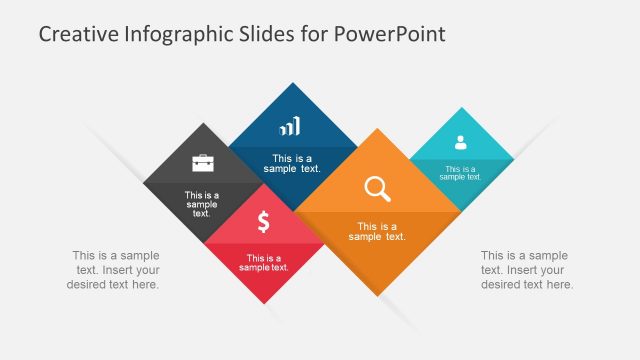
Slide 1 of 3 from Free Rhombus Infographic Slides for PowerPoint
Free Template of Rhombus Infographics
Creative Rhombus Infographic Slide
- Diagram
- Other
- Context Slide
- 16:9
- 100% Editable
The Rhombus Infographic Layout from the Free Rhombus Infographic Slides for PowerPoint template offers a visually engaging way to present multiple concepts using editable shapes and vector icons. This slide is suitable for marketing presentations, project updates, and educational content, providing a clear and dynamic infographic design that integrates seamlessly into a professional slide deck.
What’s on This Slide
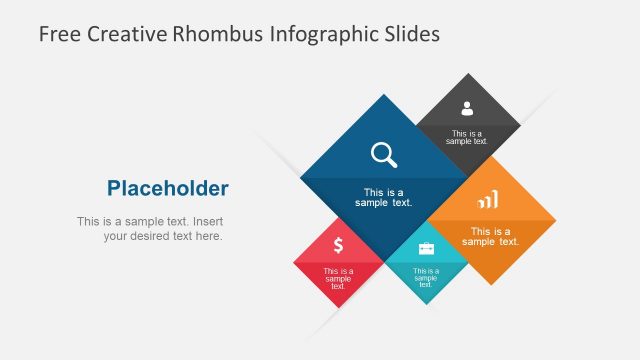
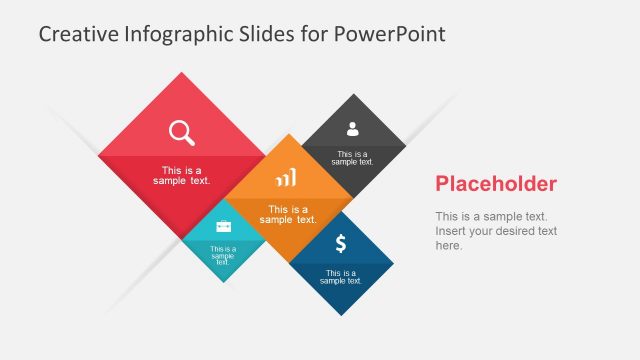
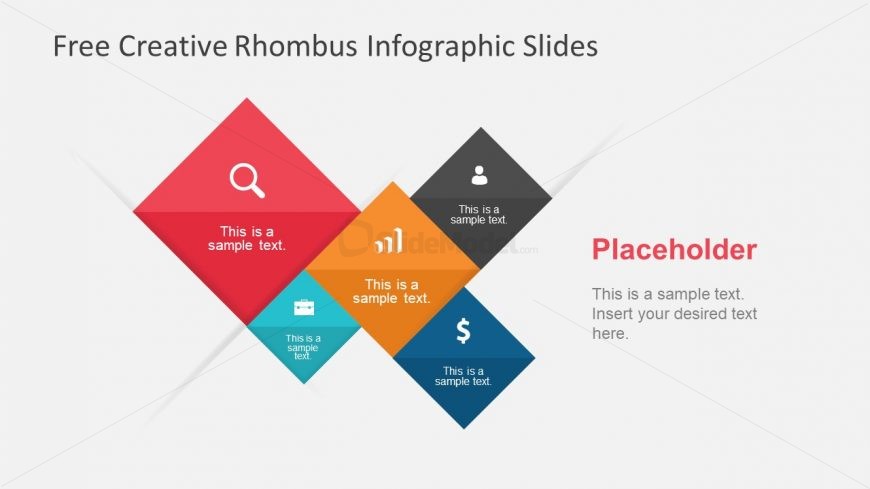
The layout features a series of colored rhombus shapes arranged in a dynamic pattern. There are five rhombuses positioned in a staggered formation, with three containing text placeholders aligned centrally within each shape. The top left rhombus is red with a search icon, the center is orange with a growth chart icon, and the bottom left is blue with a dollar sign. The background is light gray, enhancing the visibility of the shapes. A text placeholder is positioned to the right, allowing for additional content.
How to Use It
This layout serves as an infographic for presenting multiple concepts or data points visually. It fits well in a presentation sequence after an introduction, providing a clear visual summary. Ideal scenarios include marketing presentations, project updates, or educational content where key ideas need to be highlighted. The design allows for easy modification of text and icons to suit various topics.
Text Placeholders & Capacity
Keep your copy within these limits so it fits without resizing. Node body slots can hold about 30 characters each, while the body paragraph can accommodate around 100 characters.
| Placeholder | Count | Max characters (approx.) |
|---|---|---|
| Item body | 5 | 30 |
| Body paragraph | 1 | 100 |
Slide Keywords
Download unlimited PowerPoint templates, charts and graphics for your presentations with our annual plan.
DOWNLOAD