Slide 2 of 7 from Free Professional Design Layouts PowerPoint Templates
Slider Layout Template PPT
Multi-Segment Layout with Icons for Presentations
- Text Layout
- Icon Grid
- Concept Explanation Slide
- 16:9
- 100% Editable
What’s on This Slide
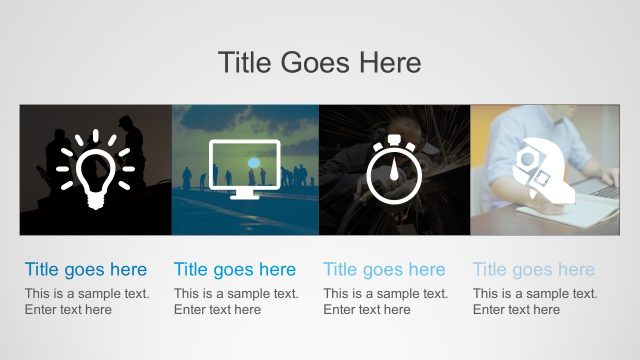
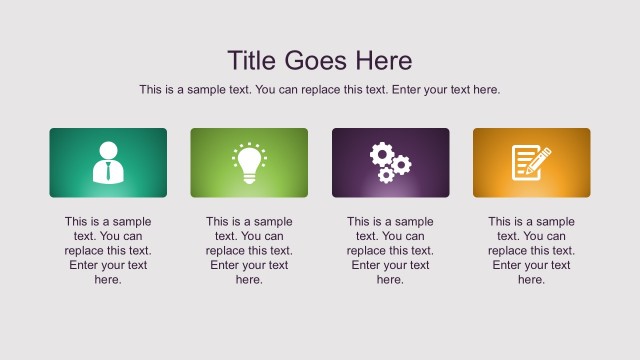
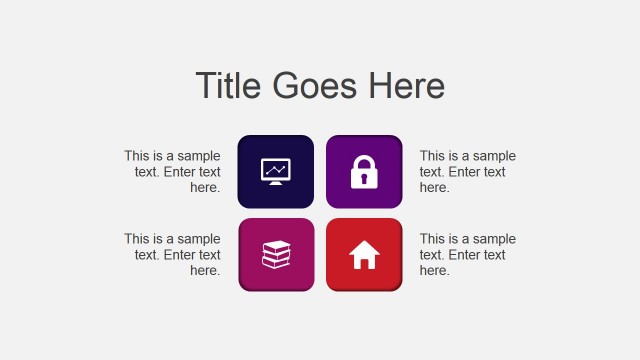
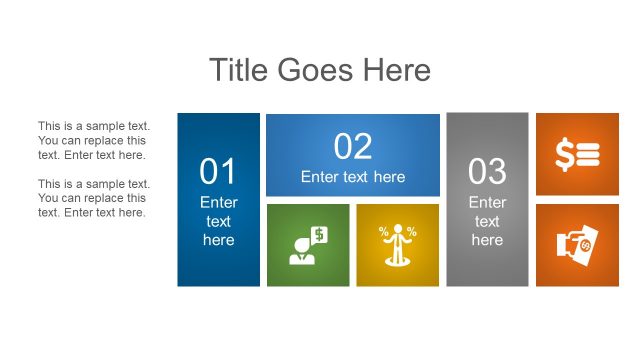
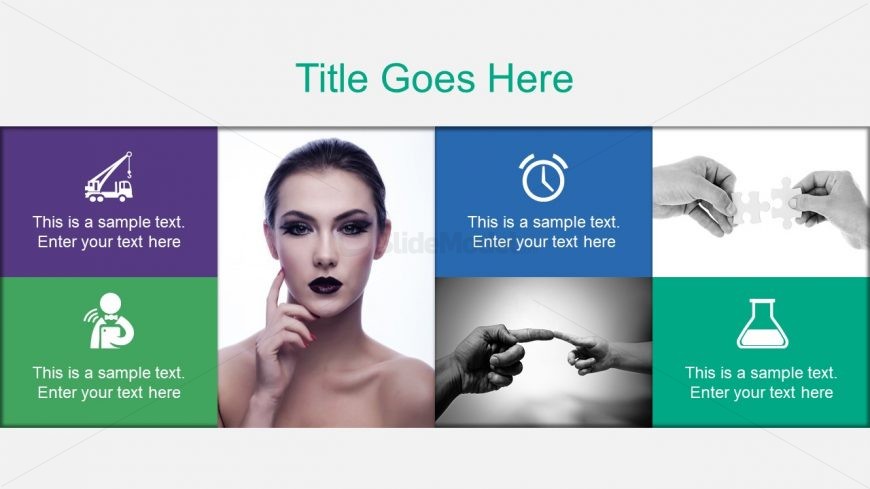
The layout features a grid structure with four equal-sized segments arranged in two rows and two columns. Each segment contains an icon above a text placeholder, with the first row displaying a crane and a clock icon, and the second row featuring a person and a laboratory flask icon. The text placeholders are centered within each segment and are labeled as sample text. The background is light gray, providing contrast to the colorful segments, which include purple, green, blue, and dark gray. The overall composition is balanced, with a title area at the top center.
How to Use It
This layout serves as a multi-segment display ideal for showcasing different concepts or features in a presentation. It fits well in a sequence following an introductory slide, allowing for detailed explanations of various topics. Scenarios include product feature comparisons, project phase descriptions, or service offerings. The grid format enables clear visual separation of content while maintaining a cohesive look, making it suitable for business presentations or educational contexts.
Text Placeholders & Capacity
Keep your copy within these limits so it fits without resizing. Node body slots can hold around 8 words each.
| Placeholder | Count | Max characters (approx.) |
|---|---|---|
| Slide title | 1 | 30 |
| Item body | 4 | 40 |
Slide Keywords
Download unlimited PowerPoint templates, charts and graphics for your presentations with our annual plan.
DOWNLOADReturn to Free Professional Design Layouts PowerPoint Templates.