Slide 3 of 23 from Free Ultra Analysis Slide Template
Ultra Analysis Collage Art Template
Four-Column Analysis Layout for Presentations
- Text Layout
- List Blocks
- Comparison Slide
- 16:9
- 100% Editable
The Four-Column Analysis Layout from the Free Ultra Analysis Slide Template offers a clear and organized structure for business presentations. This slide template features editable shapes and vector icons arranged in four distinct columns, making it suitable for comparing features, outlining process steps, or showcasing key performance indicators. Its balanced design supports effective communication in corporate presentations and pitch deck templates, enhancing clarity in project updates and strategic discussions.
What’s on This Slide
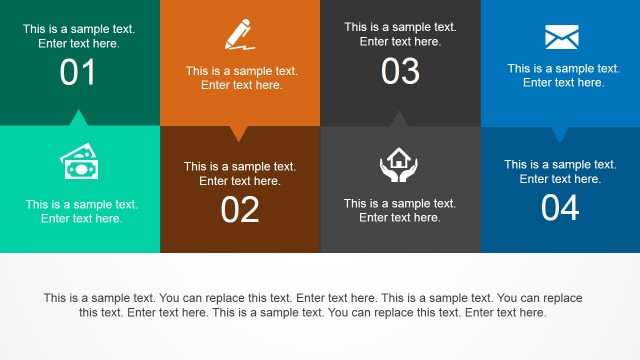
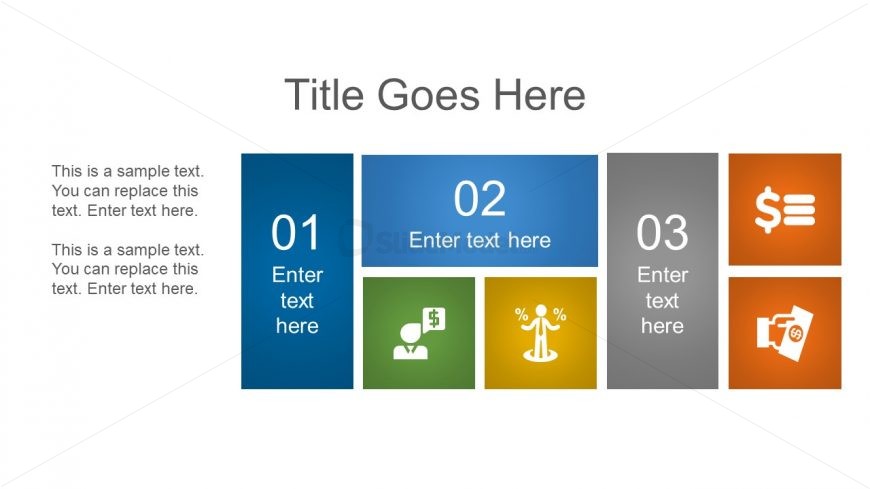
The slide features a four-column layout with distinct sections. The leftmost column contains a blue rectangular shape with a number placeholder at the top, followed by a text placeholder below. The next column is a light blue rectangle with a number placeholder and text below. The third column is green with an icon and text placeholder, while the fourth is orange with an icon and text placeholder. The overall layout is balanced, with a title at the top center and a sample text area on the left side. Each column has a consistent height and width.
How to Use It
This layout serves as a structured analysis tool, ideal for presenting four distinct points or categories. It fits well in a presentation sequence after a problem statement and before a detailed discussion. Use this layout to compare features, present steps in a process, or outline key performance indicators. It is suitable for business presentations, project updates, or strategic planning sessions, where clarity and organization are essential.
Text Placeholders & Capacity
Keep your copy within these limits so it fits without resizing. Node body slots can accommodate roughly 10-12 words each.
| Placeholder | Count | Max characters (approx.) |
|---|---|---|
| Slide title | 1 | 30 |
| Item heading | 4 | 10 |
| Item body | 4 | 50 |
Slide Keywords
Download unlimited PowerPoint templates, charts and graphics for your presentations with our annual plan.
DOWNLOADReturn to Free Ultra Analysis Slide Template.