Slide 5 of 8 from Free Steps Diagrams for PowerPoint
Free PowerPoint Diagram Icons and Shapes
Four Steps Process Diagram for Presentations
- Diagram
- Comparison Split
- Process Slide
- 16:9
- 100% Editable
The Four Steps Process Diagram slide from the Free Steps Diagrams for PowerPoint template offers a clear visual format for illustrating sequential project workflows or business processes. This slide layout uses editable shapes and vector icons to represent each stage, making it suitable for corporate presentations and educational methodologies. Its balanced design supports effective communication of complex stages within a slide deck or pitch deck template.
What’s on This Slide
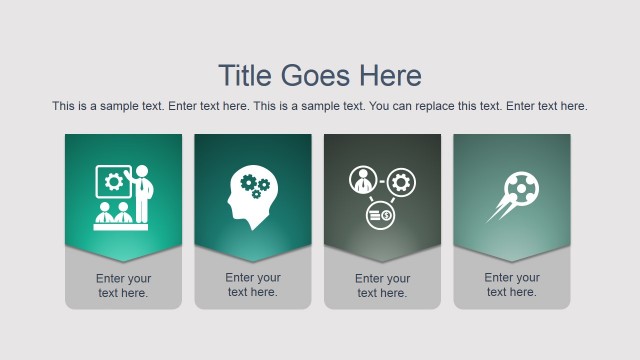
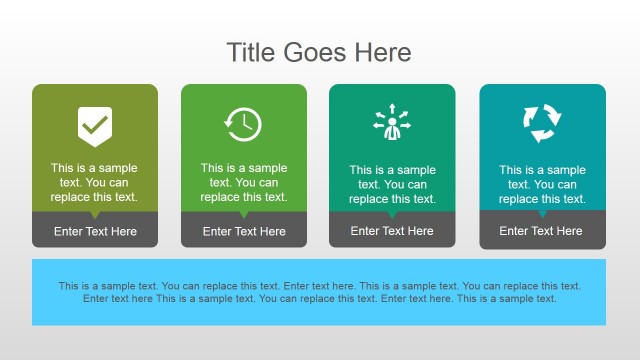
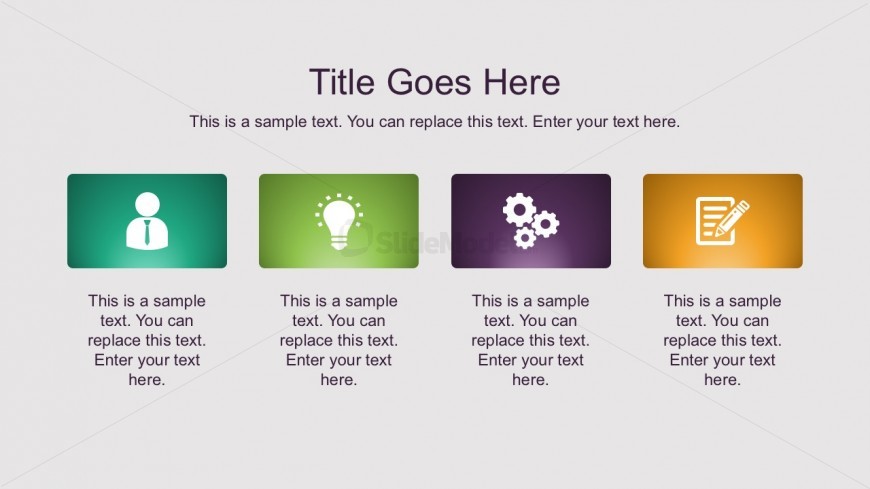
The layout features four rectangular nodes arranged horizontally across the center. Each node contains an icon and a text placeholder below it. The icons include a person, a light bulb, gears, and a pencil, each set against a colored background of green, light green, purple, and orange respectively. The title is positioned at the top center, while a subtitle placeholder is located directly beneath it. The overall composition is balanced, with equal spacing between the nodes and a light background color enhancing visibility.
How to Use It
This layout functions as a four-step process diagram, ideal for illustrating sequential actions or stages in a project. It fits well in presentations that aim to explain methodologies, workflows, or project phases. Common scenarios include business processes, educational frameworks, or product development stages. It effectively communicates structured information in a visually appealing manner, making complex ideas easier to understand.
Text Placeholders & Capacity
Keep your copy within these limits so it fits without resizing. Body slots can hold about 10-12 words each.
| Placeholder | Count | Max characters (approx.) |
|---|---|---|
| Slide title | 1 | 30 |
| Body paragraph | 4 | 50 |
Slide Keywords
Download unlimited PowerPoint templates, charts and graphics for your presentations with our annual plan.
DOWNLOADReturn to Free Steps Diagrams for PowerPoint.