Slide 2 of 2 from Free Multiple Directions Concept for PowerPoint
Free Slides of Roadmap PPT
Multiple Directions Concept for Presentations
- Diagram
- Roadmap
- Strategy Slide
- 16:9
- 100% Editable
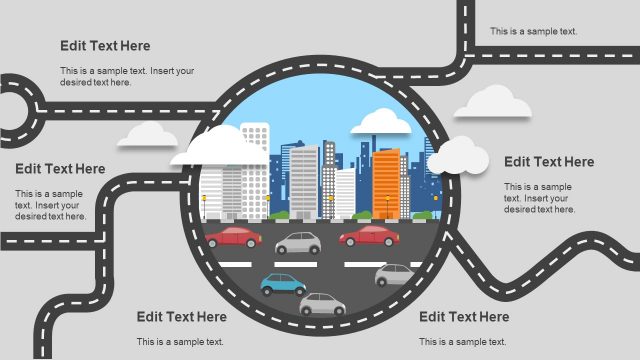
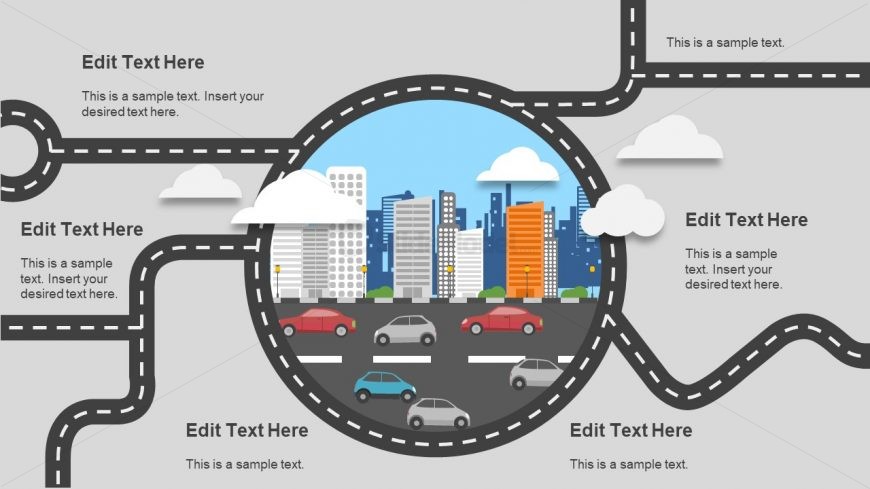
The Multiple Directions Concept slide from the Free Multiple Directions Concept for PowerPoint template offers a strategic diagram layout ideal for illustrating decision-making processes and business pathways. This slide template includes editable shapes and vector icons arranged around a central cityscape, enhancing corporate presentations and pitch decks with clear visual cues for multiple options and roadmaps.
What’s on This Slide
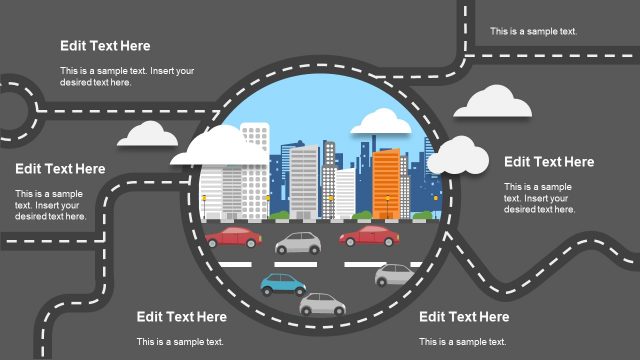
The layout features a central circular area depicting a cityscape with buildings and vehicles, surrounded by a road graphic. Text placeholders are positioned at the top, bottom, and sides of the circular area, allowing for customization. The road graphic has a dashed line style, emphasizing movement and direction. The overall color scheme includes gray for the background, with colorful buildings and vehicles in the central image. There are clouds placed above the cityscape, adding visual interest. The composition is balanced, with elements grouped around the central circle.
How to Use It
This layout serves as a visual representation of multiple pathways or options in a business context. It is suitable for illustrating strategies, processes, or decision-making scenarios. The slide fits well in a presentation sequence after introducing a problem or opportunity, guiding the audience toward potential solutions. It can be used in discussions about project roadmaps, marketing strategies, or organizational directions, making it versatile for various business presentations.
Text Placeholders & Capacity
Keep your copy within these limits so it fits without resizing. Text slots can hold around 30-100 characters each.
| Placeholder | Count | Max characters (approx.) |
|---|---|---|
| Item heading | 4 | 30 |
| Body paragraph | 4 | 100 |
Slide Keywords
Download unlimited PowerPoint templates, charts and graphics for your presentations with our annual plan.
DOWNLOAD