Slide 1 of 2 from Free Multiple Directions Concept for PowerPoint
Free PowerPoint of Multiple Direction
Multiple Directions Concept for Presentations
- Diagram
- Roadmap
- Strategy Slide
- 16:9
- 100% Editable
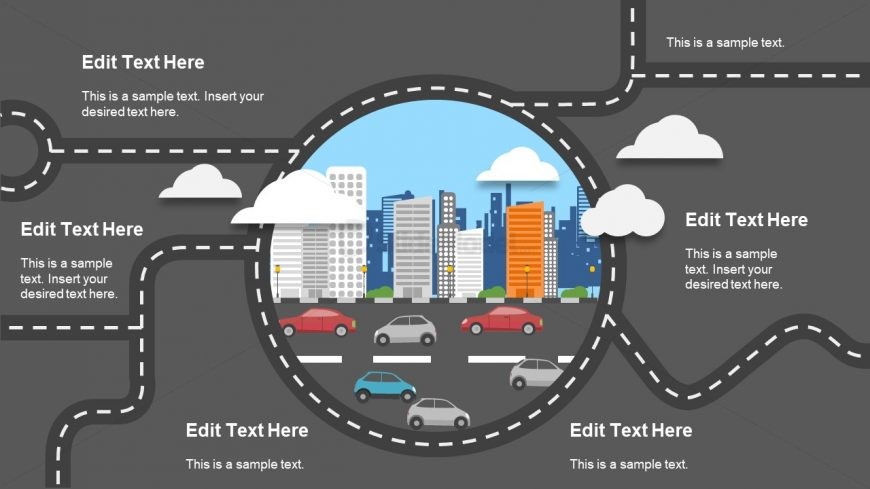
The Multiple Directions Concept slide from the Free Multiple Directions Concept for PowerPoint template offers a strategic diagram layout ideal for project planning and option presentations. This slide features editable shapes and vector icons arranged around a central cityscape, making it suitable for corporate presentations and business presentation slide decks that require clear visualization of multiple pathways or strategies.
What’s on This Slide
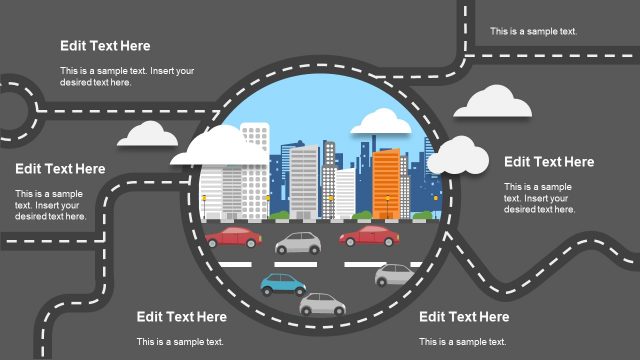
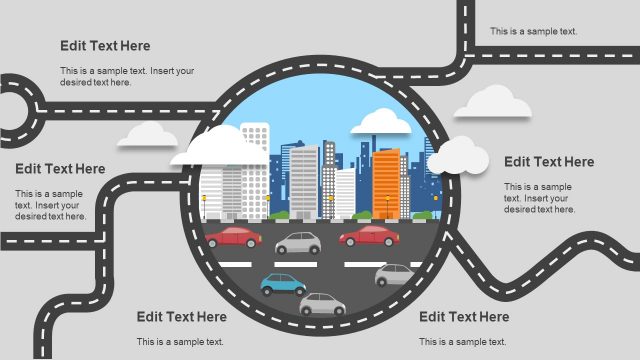
The layout features a central circular area depicting a cityscape, surrounded by curved roadways. Four text placeholders are positioned around the circle, two on the left and two on the right, each aligned to the edges of the slide. The roadways are designed with dashed lines, leading into the central circle. Above the cityscape, there are cloud illustrations, contributing to the overall theme. The background is a dark gray, enhancing the visibility of the colorful cityscape and road elements. The visual hierarchy emphasizes the central circle while maintaining balance with the text placeholders.
How to Use It
This layout serves as a roadmap or directional guide, ideal for illustrating multiple pathways or options in a presentation. It fits well in a sequence that introduces concepts or strategies, particularly in business contexts. Scenarios include project planning, strategic direction discussions, or showcasing various approaches to problem-solving. The circular design allows for a clear focus on the central theme while providing space for supporting details around it.
Text Placeholders & Capacity
Keep your copy within these limits so it fits without resizing. Node body slots can hold roughly 15-20 words each.
| Placeholder | Count | Max characters (approx.) |
|---|---|---|
| Item heading | 4 | 30 |
| Item body | 4 | 80 |
Slide Keywords
Download unlimited PowerPoint templates, charts and graphics for your presentations with our annual plan.
DOWNLOAD