Slide 6 of 6 from Free Multiple Diagrams for PowerPoint
Label Diagram Vertical Flow PPT
Flowchart with Icons for Presentations
- Diagram
- Flowchart
- Process Slide
- 16:9
- 100% Editable
The Flowchart with Icons slide from the Free Multiple Diagrams for PowerPoint template offers a clear visual tool for illustrating processes and relationships. Ideal for business presentations and educational settings, this slide uses editable shapes and vector icons to enhance project planning and strategy discussions within a professional slide deck.
What’s on This Slide
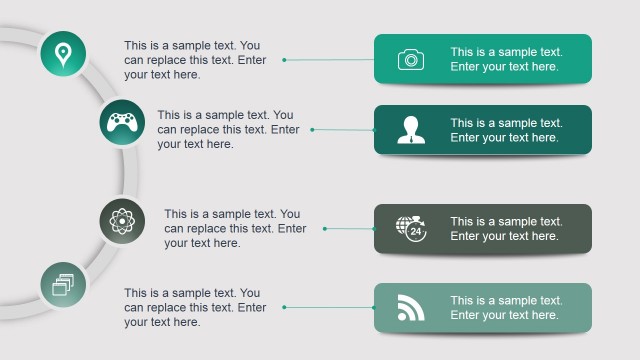
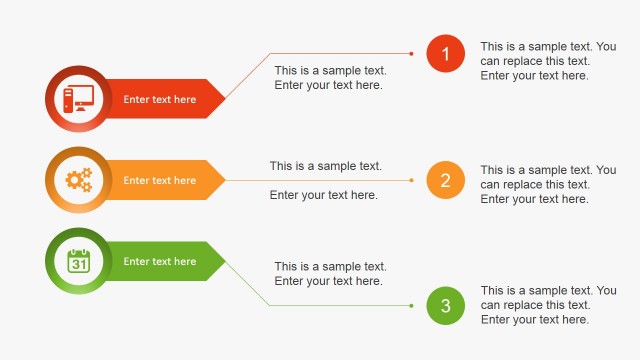
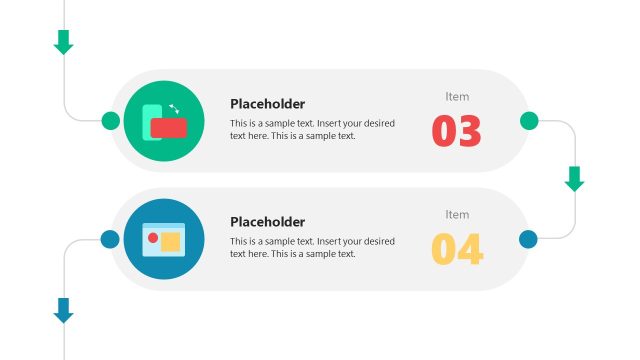
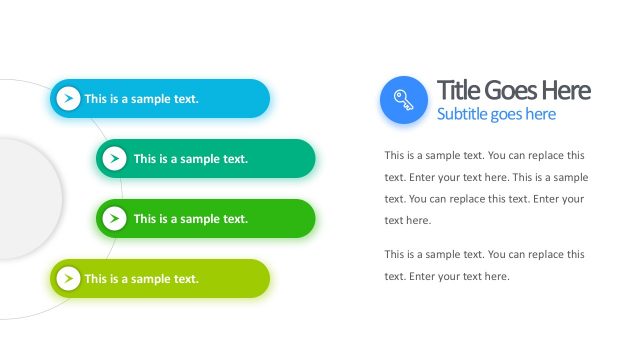
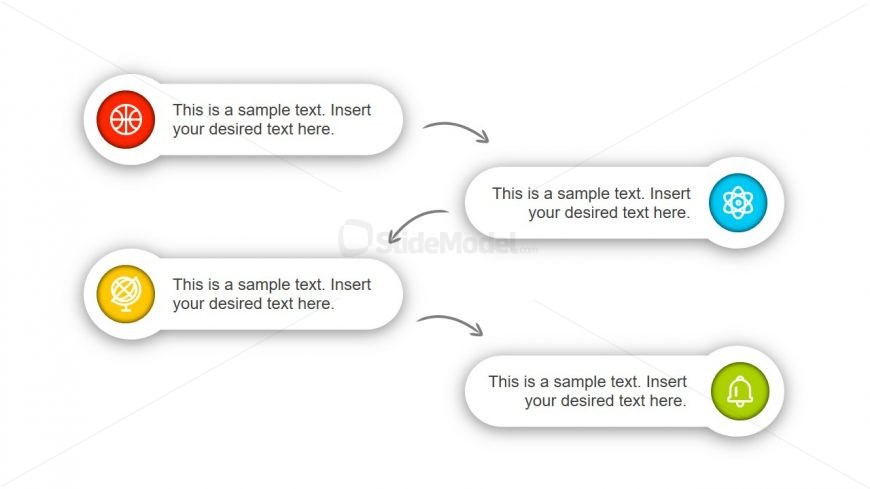
The layout features four circular nodes arranged in two rows. The top row contains two nodes, one on the left and one on the right, each connected by curved arrows to a central node below. The bottom row has two nodes aligned horizontally, each also connected to the central node. Each node contains a placeholder for text, centrally aligned, and is visually distinct with colored backgrounds. The overall composition is symmetrical, with a clean white background that enhances clarity and focus on the nodes and connections.
How to Use It
This layout serves as a flowchart to illustrate processes or relationships between concepts. It is suitable for presentations that require a visual representation of interconnected ideas or steps. This format can be used in business contexts such as project planning, strategy discussions, or educational settings to explain complex topics. It fits well in a sequence after introducing a problem or concept, leading into a solution or detailed explanation.
Text Placeholders & Capacity
Keep your copy within these limits so it fits without resizing. Node text slots can hold about 8-10 words each.
| Placeholder | Count | Max characters (approx.) |
|---|---|---|
| Item body | 4 | 45 |
Slide Keywords
Download unlimited PowerPoint templates, charts and graphics for your presentations with our annual plan.
DOWNLOADReturn to Free Multiple Diagrams for PowerPoint.