Slide 7 of 7 from Free Professional Design Layouts PowerPoint Templates
Zigzag Diagram Template of Timeline
Multi-Segment Process Overview Slide
- Diagram
- Other
- Process Slide
- 16:9
- 100% Editable
The Multi-Segment Process Overview slide from the Free Professional Design Layouts PowerPoint Templates offers a clear visual representation of interconnected stages, ideal for illustrating project phases or marketing strategies. This slide layout uses editable shapes and vector icons arranged in a balanced design, enhancing understanding in business presentations and pitch decks. Its structured flow supports effective communication of complex processes within professional slide decks.
What’s on This Slide
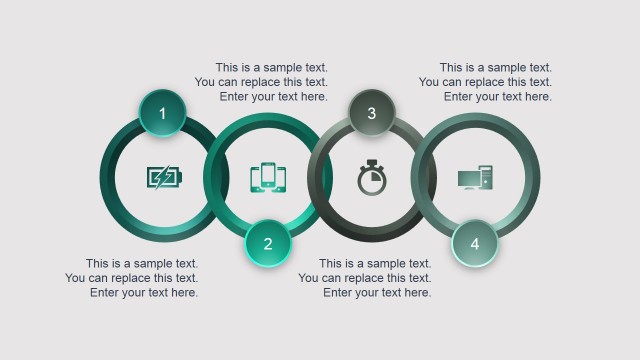
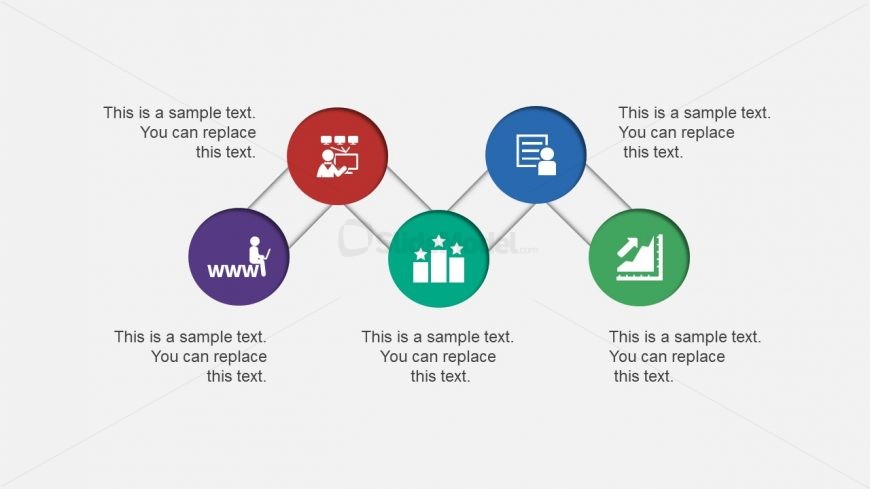
The layout features four circular nodes arranged in a zigzag pattern across the center of the slide. Each node is a different color: red, purple, green, and blue, with corresponding icons inside. Text placeholders are positioned above and below each node, aligned centrally, allowing for a clear visual hierarchy. Connecting lines between the nodes create a flow, indicating relationships. The background is a light gray, providing contrast to the vibrant node colors. The overall composition is balanced, with nodes evenly spaced and visually distinct.
How to Use It
This layout serves as a multi-segment overview, ideal for illustrating processes or concepts with distinct yet related components. It fits well in a presentation sequence after introducing a problem or concept, providing clarity on steps or stages. Suitable for business scenarios like project phases, marketing strategies, or product features, this layout effectively communicates interconnected ideas while maintaining audience engagement.
Text Placeholders & Capacity
Keep your copy within these limits so it fits without resizing. Node labels can hold about 30 characters each, while body text can hold around 50 characters.
| Placeholder | Count | Max characters (approx.) |
|---|---|---|
| Item heading | 4 | 30 |
| Item body | 4 | 50 |
Slide Keywords
Download unlimited PowerPoint templates, charts and graphics for your presentations with our annual plan.
DOWNLOADReturn to Free Professional Design Layouts PowerPoint Templates.