Slide 2 of 6 from 6-Item Implementation Roadmap PowerPoint Template
6-Item Implementation Roadmap Presentation Template for PowerPoint
Implementation Roadmap Steps Overview
- Diagram
- Process Flow
- Process Slide
- 16:9
- 100% Editable
The Implementation Roadmap Steps slide from the 6-Item Implementation Roadmap PowerPoint Template offers a clear process flow layout ideal for project management updates. Featuring editable shapes and vector icons arranged in sequential order, this slide template supports detailed descriptions of implementation phases. It is designed to enhance corporate presentations and strategic planning sessions by visually communicating progress and next steps within a business presentation or slide deck.
What’s on This Slide
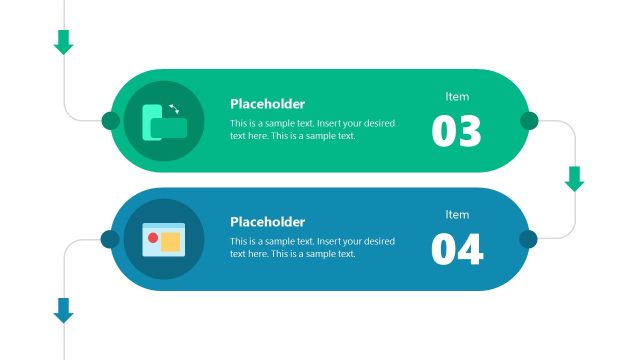
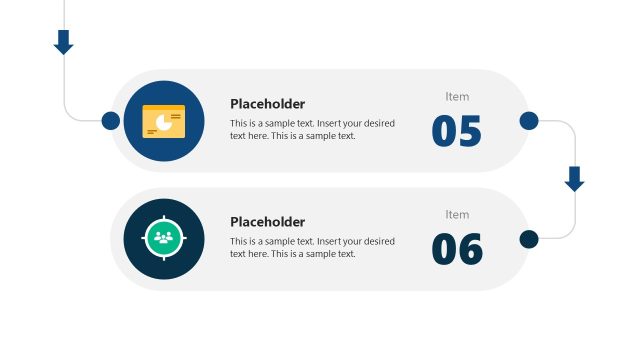
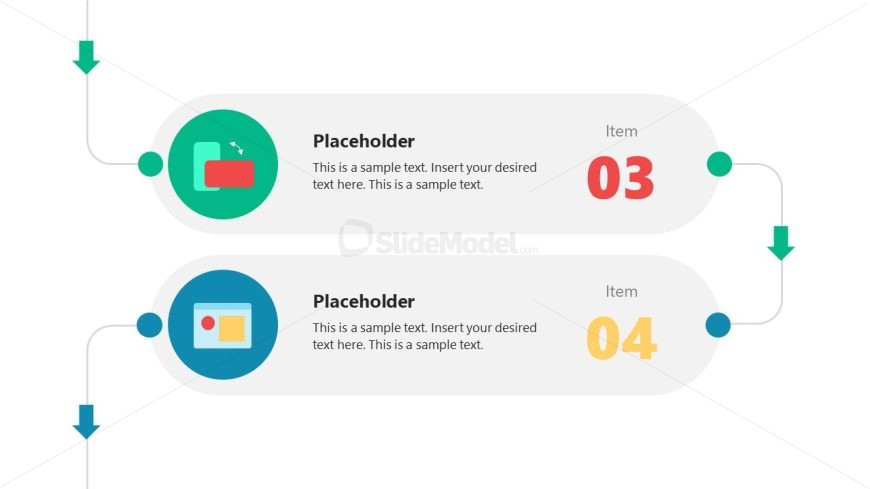
The layout features two horizontal sections stacked vertically, each containing a circular icon on the left and a text placeholder on the right. The first section is positioned at the top, followed by a downward arrow leading to the second section below. Each section has a number label indicating the item sequence, with the first section labeled '03' and the second '04'. The text placeholders are aligned to the right of the icons, allowing for detailed descriptions. The background is white, emphasizing the colorful icons and text.
How to Use It
This layout serves to present sequential steps in an implementation roadmap. It is suitable for detailing specific phases or tasks within a project. Positioned after initial context slides, it effectively communicates progress and next steps. This structure is ideal for business presentations focusing on project management, strategic planning, or operational execution, helping stakeholders visualize the implementation process clearly.
Text Placeholders & Capacity
Keep your copy within these limits so it fits without resizing. Node body slots can accommodate roughly 20-25 words each.
| Placeholder | Count | Max characters (approx.) |
|---|---|---|
| Item heading | 2 | 10 |
| Item body | 2 | 150 |
Slide Keywords
Download unlimited PowerPoint templates, charts and graphics for your presentations with our annual plan.
DOWNLOADReturn to 6-Item Implementation Roadmap PowerPoint Template.